Sticker use cases
Lifestyle scene
Make Good Things Business Sticker
From $4.80 Weather-resistant
A small gift with a clear purpose
Give a customer, colleague or event visitor a small piece of your brand to keep. Start with one audience and one finished design, then choose an available batch for the moment you have in mind.
Upload your artwork. Review your private product before ordering.
Ready to order
Choose a published design for your next customer gift, team welcome pack or event. Each product has size and pack options you can order directly.
24 available designs · Choose your size and pack on the product page
Lifestyle scene
Studio original

Lifestyle scene
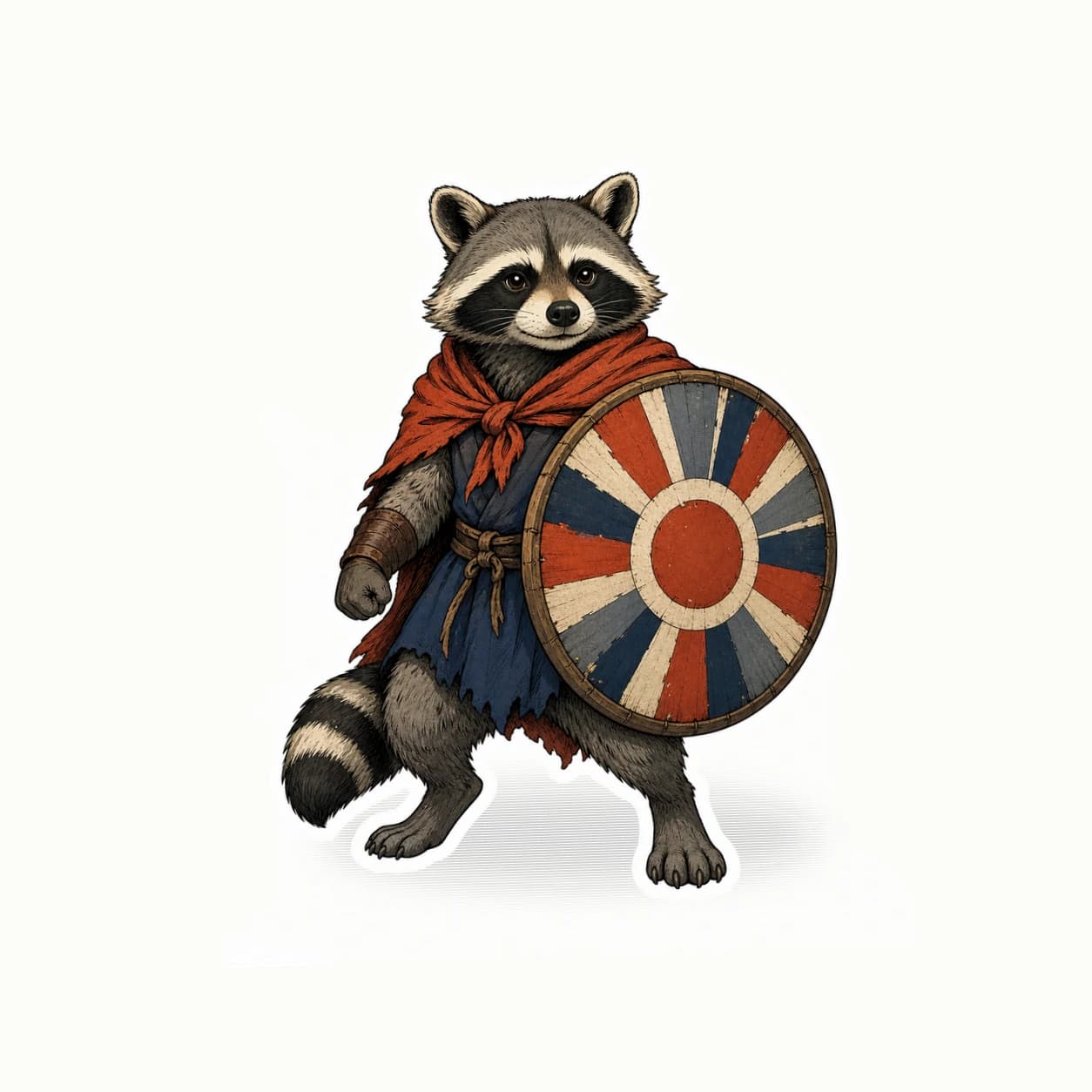
Studio original
Lifestyle scene
Lifestyle scene
Lifestyle scene
Custom business stickers can support a welcome gift, a shop order or an event conversation. The useful question is what someone would enjoy displaying after that moment. StickerMigo makes uploaded artwork into white-border die-cut stickers on weather-resistant vinyl with a soft matte laminate. Use preserve mode for business names and finished graphics. Decide on recipients, placement and quantity before treating a sticker as part of a wider campaign.
Design inspiration
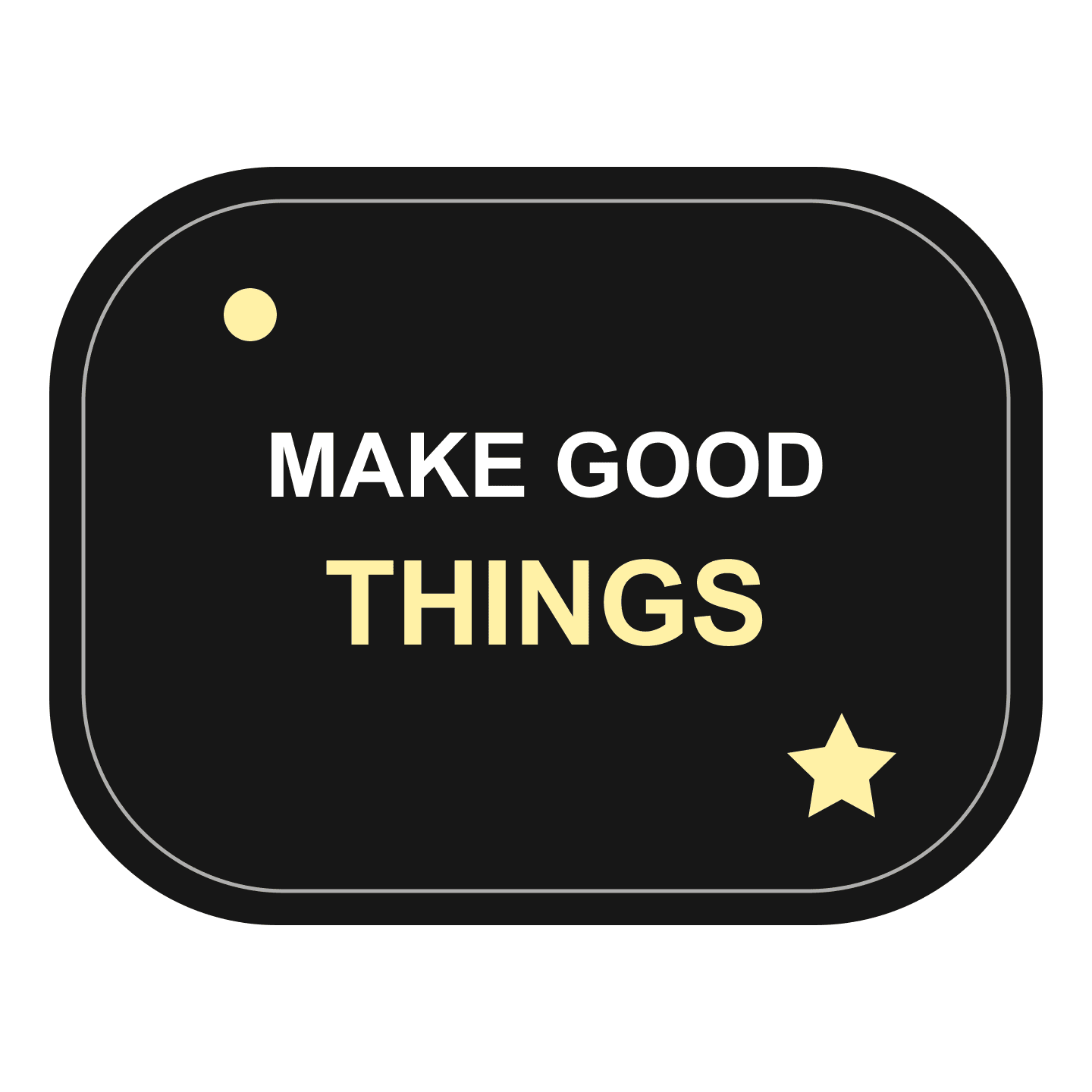
A bold original MAKE GOOD THINGS typographic design, made for creative teams and encouraging gifts.
Try this design on team welcome packs, customer giveaways and event gifts. Measure your surface and choose the finished size on the product page.
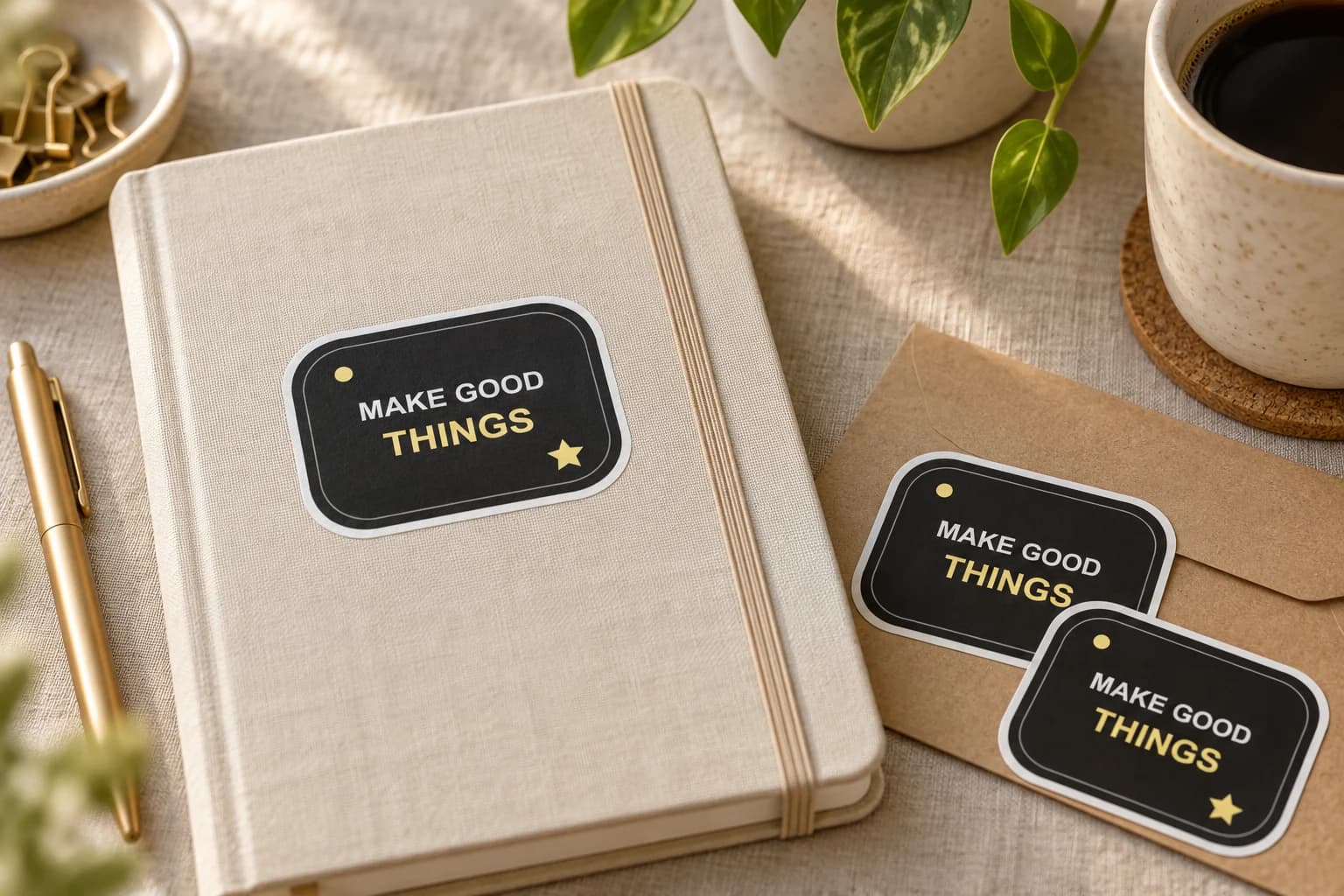
This original design is shown in a styled scene. For your own artwork, use the custom sticker studio and review your prepared product before ordering.
For colleagues, a shared project illustration or a familiar team symbol may mean more than a sales message. For customers, consider a design that belongs with the thing they bought. For event visitors, keep the connection with your business understandable after the conversation ends. Choose one purpose for the first design so it feels intentional.
Decide who will receive it and how it will be offered. A sticker slipped into a parcel, handed over with a card or left at a clearly marked pickup point creates a different experience. Let recipients choose where to place it. The sticker is a gift; neither its presence nor its design proves that someone will visit your site or place another order.
Use an approved illustration or brand mark with a clear silhouette. Business names, dates and taglines should already be composed in the uploaded file. Keep secondary details subordinate to the main image. If a long sentence needs to explain the offer, put that explanation on accompanying material and let the sticker remain visually simple. Check the actual-size design with someone unfamiliar with your campaign.
Choose preserve mode and upload a PNG, JPEG or WebP no larger than 10 MB, with at least 600 by 600 pixels. The current finish is soft matte vinyl with a white die-cut edge. Organic, circle, oval, square and rectangle shapes are available. Select a size for the expected object, rather than enlarging every design to fill the maximum available space.
Available quantities are 1, 10, 20, 50 and 100. List the people, parcels or meetings your first batch will cover, and keep that plan separate from assumptions about campaign reach. One design ordered in a batch does not become a mixed collection of unrelated artwork. If you want several designs, prepare and review each one as its own custom creation.
For an event, work backward from the date and check the actual delivery options before promising availability. For ongoing shop orders, record how many stickers were included and when you need to reorder. Evaluate real customer feedback instead of assigning an invented return on the giveaway.
Your prepared product shows the final artwork, white cut border, available options and price. Review it before placing an order. How preparation works
The current custom workflow offers 1, 10, 20, 50 and 100. This page does not offer a larger wholesale batch. Confirm requirements outside those options before planning a large event or ongoing distribution program.
Plan the selected batch around the design you upload and review. Prepare different artwork as separate custom creations. Do not assume the quantity selector creates an assorted pack or a set of independently personalized messages.
Upload the slogan already arranged in your PNG, JPEG or WebP artwork. Preserve mode is suitable for retaining exact wording and graphics. The current workflow requires an image upload and does not promise a separate typesetting service.
They can be part of an event gift if the selected delivery option fits your schedule. Check ordering information before announcing a deadline. Start with a physical sample when you need to judge size, readability or a particular placement.
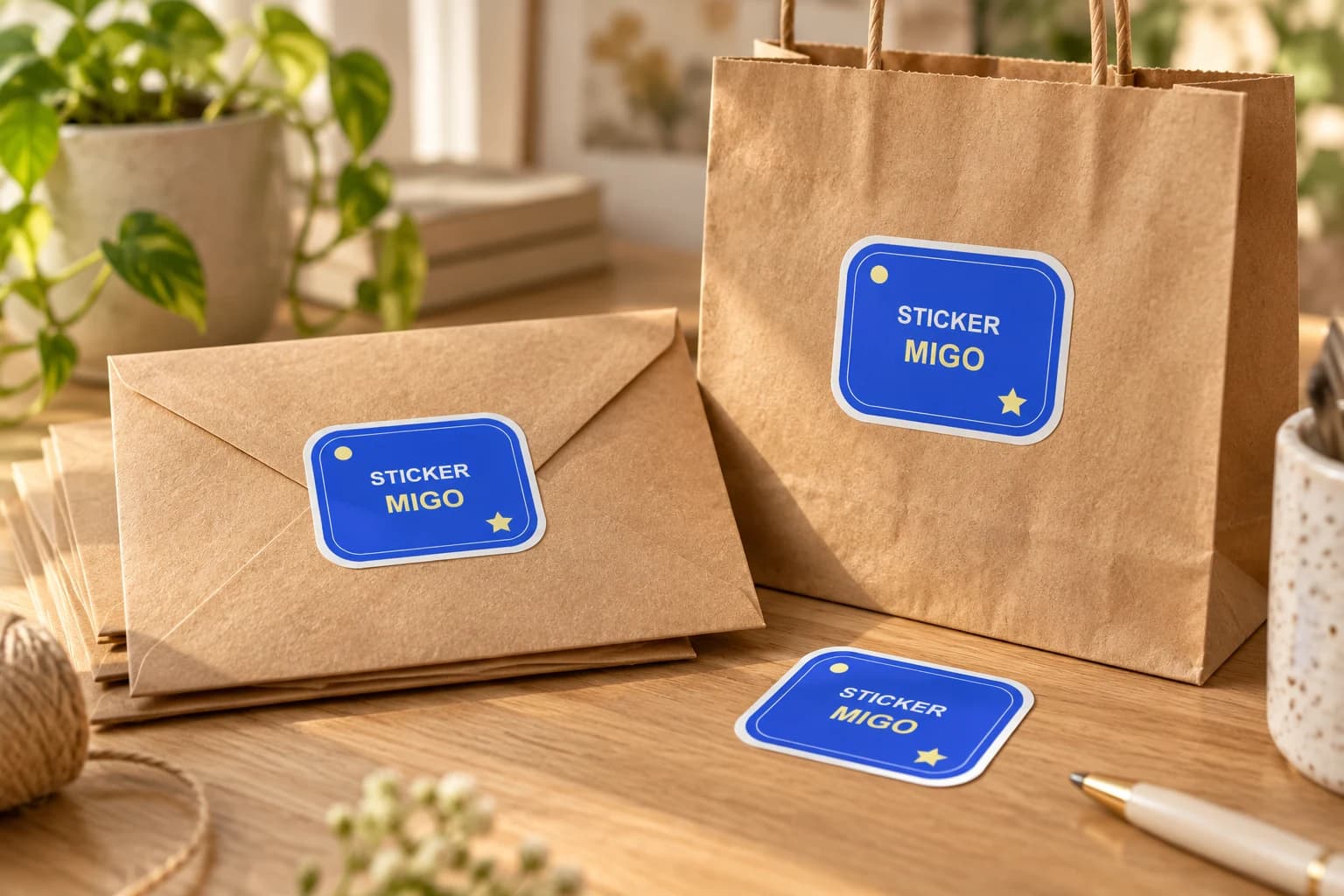
Turn an approved logo into a physical sticker for customer gifts, team gear or a small launch. Upload the finished artwork, keep its proportions, and choose a size that makes the name readable.
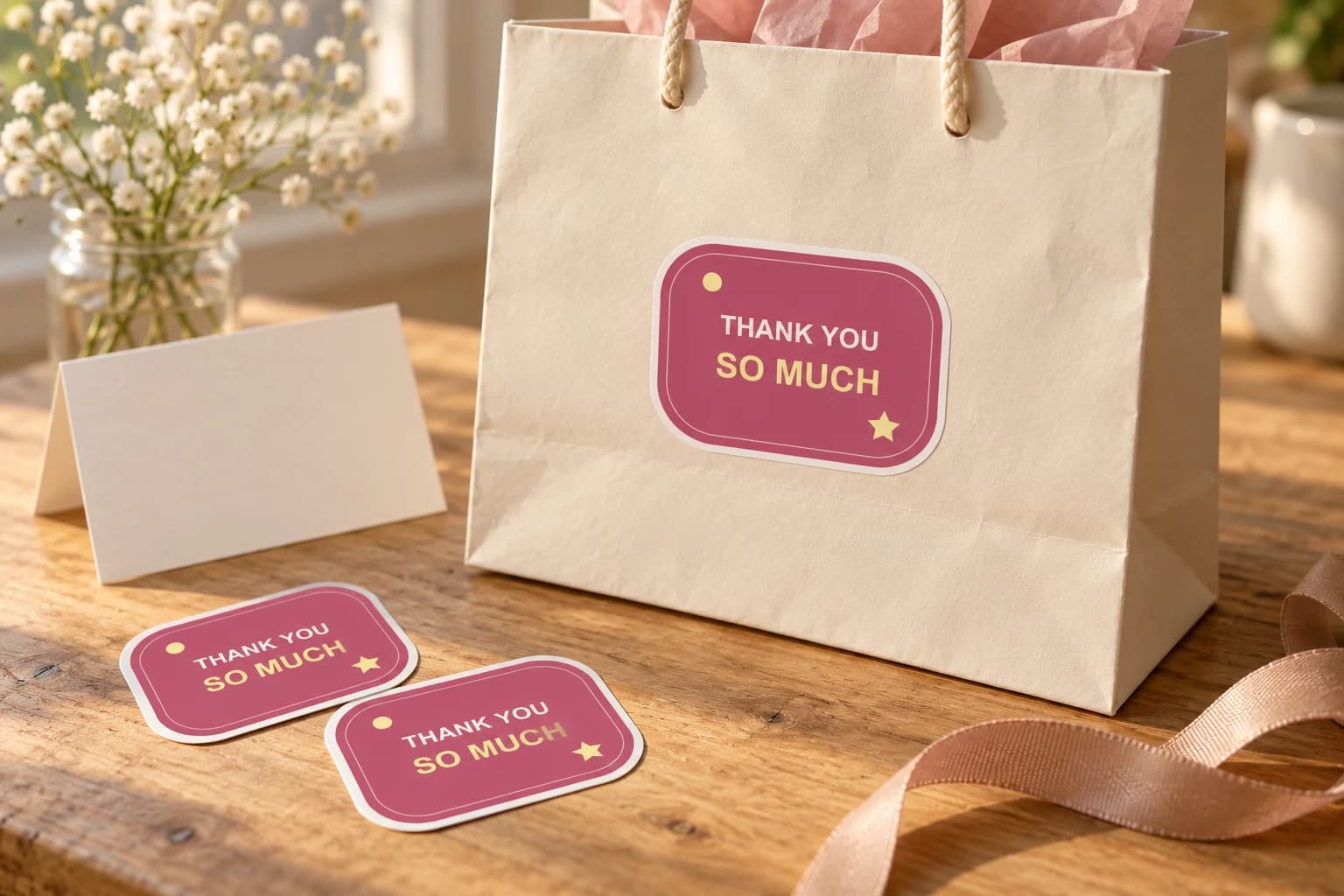
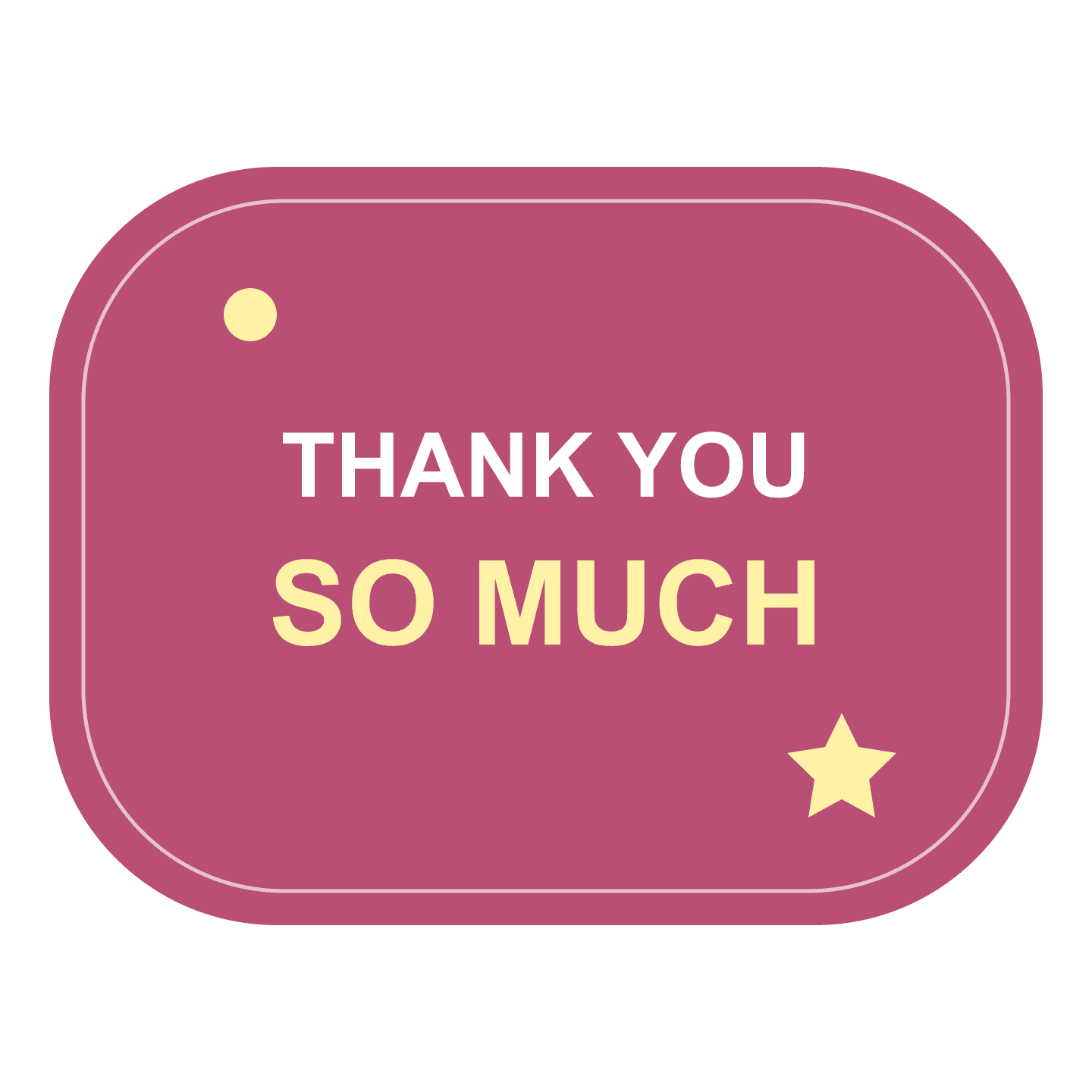
Thank a customer, guest, donor or helpful friend with a short message they can keep. Supply the finished lettering, choose a readable size and decide whether the sticker decorates a package or is offered as a separate gift.
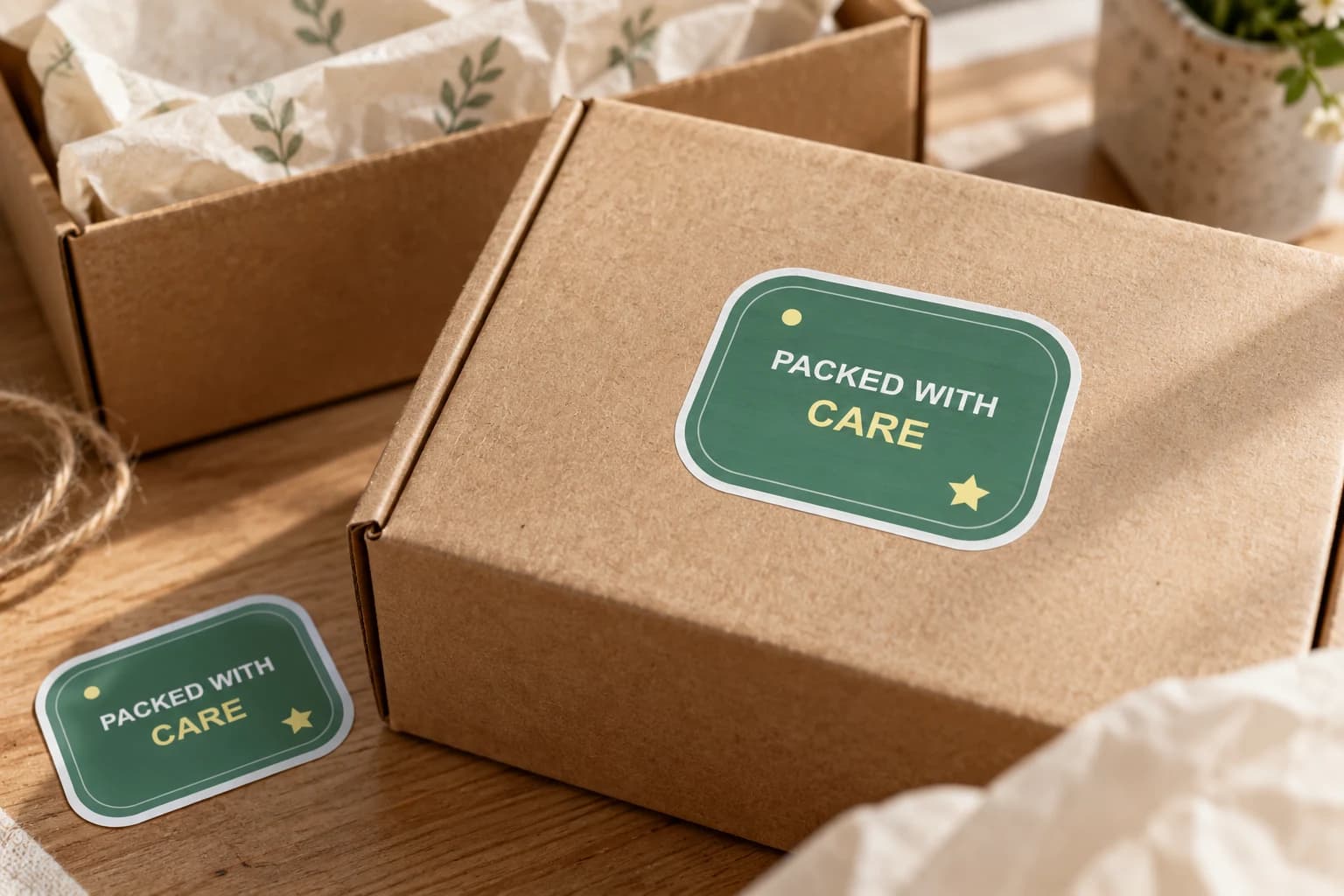
Add finished brand artwork to outer boxes, bags or gift wrap where a customer first meets the parcel. Choose a visible position and a size that works with your packing process, then test the actual surface.
Bring a photo or finished design into the custom sticker studio.
Written by StickerMigo Editorial Team · Updated 2026-10-02. Ask about your project