Sticker use cases
Lifestyle scene
StickerMigo Studio Logo Sticker
From $4.80 Weather-resistant
Your mark, ready to share
Turn an approved logo into a physical sticker for customer gifts, team gear or a small launch. Upload the finished artwork, keep its proportions, and choose a size that makes the name readable.
Upload your artwork. Review your private product before ordering.
Ready to order
Shop existing designs for customer gifts, team notebooks and event giveaways. To print your own logo, start with your artwork in the custom studio.
24 available designs · Choose your size and pack on the product page
Lifestyle scene
Studio original
Lifestyle scene

Lifestyle scene
Custom logo stickers work best when the mark is recognizable before anyone reads the small print. A compact symbol can suit a laptop; a longer wordmark may need a rectangle and more room. StickerMigo currently offers weather-resistant vinyl with a soft matte laminate and a white die-cut border. Use preserve mode for an exact logo, then check the prepared design and available options before ordering.
Design inspiration
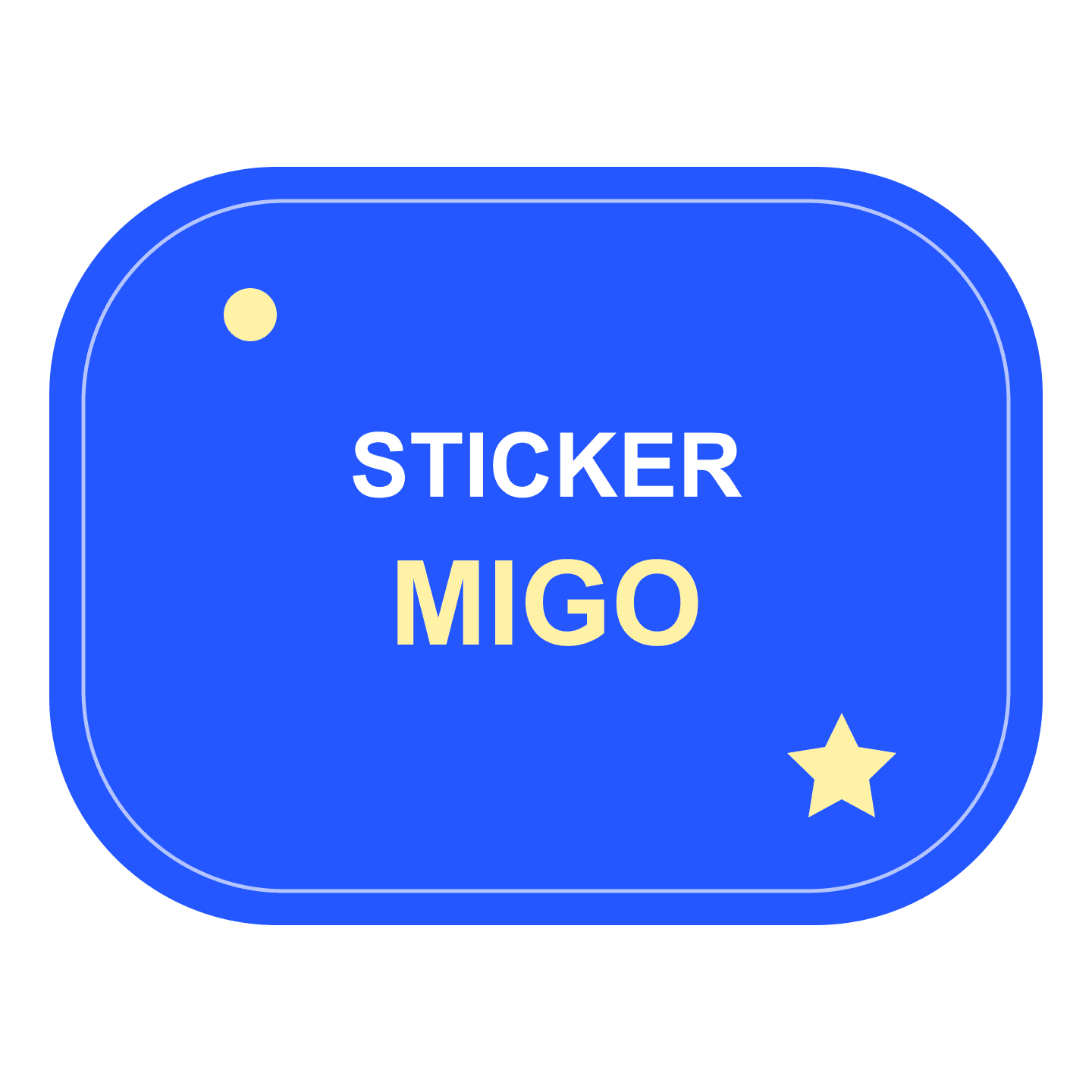
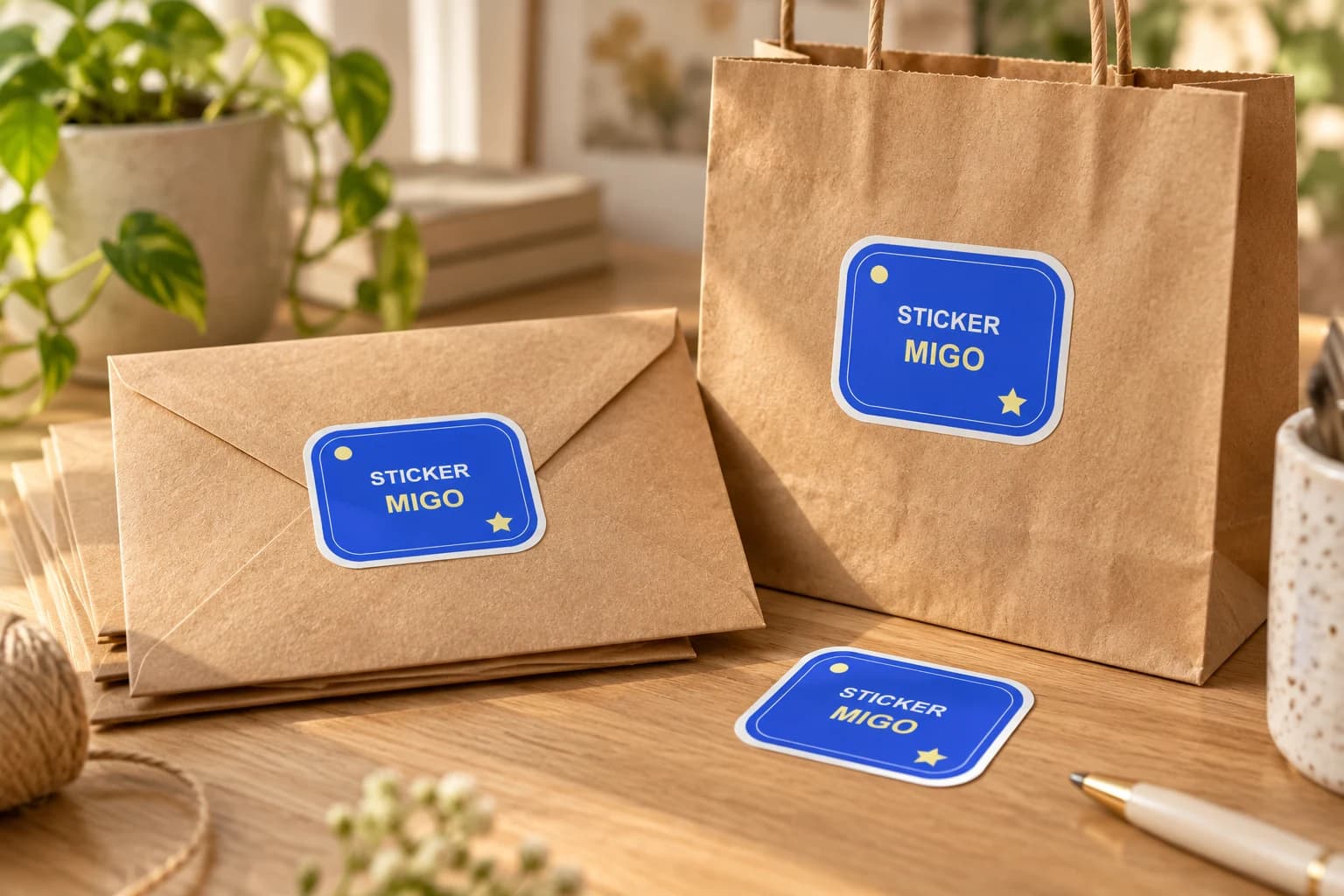
An original StickerMigo wordmark design in cobalt blue and warm yellow, with a clean white border.
Try this design on customer gift envelopes, team notebooks and studio gear. Measure your surface and choose the finished size on the product page.
This original design is shown in a styled scene. For your own artwork, use the custom sticker studio and review your prepared product before ordering.
Start with the approved logo version for the job. A symbol, stacked lockup and full horizontal wordmark can need very different amounts of space. If you have brand clear-space rules, keep that space in the uploaded artwork. Decide whether a tiny tagline contributes anything at the intended size; use an approved simpler version when it cannot remain legible. This is a reproduction decision, so make changes in your own design file first.
Keep the editable master and export a checked PNG, JPEG or WebP for upload. The file must be no larger than 10 MB and at least 600 by 600 pixels. A transparent PNG can make the outer contour easier to inspect. Choose preserve mode to retain the supplied artwork, and compare every letter and proportion with your master afterward.
An organic contour follows the artwork; circle, oval, square and rectangle give it a more regular frame. Picture where the finished sticker will go before choosing. A long name can feel cramped inside a circle even when the upload looks sharp. A simple emblem may sit comfortably in one. The current product includes a white border, so account for that visible edge when placing a mark on dark gear.
Sizes run from 50 to 1000 mm in the studio, but the largest option is not a substitute for sufficient image detail. Print a paper approximation at your intended size. Read the business name from the distance a recipient will normally see it, and make sure narrow spaces between letters remain distinct.
Choose quantity 1, 10, 20, 50 or 100 to match a real use: a sample on team equipment, a few customer parcels or a small event. A single paid sticker can help you assess the mark at physical size before a larger order. Keep a note of the artwork version, shape and size so future orders follow the same identity.
Give the sticker as something people can choose to display. Include it with a welcome note or offer it at checkout instead of attaching it to a customer's belongings yourself. Check the current price and delivery information during ordering. If your campaign needs more than 100 copies or a fixed arrival date, confirm that requirement before planning distribution.
Your prepared product shows the final artwork, white cut border, available options and price. Review it before placing an order. How preparation works
Choose preserve mode for the uploaded logo. It directs the workflow to retain your supplied artwork. Check the prepared design for lettering, spacing, proportions and border placement before ordering; prepare any deliberate logo changes in your own file.
The current form accepts PNG, JPEG and WebP. Export a high-quality copy from your vector master, up to 10 MB and at least 600 by 600 pixels. Keep the original vector file for future editing.
The current custom product uses white-border die-cut artwork. Choose your shape with that edge in mind, especially on a dark background. Check the prepared image rather than expecting a borderless or clear-background sticker.
Yes. Quantity 1 is available alongside 10, 20, 50 and 100. Review the selected size, product price and delivery information. A paid sample is useful when small lettering or the target surface needs a physical check.
Give a customer, colleague or event visitor a small piece of your brand to keep. Start with one audience and one finished design, then choose an available batch for the moment you have in mind.
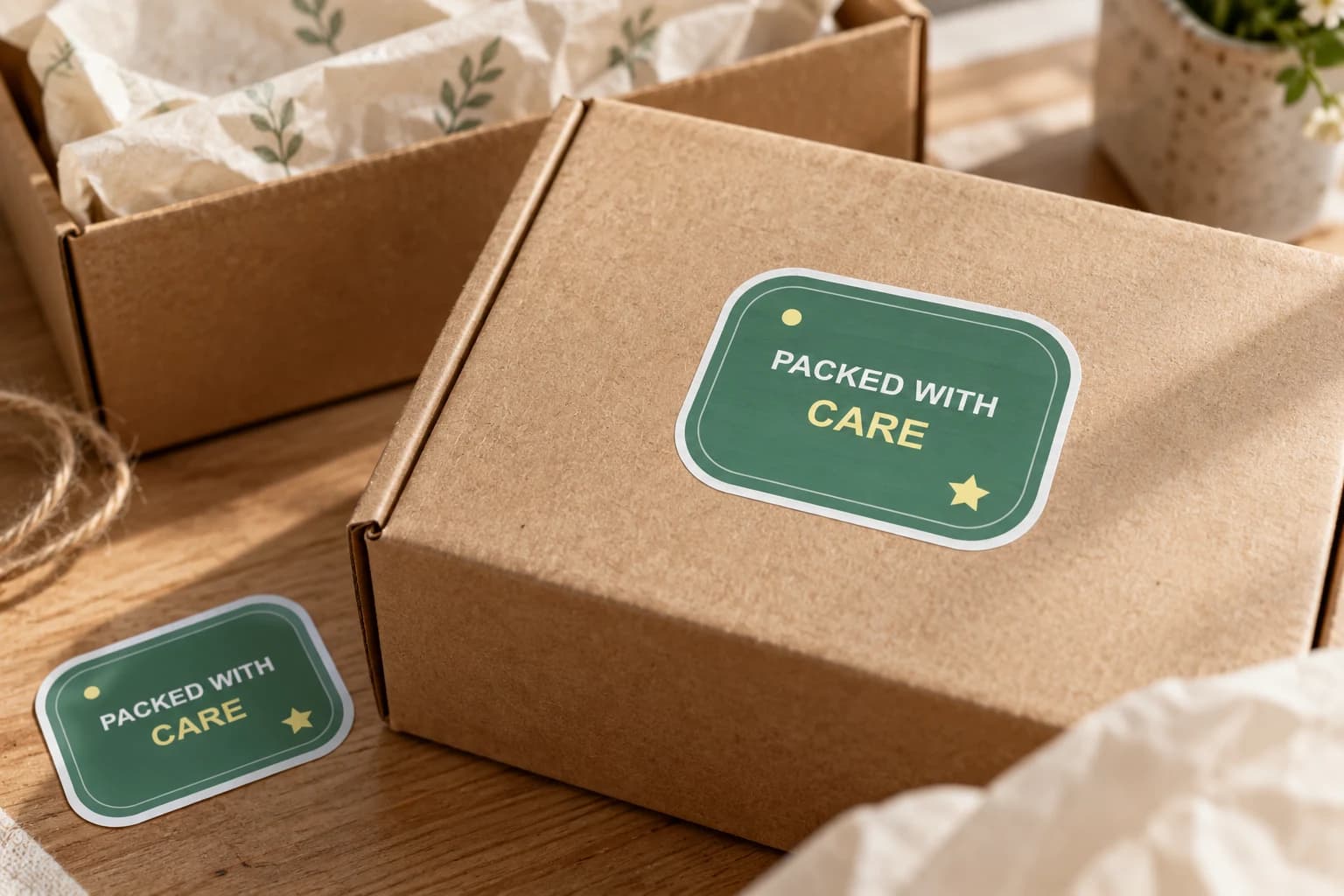
Add finished brand artwork to outer boxes, bags or gift wrap where a customer first meets the parcel. Choose a visible position and a size that works with your packing process, then test the actual surface.
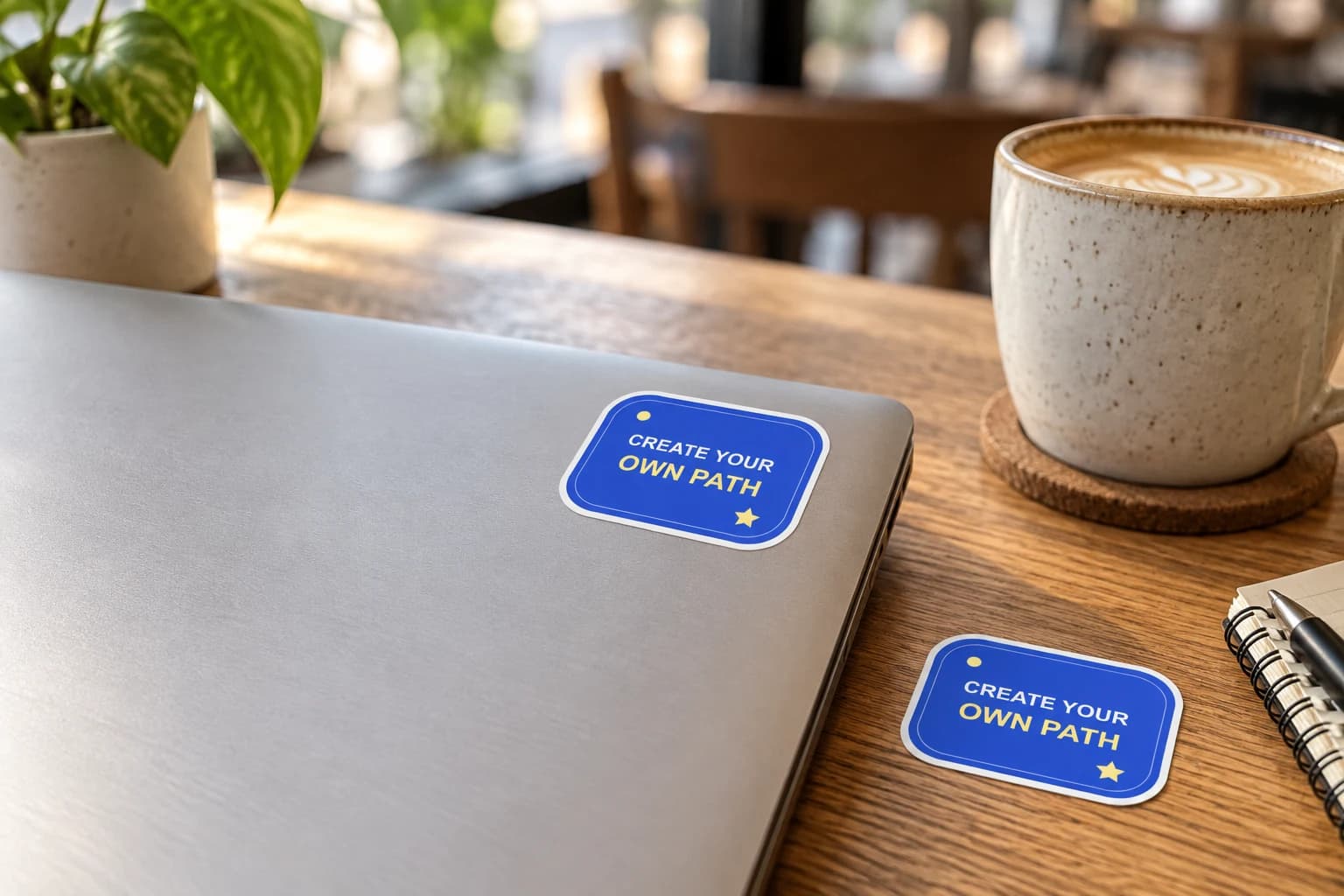
Give your laptop lid a personal focal point: your artwork, a team mark or an illustration with a story. Plan the arrangement with paper first, leaving useful space around hinges, openings and existing labels.
Bring a photo or finished design into the custom sticker studio.
Written by StickerMigo Editorial Team · Updated 2026-10-02. Ask about your project