Sticker use cases
Lifestyle scene
Alpine Lake Photo Sticker
From $4.80 Weather-resistant
Your photographs, made personal
Bring a favorite person, pet, or everyday moment into a sticker design. Start with a photo you can use, choose how much to change, and check the preview before ordering.
Upload your artwork. Review your private product before ordering.
Ready to order
Pair a personal photo project with ready-made designs for notebooks, travel keepsakes and gifts. Print your own photograph through the custom studio.
24 available designs · Choose your size and pack on the product page
Custom photo stickers turn an uploaded photograph into a design you can place on a keepsake, gift, or familiar everyday object. The important choice is what makes the picture yours: a face, a pose, a place, or the whole scene. Start with that detail rather than an effect. StickerMigo requires an image upload and offers a faithful cutout option alongside creative interpretation. Neither choice replaces checking the result. Look at the subject, the crop, and the surrounding white border before choosing a size and quantity.
Design inspiration
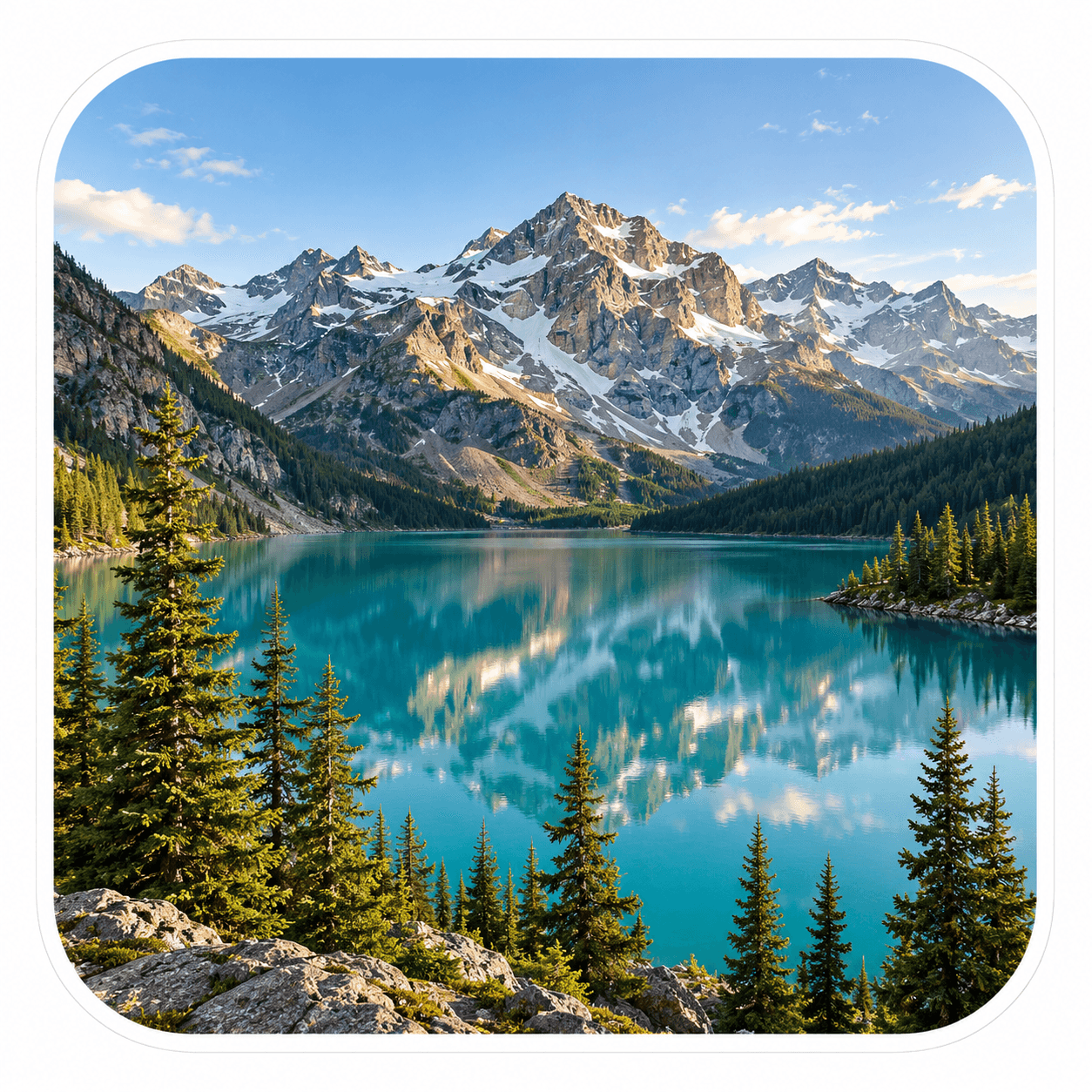
An original photo-style alpine lake artwork with teal water, sunlit mountains and evergreen trees, framed by a white rounded-square border.
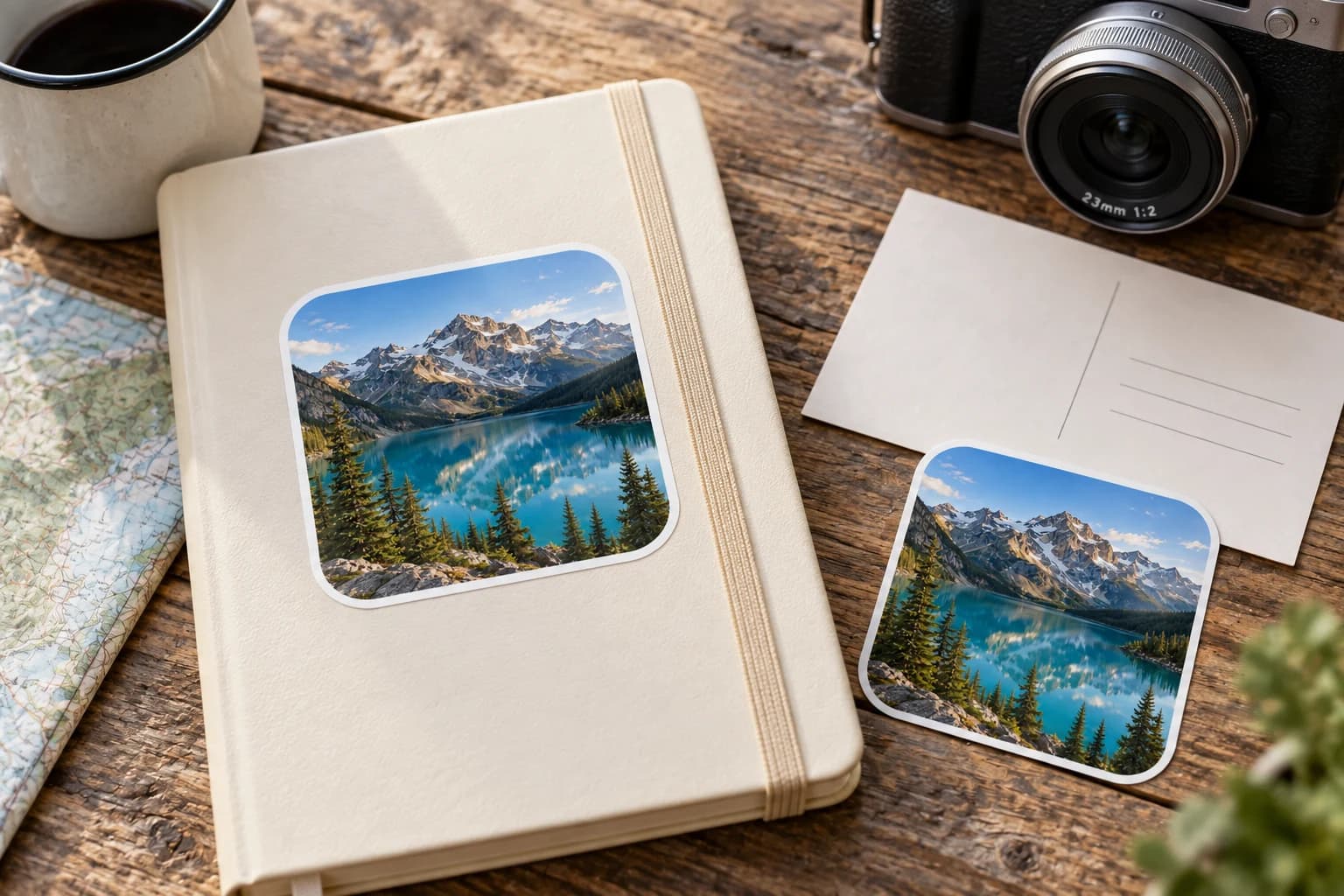
Try this design on travel journals, memory books, gift envelopes and camera cases. Measure your surface and choose the finished size on the product page.
This original design is shown in a styled scene. For your own artwork, use the custom sticker studio and review your prepared product before ordering.
Choose a photograph where the important subject is clear without zooming in. A face hidden in a crowded group or a pet photographed from far away leaves less useful detail for a small sticker. A simpler background can make a cutout easier to judge, while a meaningful landscape may deserve to remain part of the picture.
Upload PNG, JPEG, or WebP, no larger than 10 MB and at least 600 × 600 pixels. This is the upload minimum, not a promise that every image will look equally detailed at every size. Use the original photo when possible instead of a compressed screenshot.
Use cutout preserve when the recognizable person or object matters more than changing the style. Review what remains around hair, ears, hands, and any accessory that helps identify the subject. A background detail that tells the story may be worth keeping in a prepared image instead of removing it.
Choose creative mode when you want a playful interpretation and accept that details may change. Compare the resulting face and expression with your photo rather than assuming they match. For a birthday gift or family keepsake, ask the recipient whether the treatment feels right before ordering a larger quantity.
Measure the available area on the object, then compare it with a paper outline. Available size choices are 50, 100, 200, 400, 500, and 1000 mm. Even the smallest option is 50 mm; a crowded collage or long caption can be difficult to appreciate within that space.
The current finish is weather-resistant vinyl with a soft matte laminate and a white-border die-cut outline. It is a printed sticker, rather than a framed photograph. Consider whether the outline suits the image and test the intended surface. For cleaning and wet-use questions, follow the care guide instead of assuming the finish is waterproof.
Your prepared product shows the final artwork, white cut border, available options and price. Review it before placing an order. How preparation works
Yes, if the exported file meets the PNG, JPEG, or WebP upload rules, stays within 10 MB, and measures at least 600 × 600 pixels. Check the original rather than a messaging-app thumbnail. Meeting the upload minimum does not guarantee fine detail at a large printed size.
Do not assume an exact match. Creative interpretation can change facial details, clothing, or the scene. Choose the faithful cutout route when resemblance is the priority, then inspect the preview carefully. If the expression or crop feels wrong, revise the design before placing the print order.
The quantity selector repeats one uploaded design. Prepare and upload each distinct photograph as its own order design; there is no variable-photo printing tool that changes the image on each copy. Choose the quantity you need for each image rather than submitting one mixed list of files.
No. Transparency in your PNG can help define the subject, but it does not select transparent sticker stock. The current offering uses the listed vinyl finish and a white border. Inspect how that border surrounds the subject instead of expecting the object underneath to show through the printed design.
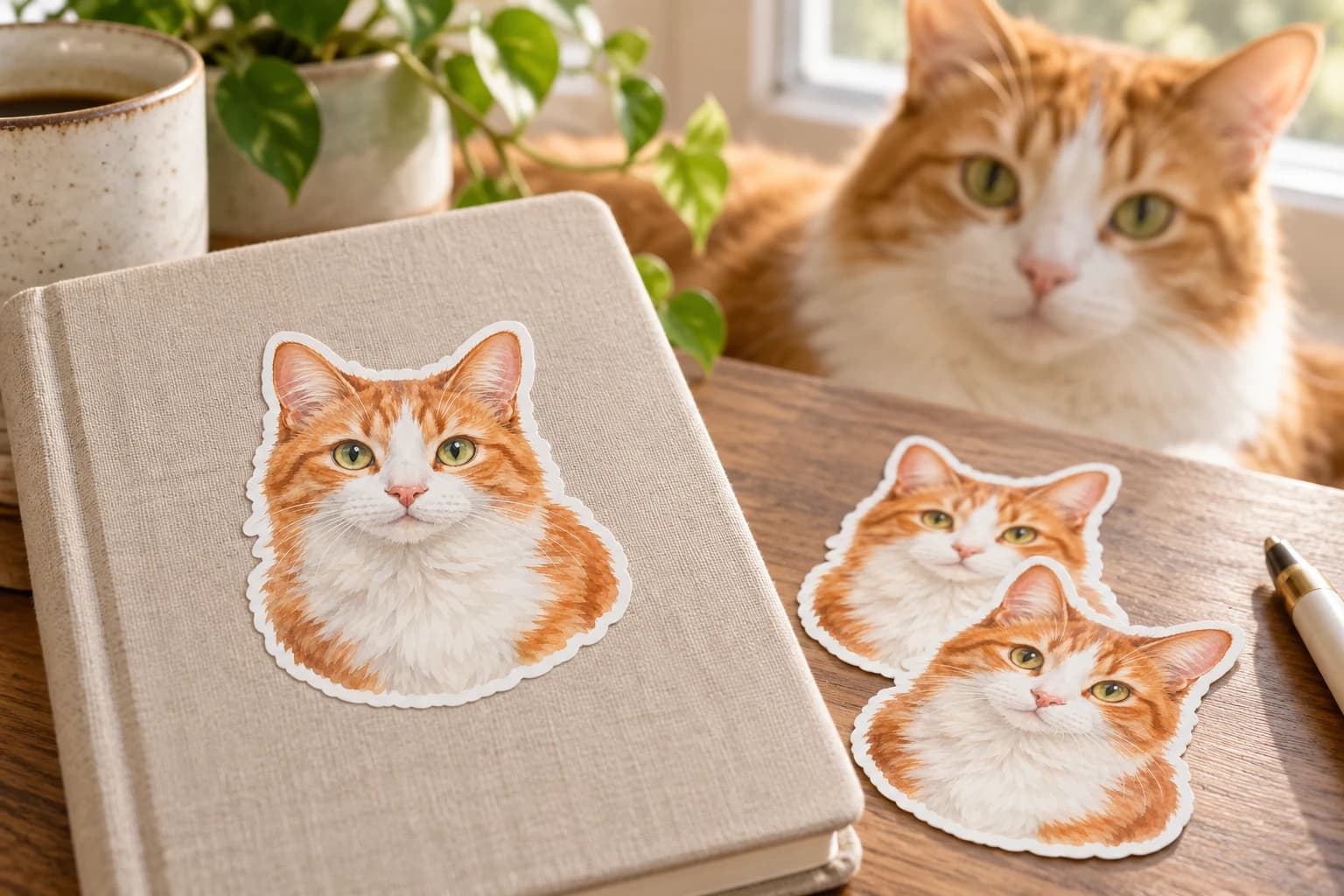
A distinctive ear, a familiar expression, or a favorite pose can make a pet sticker feel personal. Choose a clear photograph and check those details before printing.
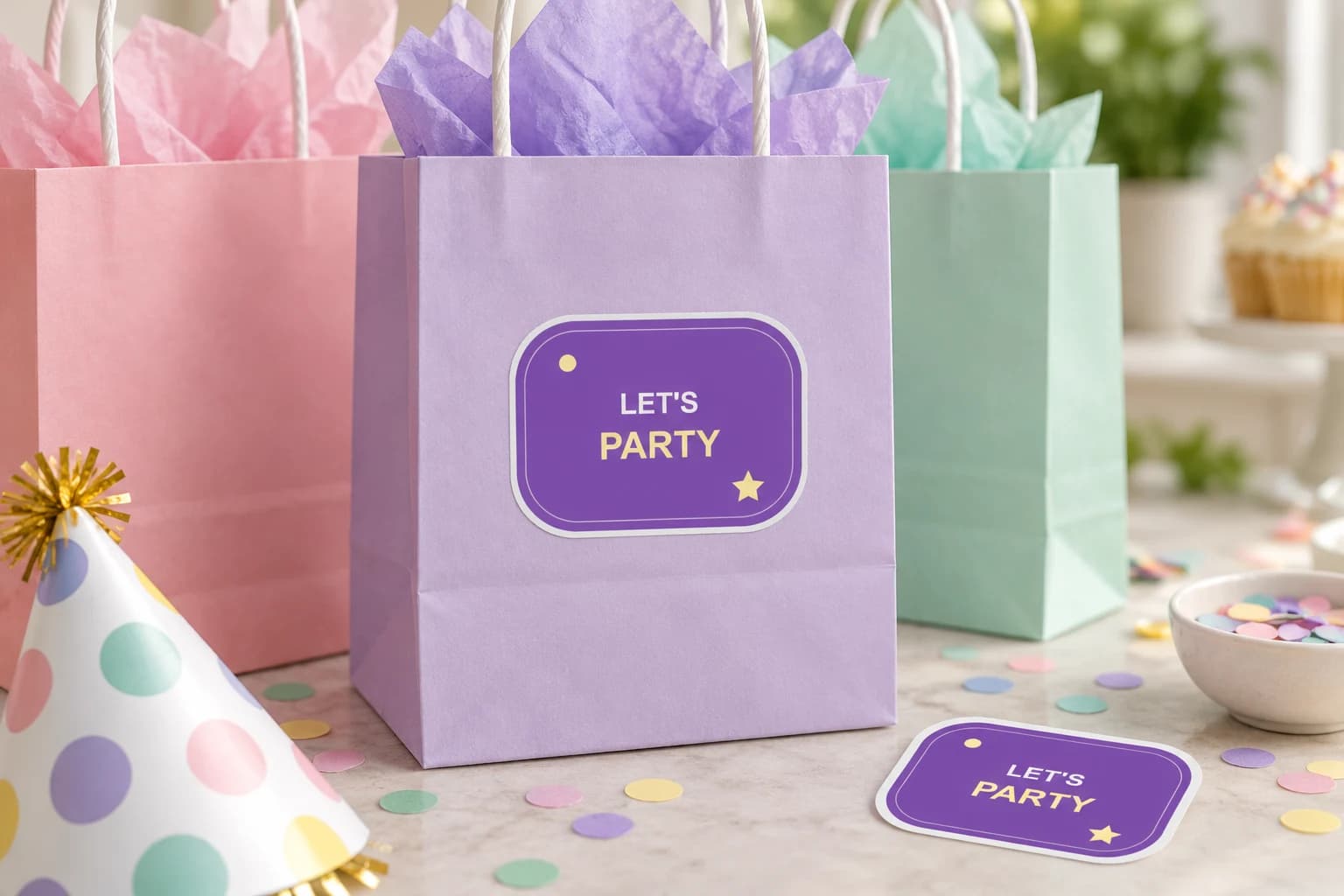
Repeat one finished birthday design on favor bags, party details, or keepsakes. Choose readable wording, measure the surface, and preserve the artwork you have already prepared.
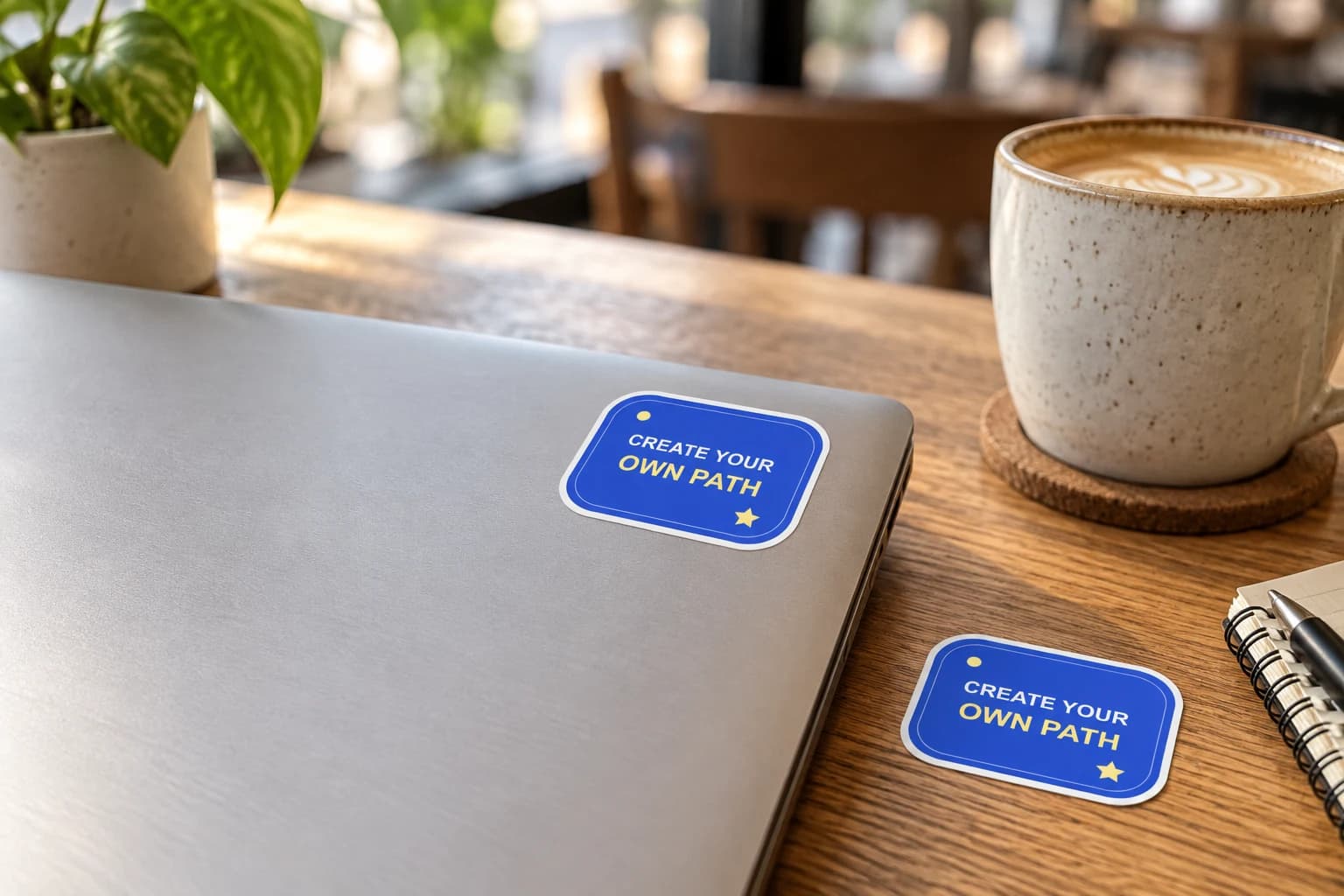
Give your laptop lid a personal focal point: your artwork, a team mark or an illustration with a story. Plan the arrangement with paper first, leaving useful space around hinges, openings and existing labels.
Bring a photo or finished design into the custom sticker studio.
Written by StickerMigo Editorial Team · Updated 2026-10-02. Ask about your project