Sticker use cases
Lifestyle scene
Let's Party Birthday Sticker
From $4.80 Weather-resistant
A party detail worth keeping
Repeat one finished birthday design on favor bags, party details, or keepsakes. Choose readable wording, measure the surface, and preserve the artwork you have already prepared.
Upload your artwork. Review your private product before ordering.
Ready to order
Find characters, hobbies and everyday designs for birthday gifts and favor bags. Choose a ready-made product, or upload your own birthday name and age artwork.
24 available designs · Choose your size and pack on the product page
Lifestyle scene
Studio original
Studio original
Lifestyle scene
Lifestyle scene
Lifestyle scene
Custom birthday stickers can connect a party's signs, favors, and take-home details. Pick one visual idea, then decide where repetition will help: a gift bag, a flat box, or a larger display. A name and age can personalize the artwork. Upload the complete design rather than a text-only request, choose preserve for its wording, and check the layout before ordering. The current quantity options repeat the same artwork; different guest names need separate uploaded designs.
Design inspiration
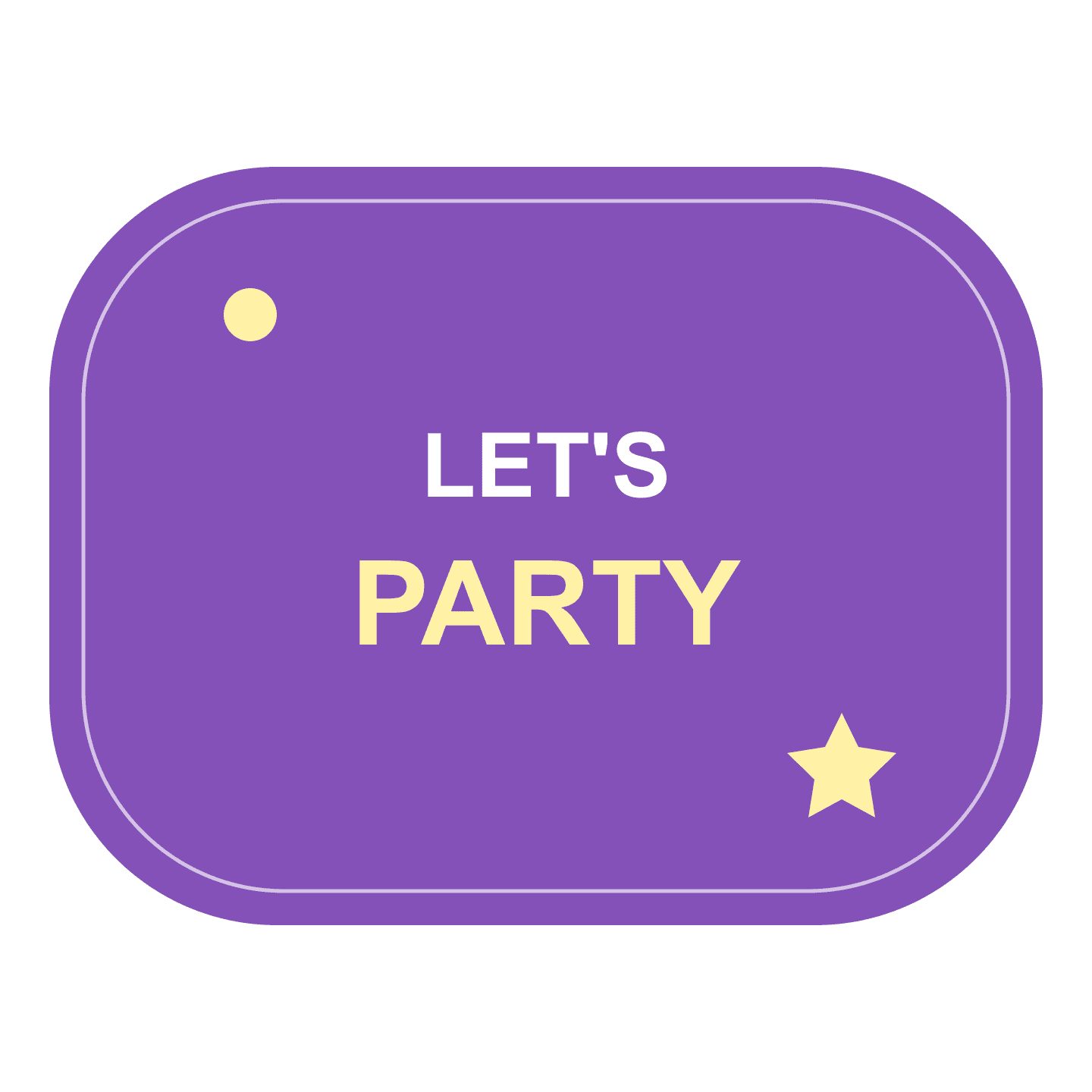
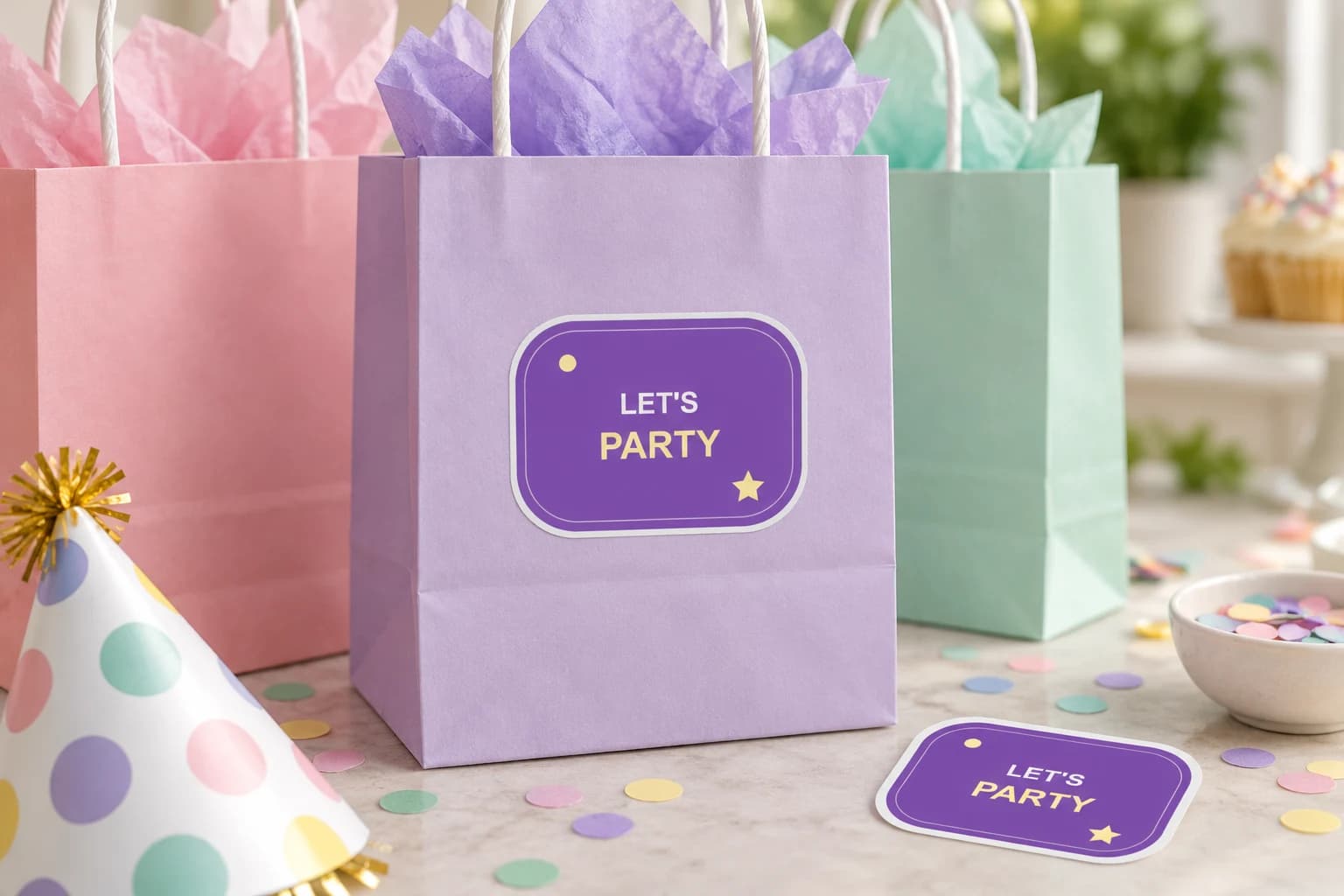
An original lively purple LET'S PARTY design with colorful star accents, for birthday favor bags and party gifts.
Try this design on outer party bags, gift boxes and smooth party displays. Measure your surface and choose the finished size on the product page.
This original design is shown in a styled scene. For your own artwork, use the custom sticker studio and review your prepared product before ordering.
Start with a shape, color combination, or original character that works across the party. Use a clear name or short birthday message as the anchor. A sticker has less reading space than an invitation, so put schedules, addresses, and long explanations somewhere else.
If the theme uses a photograph, prepare that image with the text before choosing preserve. For a new character interpretation, explore the photo or pet workflow first and then export your finished party design. Only use images and characters you have permission to reproduce; a familiar theme does not supply that permission automatically.
Available sizes are 50, 100, 200, 400, 500, and 1000 mm. The smallest is 50 mm, which may already be larger than a narrow favor or tiny container. Cut a paper outline and place it on the bag or box before deciding. Leave a flat area where the artwork and white border can be seen together.
A bigger sign can hold more detail than a small favor sticker, but do not use that as a reason to crowd the design. Check the name and age from the distance a guest will normally see them. The current product is weather-resistant vinyl with soft matte laminate and a white-border die-cut outline, rather than a full party-printing package.
Prepare a PNG, JPEG, or WebP file that is at least 600 × 600 pixels and no larger than 10 MB. Put the birthday name, age, and any short message into the artwork before uploading. Preserve is the starting mode for a design whose lettering should remain unchanged. Review the preview even when the source file looks correct.
Choose 1, 10, 20, 50, or 100 copies of that design. One copy can help you judge the fit and appearance before planning repeats. If every favor has a different guest name, create and upload each version separately. The order does not turn a guest list into individually printed labels, and it does not supply party stationery beyond the selected sticker.
Your prepared product shows the final artwork, white cut border, available options and price. Review it before placing an order. How preparation works
The smallest current size is 50 mm. Measure your favor or container before choosing it, because a tiny item may not have enough space. This page does not offer a smaller party-label size. A larger sticker may work better on the bag holding the favor than on the favor itself.
The current quantity selector repeats one design. To print different names, prepare and upload a separate finished image for each version and choose its quantity. There is no spreadsheet import or variable-name printing feature that changes the artwork automatically from copy to copy.
This workflow produces the selected sticker from your uploaded design. It does not include matching invitations, tablecloths, favor bags, or other supplies. Plan those items separately and measure any surface where you want to place a sticker so the chosen size works with your party setup.
Choose preserve for finished party artwork containing a name, age, or carefully arranged text. Creative interpretation can change details that should remain exact. If you want to explore a new character first, finish that creative stage before preparing and proofreading the final image for the party sticker.
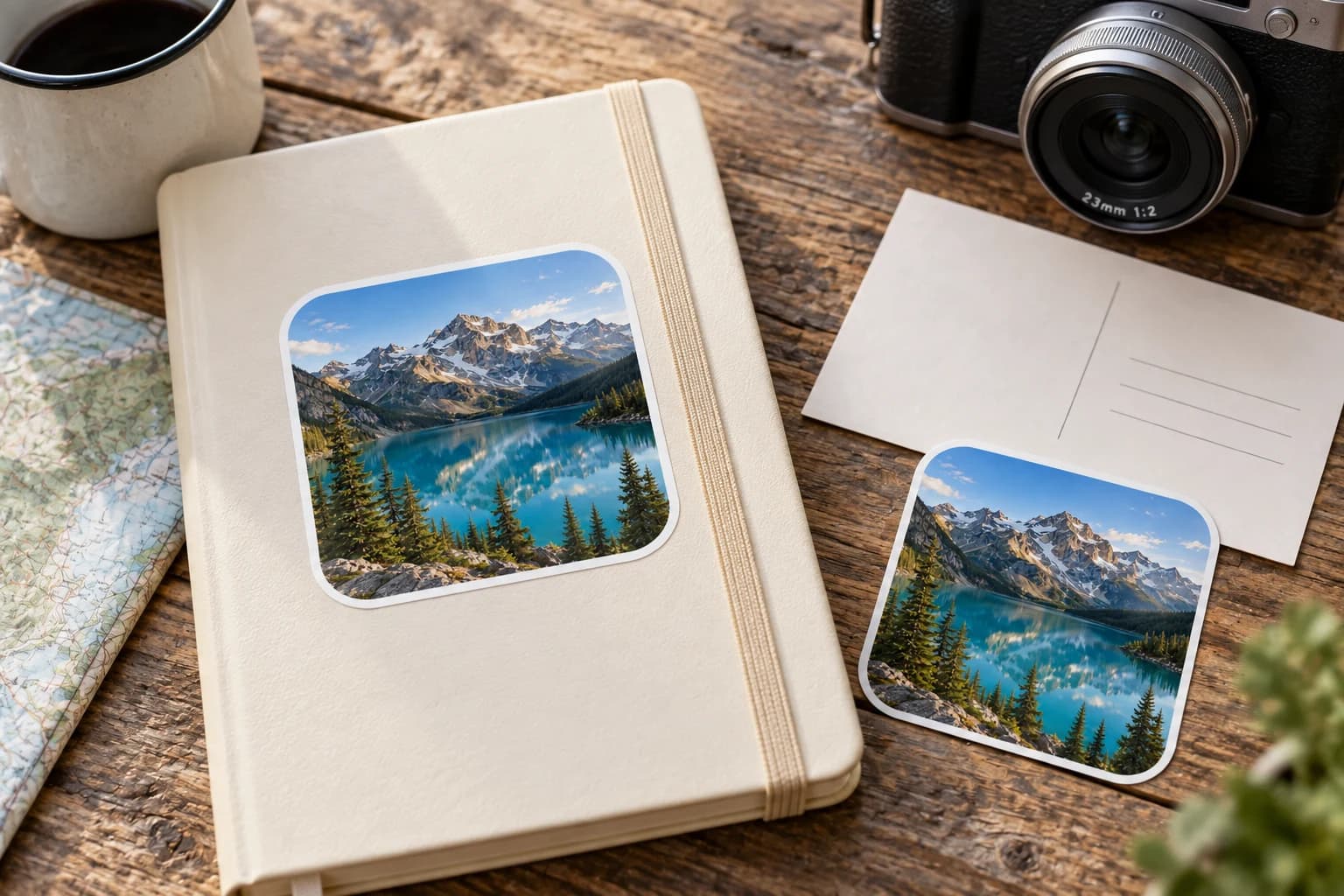
Bring a favorite person, pet, or everyday moment into a sticker design. Start with a photo you can use, choose how much to change, and check the preview before ordering.
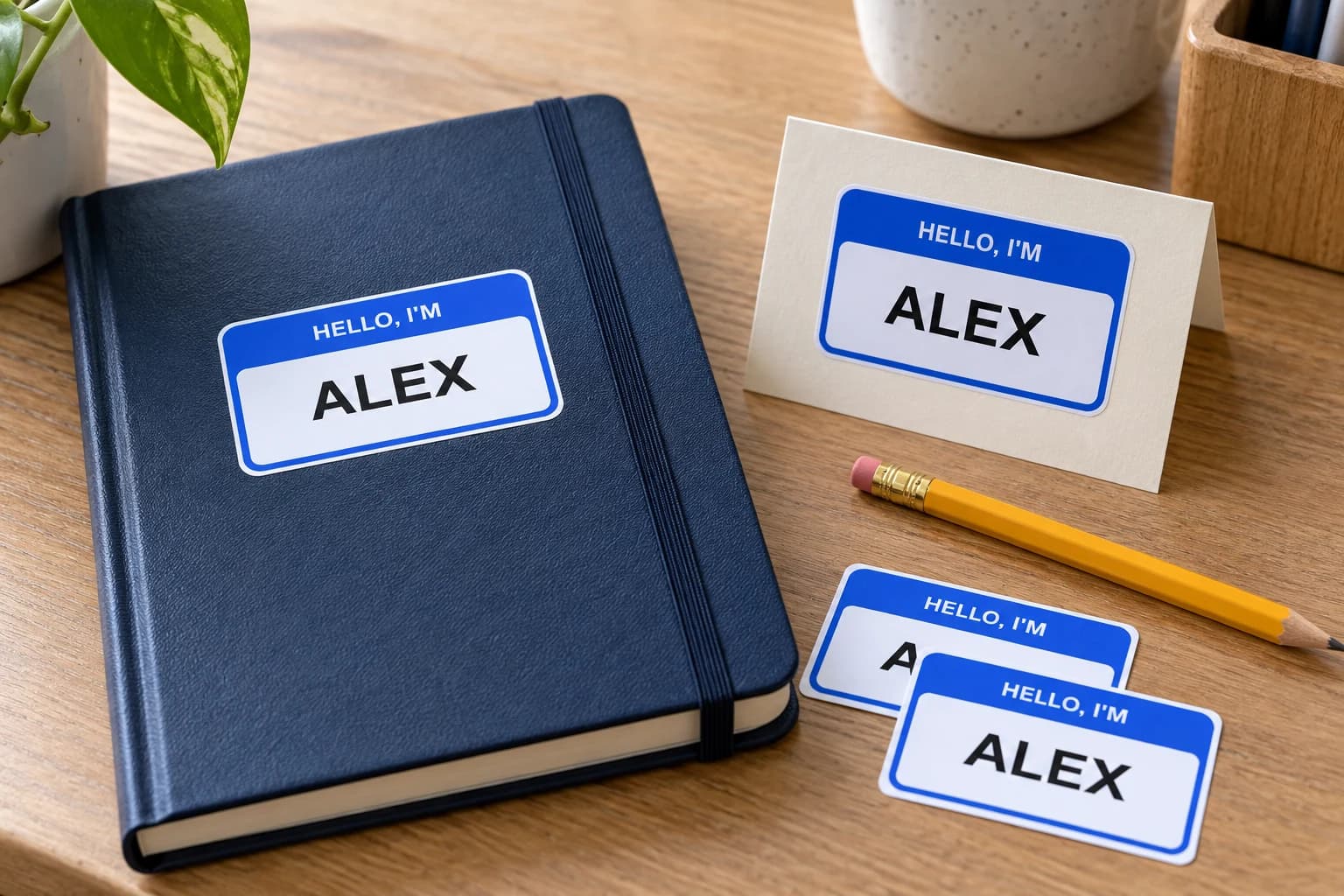
Prepare a name as finished image artwork for a personal object, gift, or event detail. Preserve the lettering and order each different name as its own design.
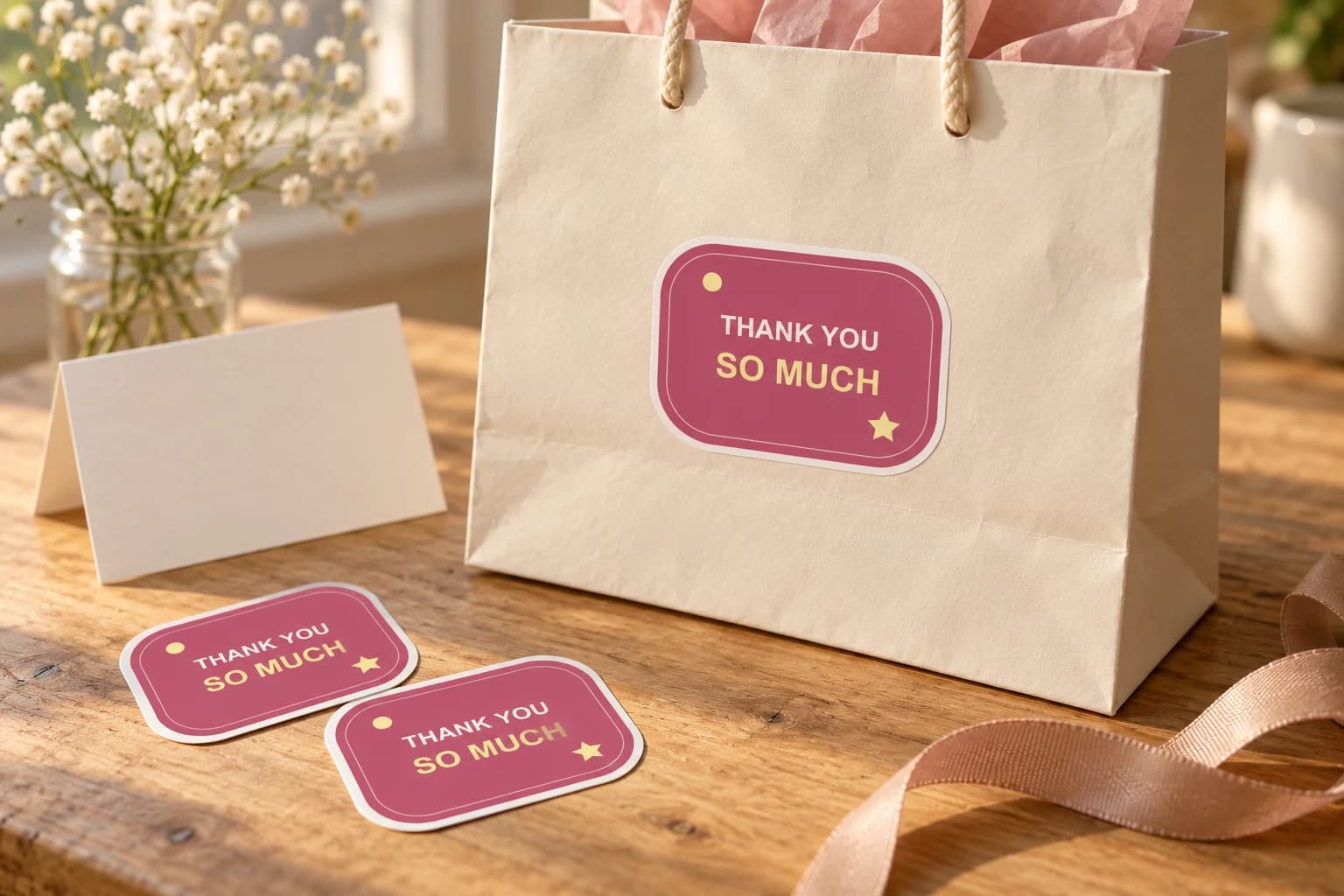
Thank a customer, guest, donor or helpful friend with a short message they can keep. Supply the finished lettering, choose a readable size and decide whether the sticker decorates a package or is offered as a separate gift.
Bring a photo or finished design into the custom sticker studio.
Written by StickerMigo Editorial Team · Updated 2026-10-02. Ask about your project