Sticker use cases
Lifestyle scene
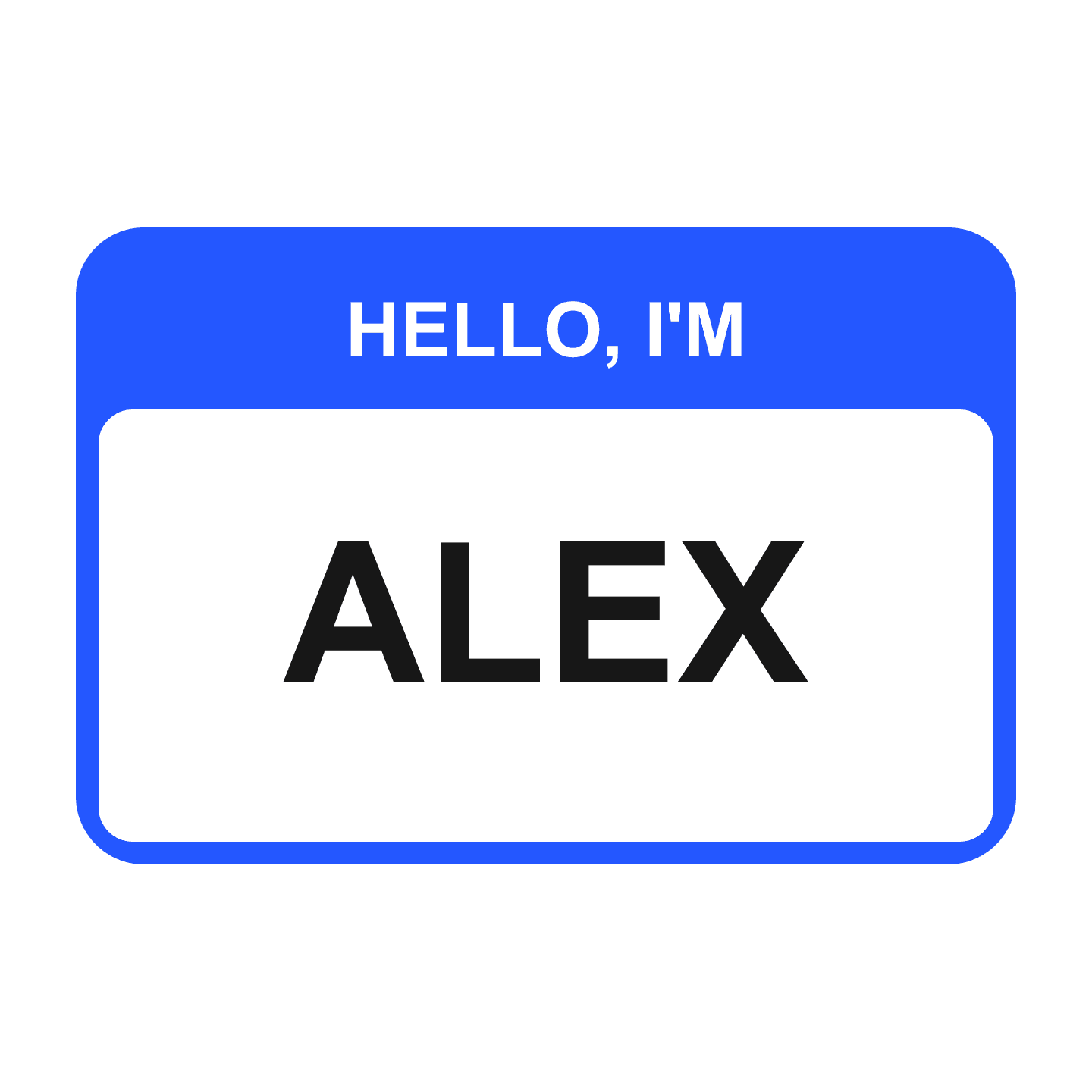
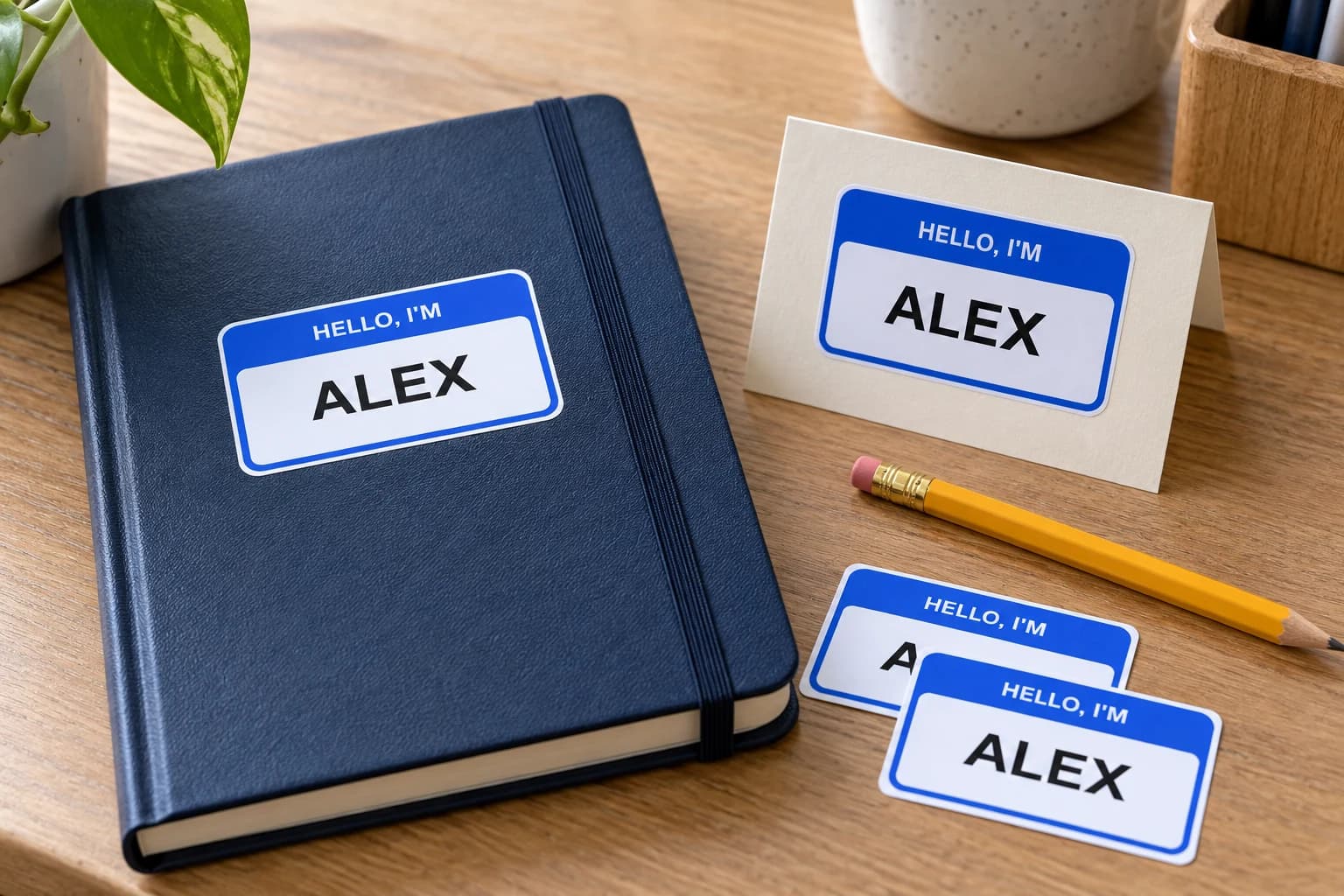
Hello I'm Alex Name Sticker
From $4.80 Weather-resistant
Make the name easy to read
Prepare a name as finished image artwork for a personal object, gift, or event detail. Preserve the lettering and order each different name as its own design.
Upload your artwork. Review your private product before ordering.
Ready to order
Choose ready-made designs for notebooks, cases and gift packaging. These listings keep their shown artwork; upload finished name lettering for a personalized sticker.
24 available designs · Choose your size and pack on the product page

Lifestyle scene
Lifestyle scene
Lifestyle scene
Lifestyle scene
Lifestyle scene
Lifestyle scene
Studio original
Custom name stickers help a personal object or event detail carry a readable name. Start by deciding who needs to read it and from what distance. An ornate signature may suit a keepsake, while simpler lettering can be easier to recognize across a table. StickerMigo currently requires an uploaded image: typing a name by itself is not an orderable design. Prepare the complete name artwork, choose preserve, and check the spelling and layout. If the names change between copies, each finished version needs its own uploaded order design.
Design inspiration
A ready-made blue-and-white name design with the fixed printed name ALEX. This listing prints Alex exactly as shown; another name needs a separate custom upload.
Try this design on smooth name cards, notebooks, gift packaging and personal cases. Measure your surface and choose the finished size on the product page.
This original design is shown in a styled scene. For your own artwork, use the custom sticker studio and review your prepared product before ordering.
Choose a type style that keeps similar letters distinct and makes the name easy to recognize. Long names need more room than a short nickname, especially if you also add an icon or surname. Read the design at the size you intend to order rather than judging it only when enlarged on a screen.
For a shared event, a first name may be enough. For a private personal item, you may prefer a nickname or initials instead of a full name. Decide what information belongs on the visible object before making the artwork. The sticker does not require a contact address or other personal detail to serve its purpose.
Export PNG, JPEG, or WebP with the lettering already in place. The file must be at least 600 × 600 pixels and no larger than 10 MB. Preserve is the appropriate starting mode when spelling and letter shapes must stay unchanged. The name you type into an idea field does not replace the required image upload.
Check accents, capital letters, and spaces before submitting. A decorative letter may look like a different letter at the final size, so ask another reader to identify the name without prompting. Inspect the preview too. If you are using artwork from a designer, make sure you have permission to reproduce that finished design.
Available size choices are 50, 100, 200, 400, 500, and 1000 mm. The minimum 50 mm size will not fit every small object, so measure the usable area first. A paper outline helps you check the placement on a notebook, gift box, or other smooth surface without covering a hinge, opening, or existing information.
The product uses weather-resistant vinyl, soft matte laminate, and a white-border die-cut outline. It is not a promised washable garment label. Quantities of 1, 10, 20, 50, or 100 repeat one image. For a group with different names, prepare separate images and orders; there is no variable-data name list or automatic per-copy substitution.
Your prepared product shows the final artwork, white cut border, available options and price. Review it before placing an order. How preparation works
No. The current ordering workflow requires a PNG, JPEG, or WebP image upload, at least 600 × 600 pixels and within 10 MB. Create the name as finished artwork first. An idea or text field can describe your intention, but it does not replace the uploaded image.
There is no list-import or variable-data printing feature. Prepare a separate finished image for each distinct name, upload it as its own order design, and select its quantity. If everyone uses the same group design instead, one uploaded image can be repeated in the available quantity choices.
No. This product is not supplied as a fabric label, iron-on label, or washable clothing label. Plan a smooth name card, notebook, or gift surface instead, and check that surface before preparing a group order. The current finish is white-border vinyl with soft matte laminate.
Confirm the person's preferred spelling, then proof the exported image and the preview separately. Check accents and decorative letter shapes, particularly in a small design. Preserve is the right starting mode for exact lettering, but it does not remove your responsibility to approve the name before ordering.
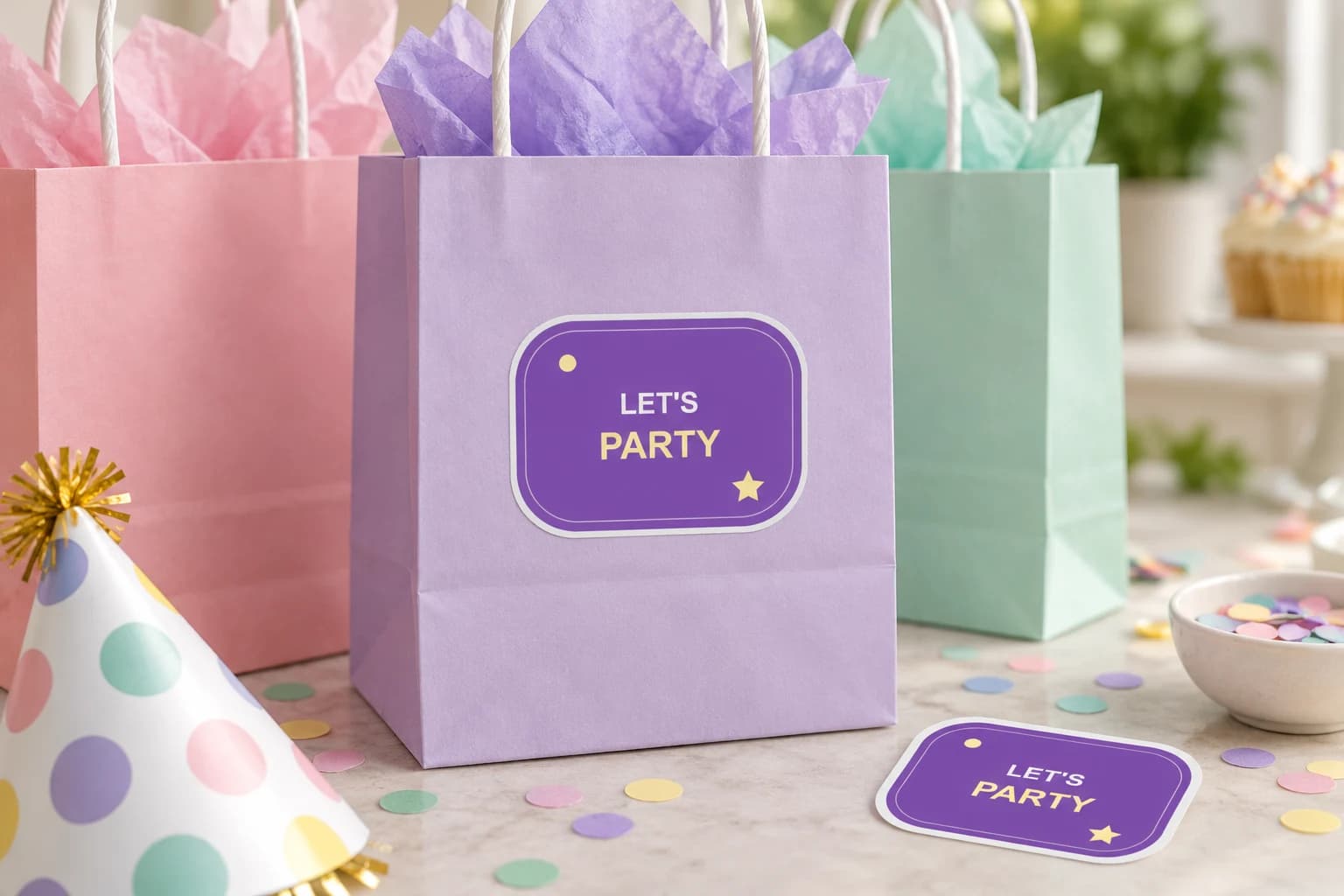
Repeat one finished birthday design on favor bags, party details, or keepsakes. Choose readable wording, measure the surface, and preserve the artwork you have already prepared.
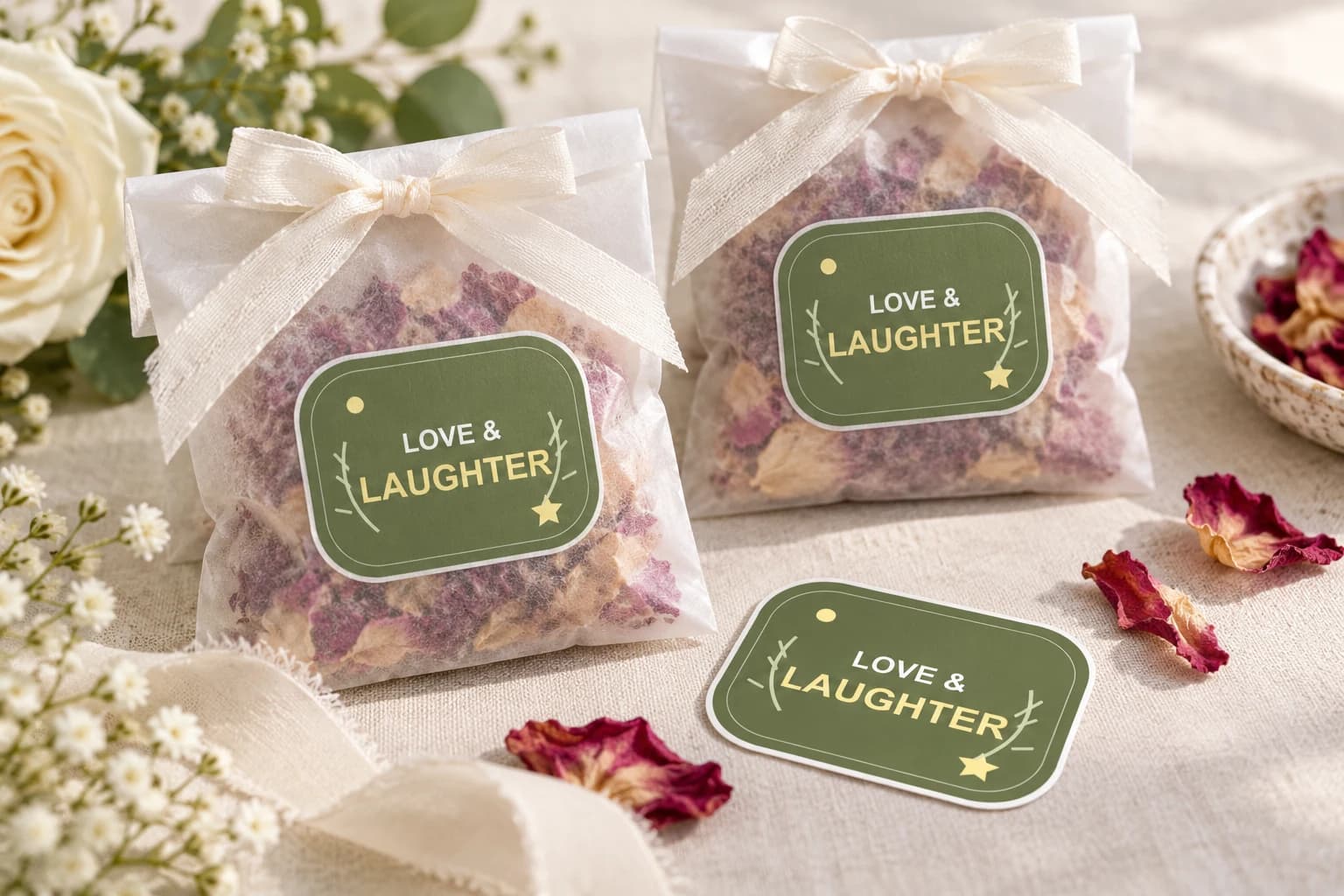
Use a finished monogram, illustration, or short message to connect favors and keepsakes with your wedding. Preserve the lettering and check a physical sample before preparing the full set.
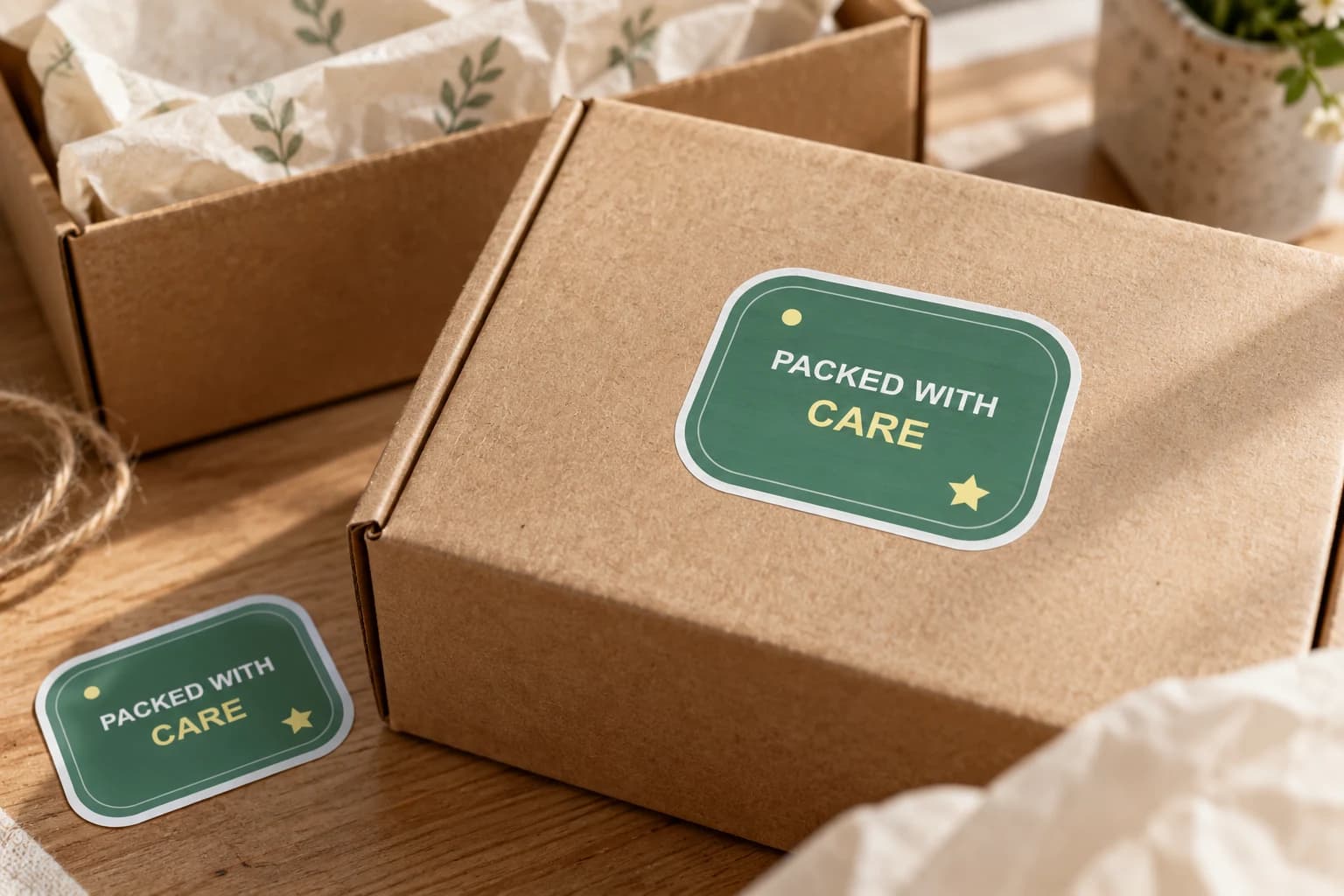
Add finished brand artwork to outer boxes, bags or gift wrap where a customer first meets the parcel. Choose a visible position and a size that works with your packing process, then test the actual surface.
Bring a photo or finished design into the custom sticker studio.
Written by StickerMigo Editorial Team · Updated 2026-10-02. Ask about your project