Sticker use cases
Lifestyle scene
Love and Laughter Wedding Sticker
From $4.80 Weather-resistant
One detail, tied to your day
Use a finished monogram, illustration, or short message to connect favors and keepsakes with your wedding. Preserve the lettering and check a physical sample before preparing the full set.
Upload your artwork. Review your private product before ordering.
Ready to order
Explore ready-made artwork for guest gifts, notebooks and favor packaging. Use your own uploaded artwork when you want wedding initials, names or a date.
24 available designs · Choose your size and pack on the product page
Lifestyle scene
Lifestyle scene

Lifestyle scene

Lifestyle scene
Lifestyle scene
Lifestyle scene
Studio original
Custom wedding stickers can give a favor bag, keepsake box, or guest-facing detail a shared visual identity. Start with one useful purpose: identifying a gift, carrying a monogram, or explaining a small part of the celebration. A simple design is easier to repeat thoughtfully than a crowded miniature invitation. Upload finished artwork with the correct names and date, choose preserve, and review the preview. StickerMigo prints the uploaded design in the current white-border vinyl format; the ordering workflow does not create a personalized guest list automatically.
Design inspiration
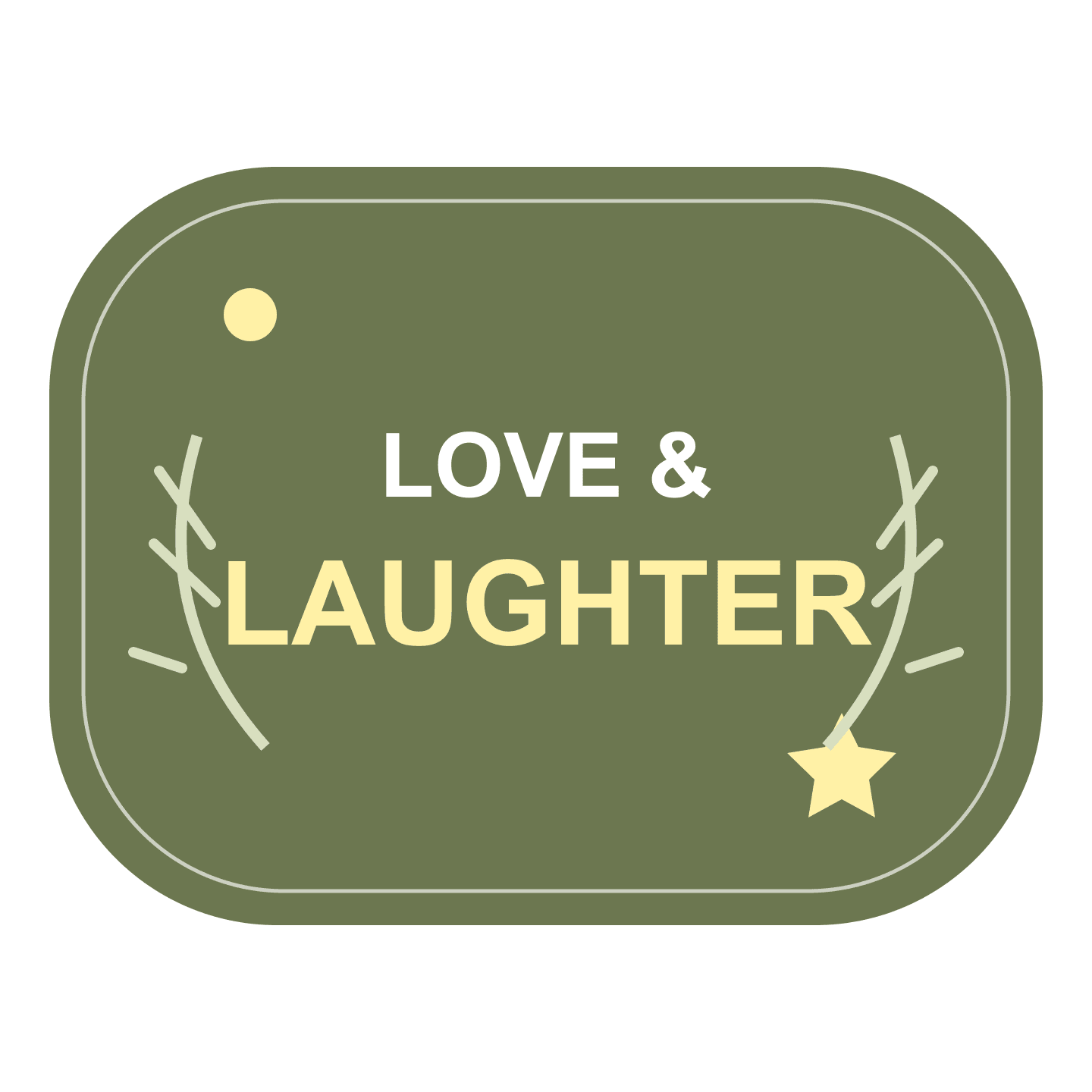
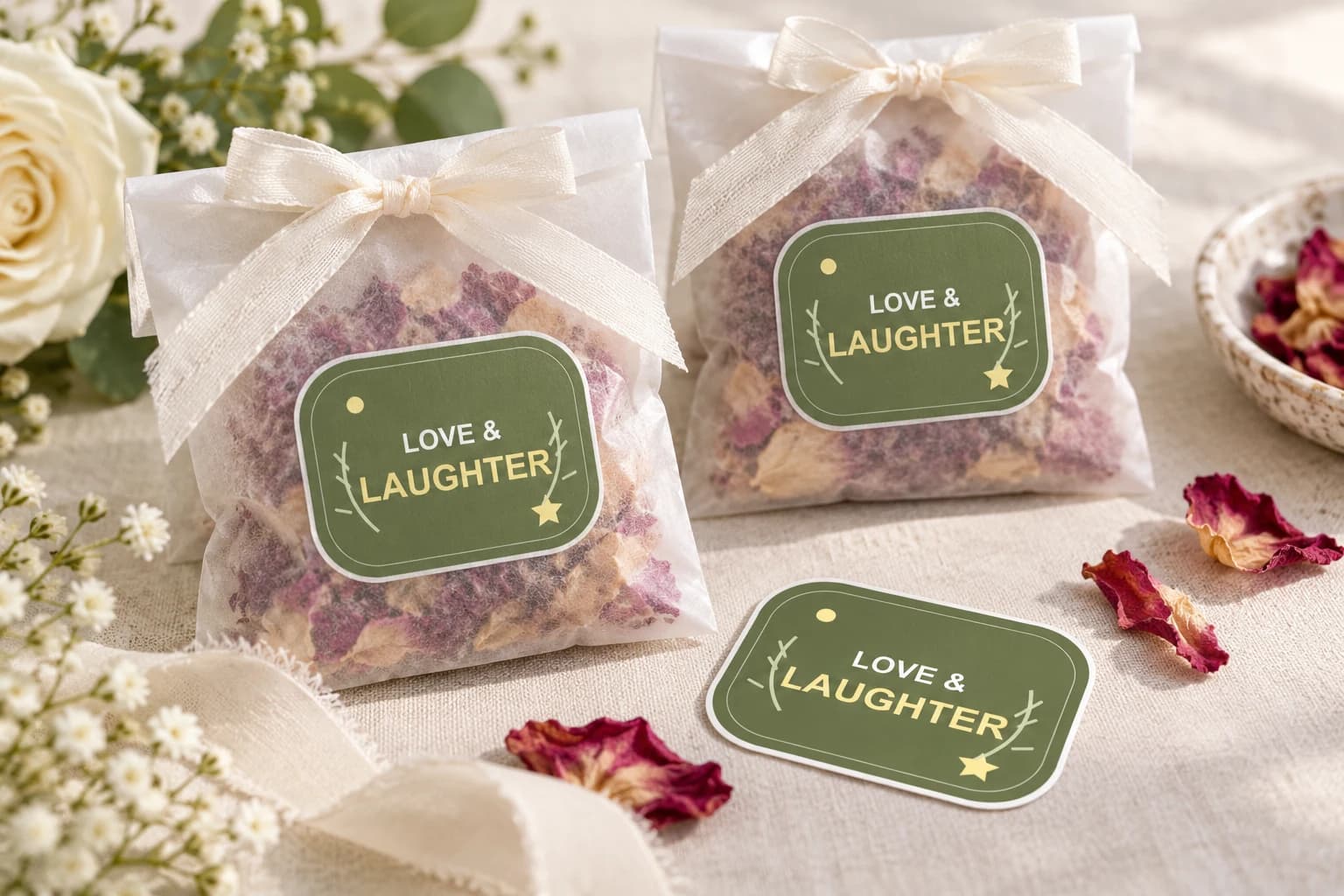
An original botanical green LOVE & LAUGHTER design for wedding favors and celebration gifts, with no names or date to customize.
Try this design on outer favor bags, gift envelopes and decorative favor boxes. Measure your surface and choose the finished size on the product page.
This original design is shown in a styled scene. For your own artwork, use the custom sticker studio and review your prepared product before ordering.
A favor sticker may only need your initials and a small illustration. A guest-facing instruction needs enough space for someone to read it without studying the bag. Decide which job comes first, then remove details that compete with it. Keeping the same finished artwork across repeated favors is simpler than changing every copy.
Try the layout against the actual favor container. A seam, folded flap, or narrow curved area can affect where a sticker sits. Place a paper outline in the intended position and make sure it does not hide the gift, cover an opening, or leave the message awkwardly divided across a fold.
Preserve is the appropriate starting mode for wedding typography. Supply a finished PNG, JPEG, or WebP image, no larger than 10 MB and at least 600 × 600 pixels. A typed message alone does not meet the upload requirement. Export your chosen names, date, and artwork together so the intended arrangement is visible.
Proof every line with another person. Check an ampersand, apostrophe, venue spelling, and date format, not just the couple's first names. If you need a different name on each sticker, prepare each version and upload it as a separate order design. There is no guest-list import or variable-data printing feature in the current workflow.
The available sizes are 50, 100, 200, 400, 500, and 1000 mm, with 50 mm as the smallest choice. Measure your favor before committing to that minimum; some containers will be too small. A larger display graphic can use a larger choice, but its uploaded artwork still needs enough detail for the planned result.
Quantities are 1, 10, 20, 50, and 100 copies of one design. A single copy provides a way to review the layout and placement before ordering repeats. The finish is weather-resistant vinyl with soft matte laminate and a white-border die-cut outline, so account for the border when matching a restrained wedding design.
Your prepared product shows the final artwork, white cut border, available options and price. Review it before placing an order. How preparation works
Yes, by preparing and uploading a separate finished design for each name you want printed. The current workflow does not import a guest spreadsheet or change names between copies. Select the quantity for each design separately and check every spelling before submitting that version.
The current offering on this page is the listed white-border vinyl sticker with soft matte laminate. A transparent PNG does not change the stock to clear material. If your stationery design depends on a see-through finish, do not assume this product will create that effect.
The result depends on the bag material, finish, and placement. A paper outline helps with sizing but cannot test adhesion. Order one copy and try it on the actual container before preparing a larger batch. Avoid making the favor's closure depend on an untested sticker placement.
Use the delivery information presented during ordering and leave time to review a physical sample. This page does not promise rush production or a particular event-date arrival. If timing is essential, confirm the available ordering and delivery terms before committing your wedding plan to the stickers.
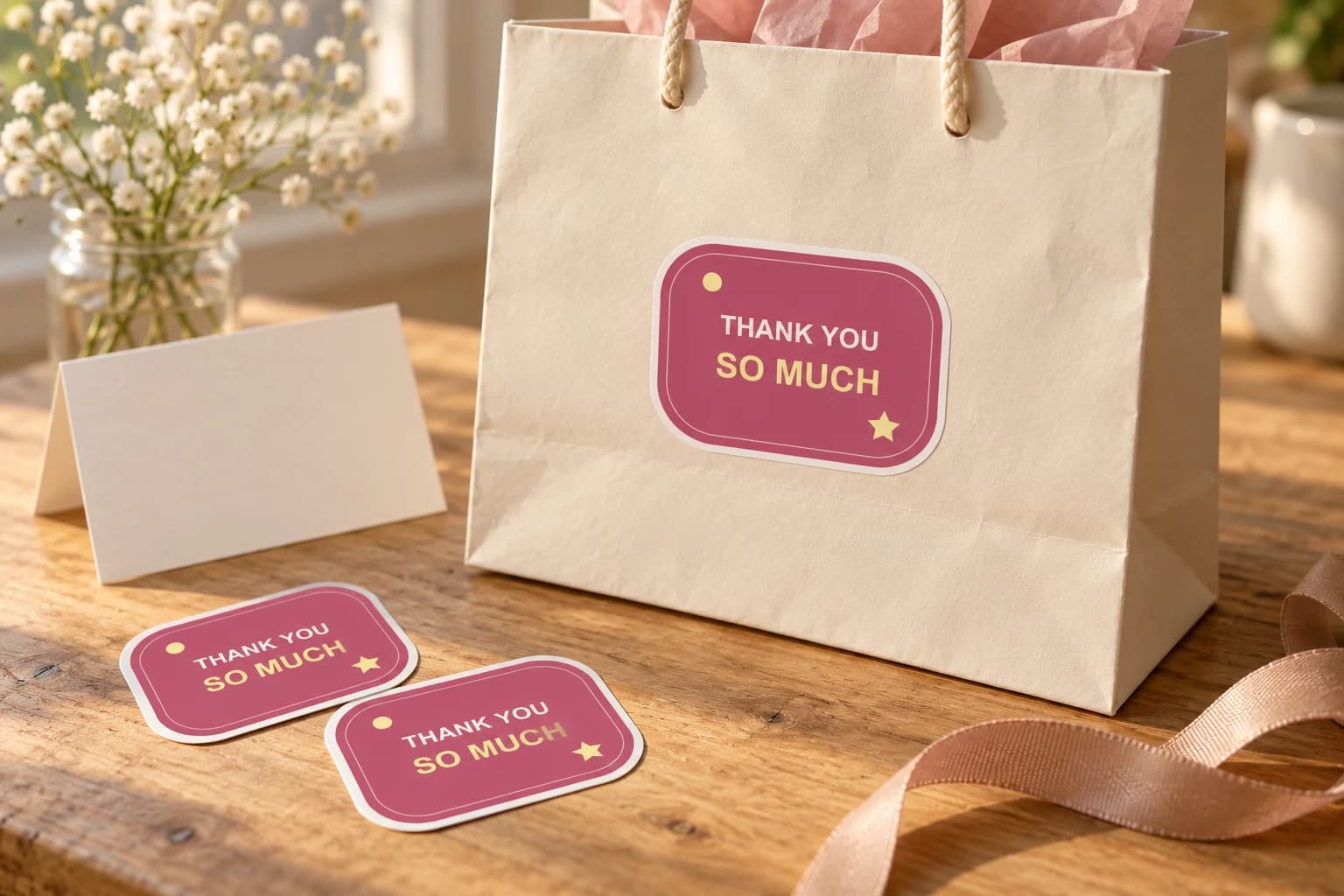
Thank a customer, guest, donor or helpful friend with a short message they can keep. Supply the finished lettering, choose a readable size and decide whether the sticker decorates a package or is offered as a separate gift.
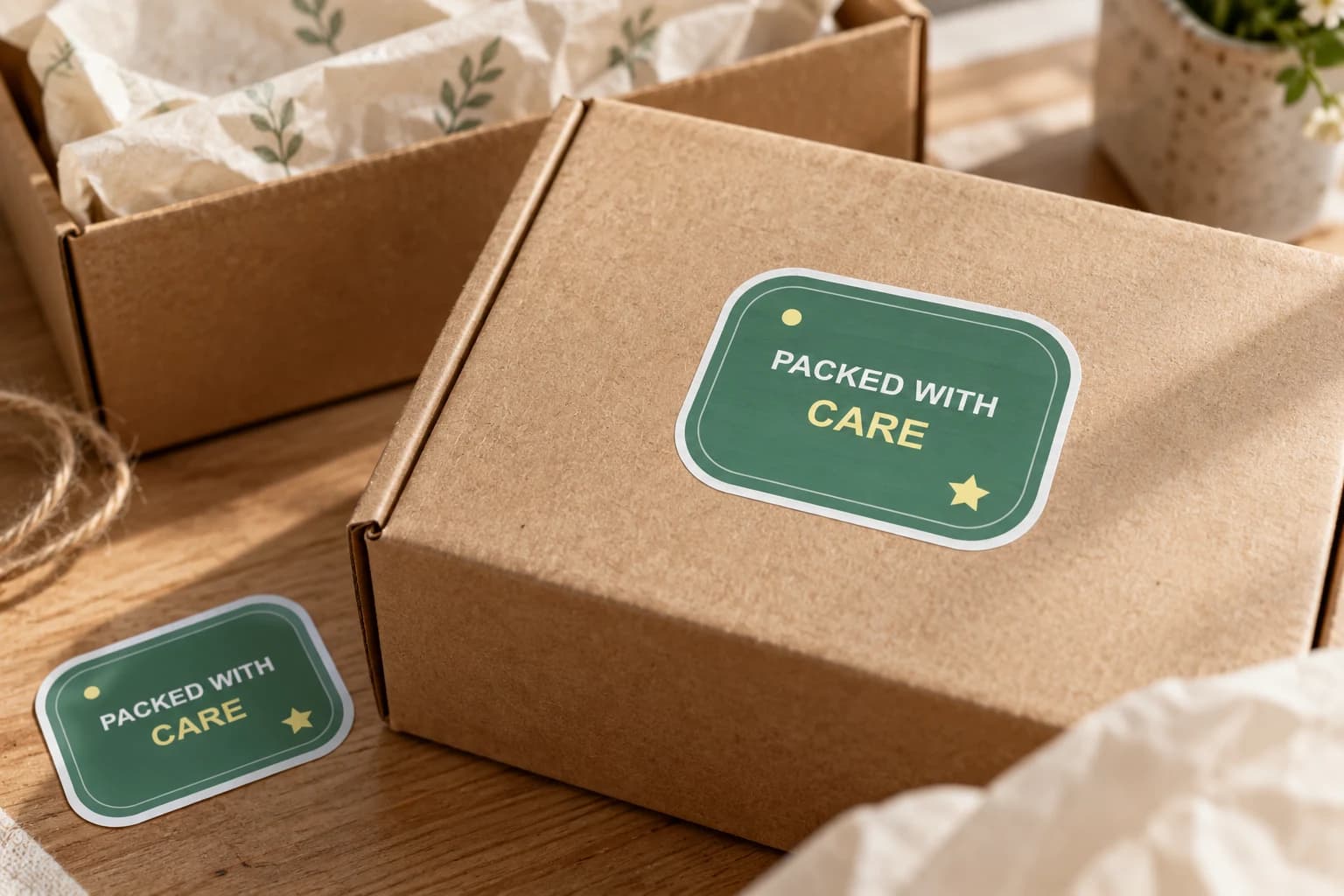
Add finished brand artwork to outer boxes, bags or gift wrap where a customer first meets the parcel. Choose a visible position and a size that works with your packing process, then test the actual surface.
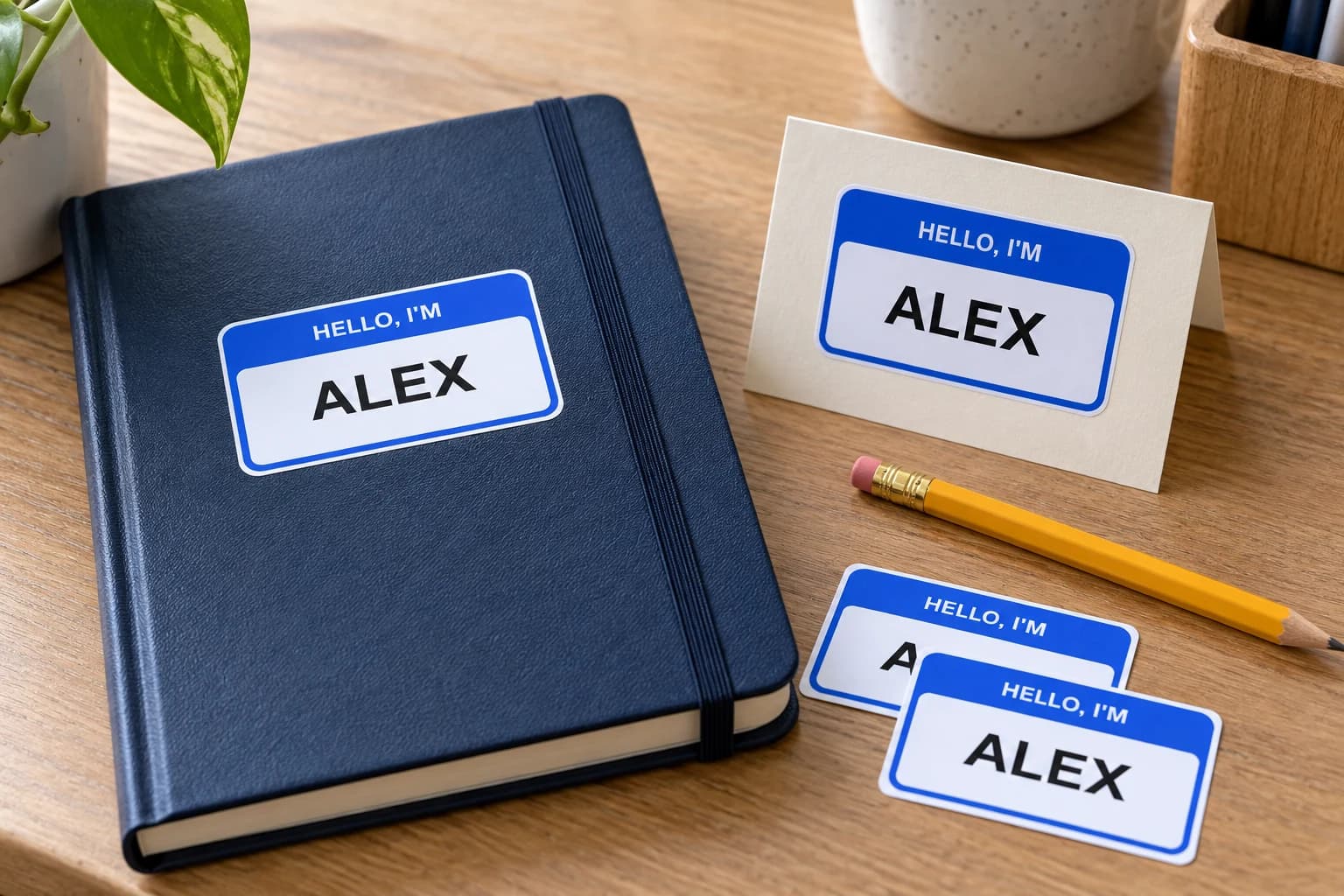
Prepare a name as finished image artwork for a personal object, gift, or event detail. Preserve the lettering and order each different name as its own design.
Bring a photo or finished design into the custom sticker studio.
Written by StickerMigo Editorial Team · Updated 2026-10-02. Ask about your project