Sticker use cases
Lifestyle scene
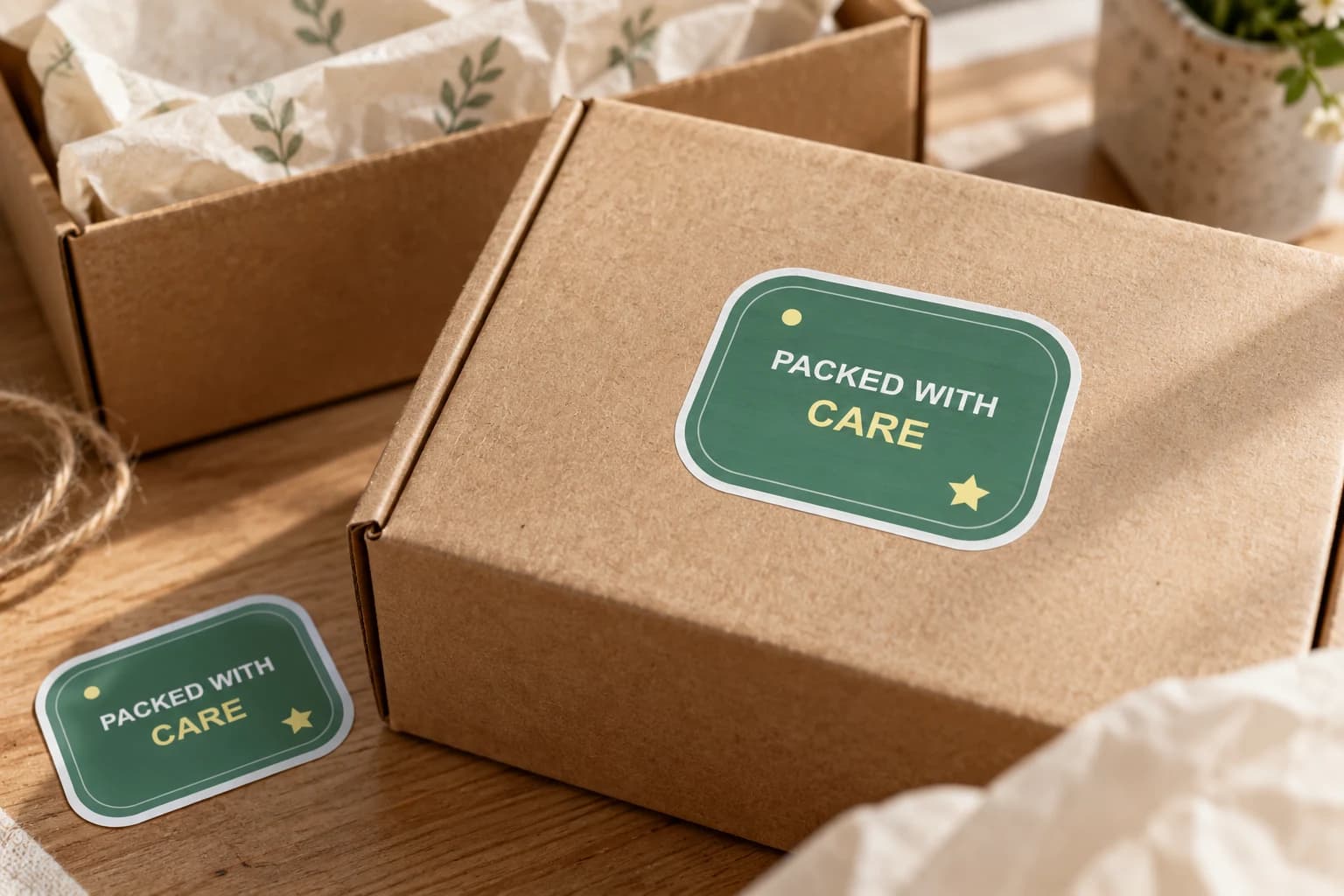
Packed With Care Packaging Sticker
From $4.80 Weather-resistant
Carry your identity into the handoff
Add finished brand artwork to outer boxes, bags or gift wrap where a customer first meets the parcel. Choose a visible position and a size that works with your packing process, then test the actual surface.
Upload your artwork. Review your private product before ordering.
Ready to order
Browse ready-made artwork for outer boxes, gift bags and order extras. For your shop name or packaging message, upload your finished design to the custom studio.
24 available designs · Choose your size and pack on the product page
Lifestyle scene

Lifestyle scene

Lifestyle scene
Lifestyle scene

Lifestyle scene
Studio original
Custom packaging stickers can bring a shop name, illustration or short message into the moment a parcel is opened. Start with the outside of the package and the material underneath the sticker. StickerMigo currently supplies weather-resistant vinyl with a soft matte laminate and a white die-cut border. This page focuses on decorative branding for small batches; any required product information should already have its own appropriate labeling plan.
Design inspiration
An original sage green PACKED WITH CARE design for the outside of parcels and decorative gift packaging.
Try this design on outer boxes, paper gift bags and decorative wrapping. Measure your surface and choose the finished size on the product page.
This original design is shown in a styled scene. For your own artwork, use the custom sticker studio and review your prepared product before ordering.
Walk through the package as your customer will receive it. A mark on the top of a box is seen before opening; a design on an inner wrap appears later. Pick the moment you want to decorate, and leave shipping addresses, postage and handling information clear. Use one consistent placement so the artwork feels connected to the rest of your packaging.
Look at the package's proportions before selecting a sticker shape. A horizontal rectangle may suit a long wordmark on a box, while a circle or organic illustration can create a focal point on a gift bag. A white border will be visible on kraft or colored material. Compare a paper outline with your actual package instead of judging scale from a product photograph.
Paper fibers, coatings, folds and uneven surfaces can affect adhesion. Try a paid sample on the same box, bag or wrap you use for orders, and observe how it sits through your normal packing steps. Avoid bridging a deep fold or forcing the edge over a tight corner. If application slows the workflow, choose a simpler placement or reconsider the size.
The current product is a vinyl die-cut sticker, not a specified food-contact label, security seal or regulatory labeling system. Keep decorative use on appropriate outer packaging. If you need a sticker to touch food, establish tamper evidence or satisfy a particular packaging rule, confirm a suitable product specification separately.
Supply a complete design with the shop name and any short message already arranged. Use preserve mode, then compare the prepared artwork with the approved file. PNG, JPEG and WebP uploads are supported up to 10 MB, with at least 600 by 600 pixels. Avoid packing tiny contact details into a design whose main purpose is to add recognizable decoration.
Choose quantity 1, 10, 20, 50 or 100 according to the parcels or gifts you actually expect to prepare. Keep the artwork version, shape, dimensions and a placement example together for the next packing session. If your packaging supplier changes a coating or box size, repeat the fit check. Review current pricing and delivery during ordering rather than assuming a future batch has the same terms.
Your prepared product shows the final artwork, white cut border, available options and price. Review it before placing an order. How preparation works
This page offers decorative packaging use and makes no food-contact claim. Keep the sticker on appropriate outer packaging. For direct food contact or a specific food-labeling requirement, choose a product with the relevant confirmed specification.
No universal adhesion claim is made. Texture, coatings and folds differ between packing materials. Try one on the actual packaging, choose a flat location and check it through your normal packing and handling process.
The current custom options do not offer roll labels or a sheet format. Plan the workflow around the available white-border die-cut product and confirm that its format suits how your team packs orders.
Prepare the name and message in your own artwork before uploading. Use preserve mode with a supported PNG, JPEG or WebP. Inspect the wording at physical size; the current workflow requires an uploaded image.
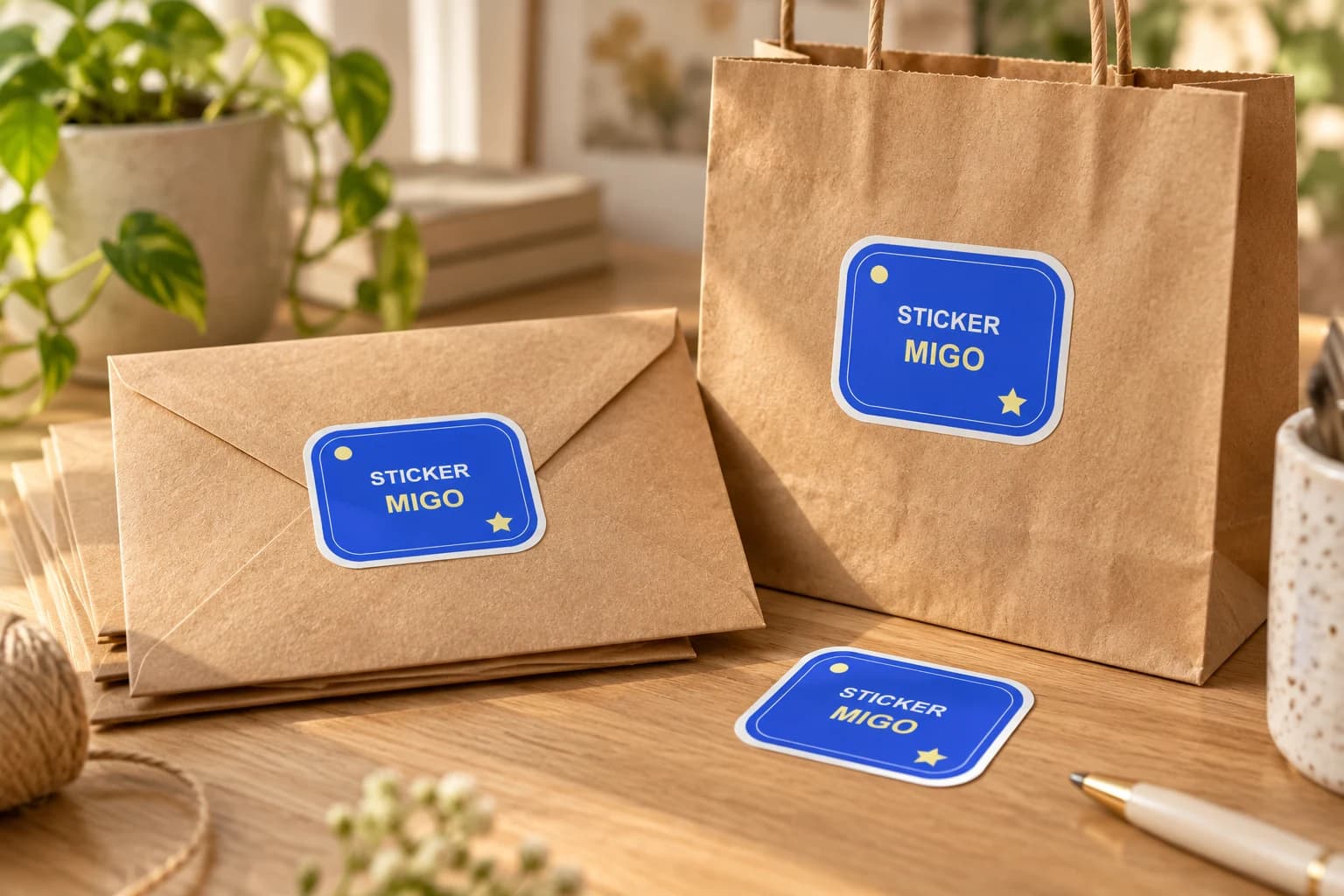
Turn an approved logo into a physical sticker for customer gifts, team gear or a small launch. Upload the finished artwork, keep its proportions, and choose a size that makes the name readable.
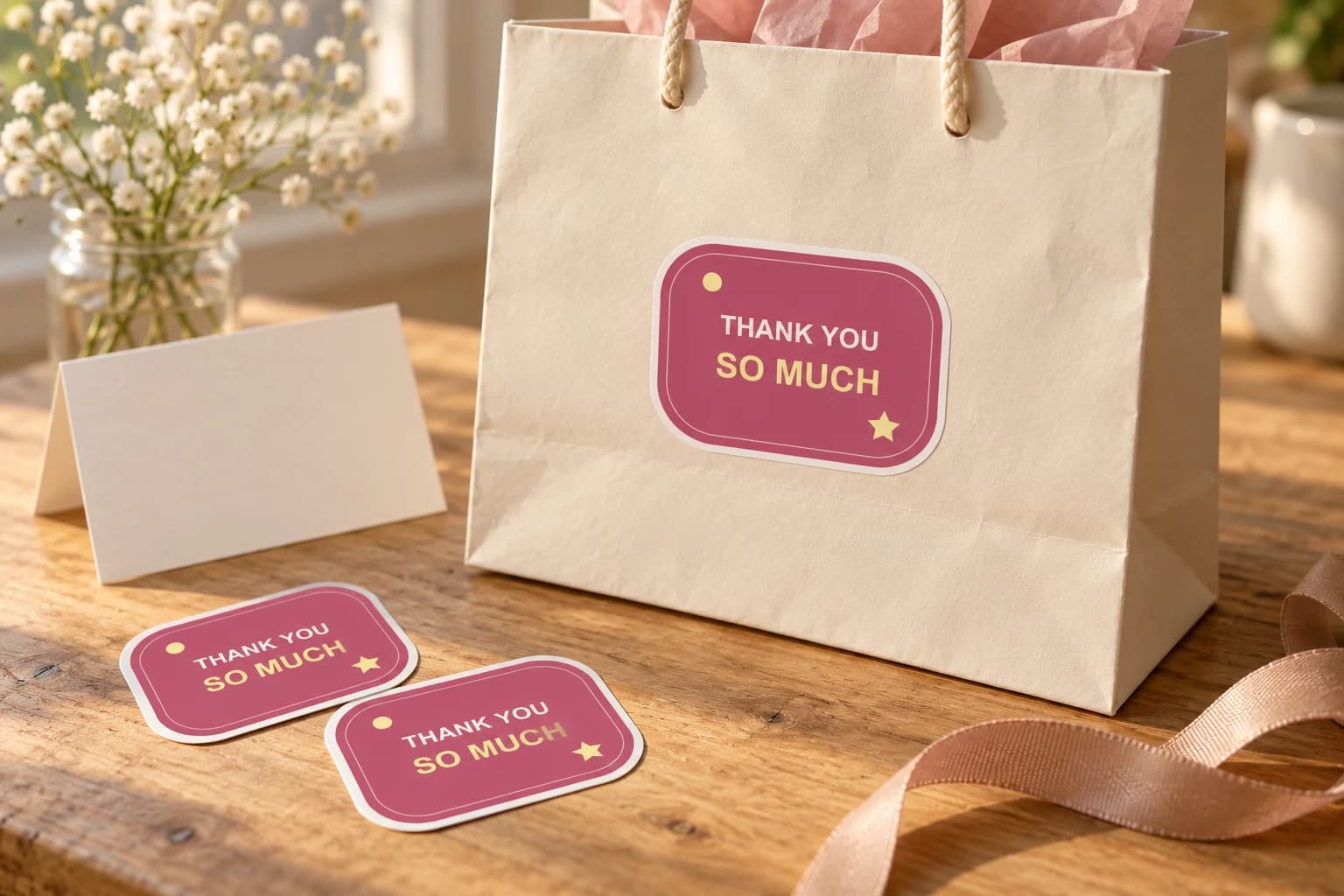
Thank a customer, guest, donor or helpful friend with a short message they can keep. Supply the finished lettering, choose a readable size and decide whether the sticker decorates a package or is offered as a separate gift.
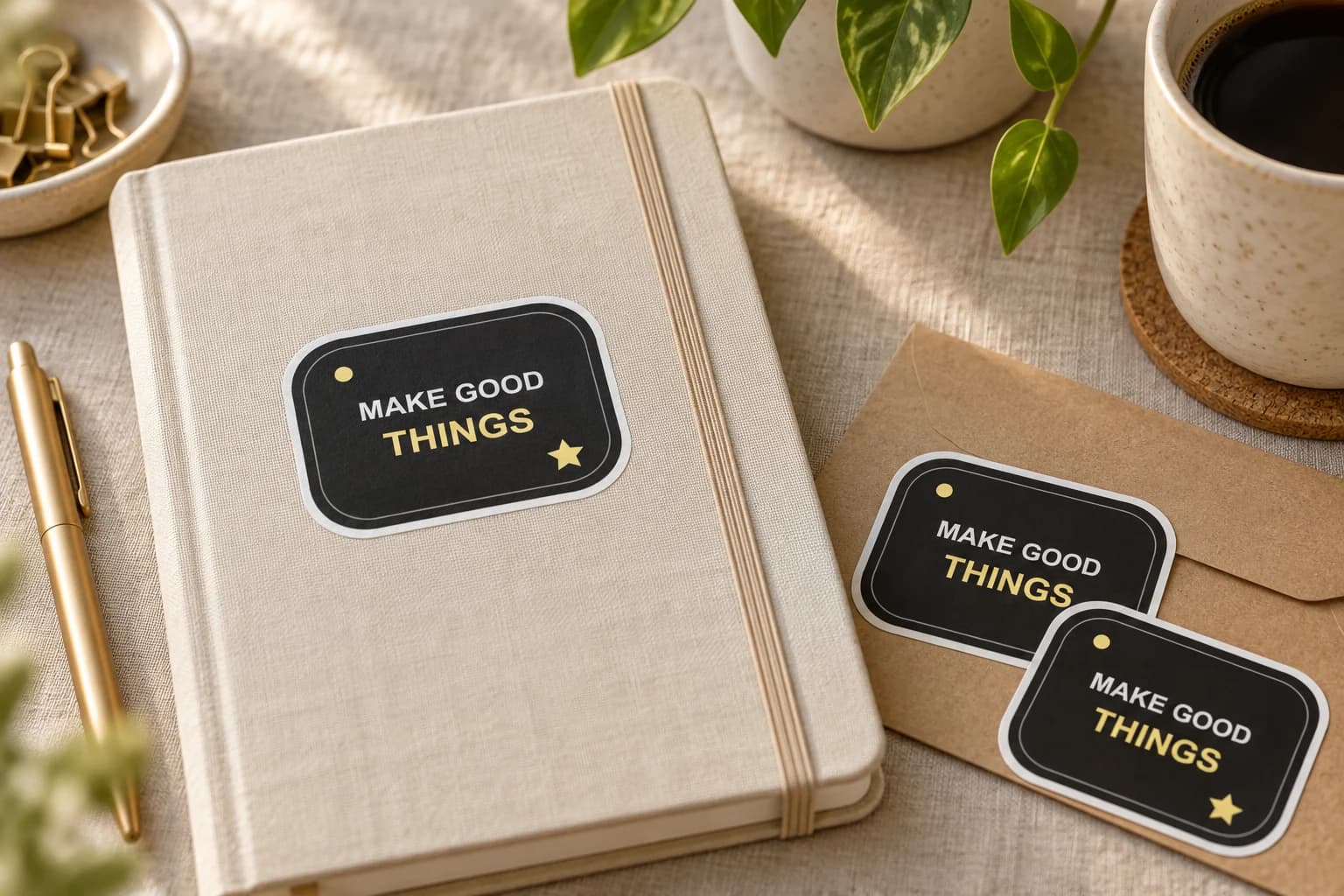
Give a customer, colleague or event visitor a small piece of your brand to keep. Start with one audience and one finished design, then choose an available batch for the moment you have in mind.
Bring a photo or finished design into the custom sticker studio.
Written by StickerMigo Editorial Team · Updated 2026-10-02. Ask about your project