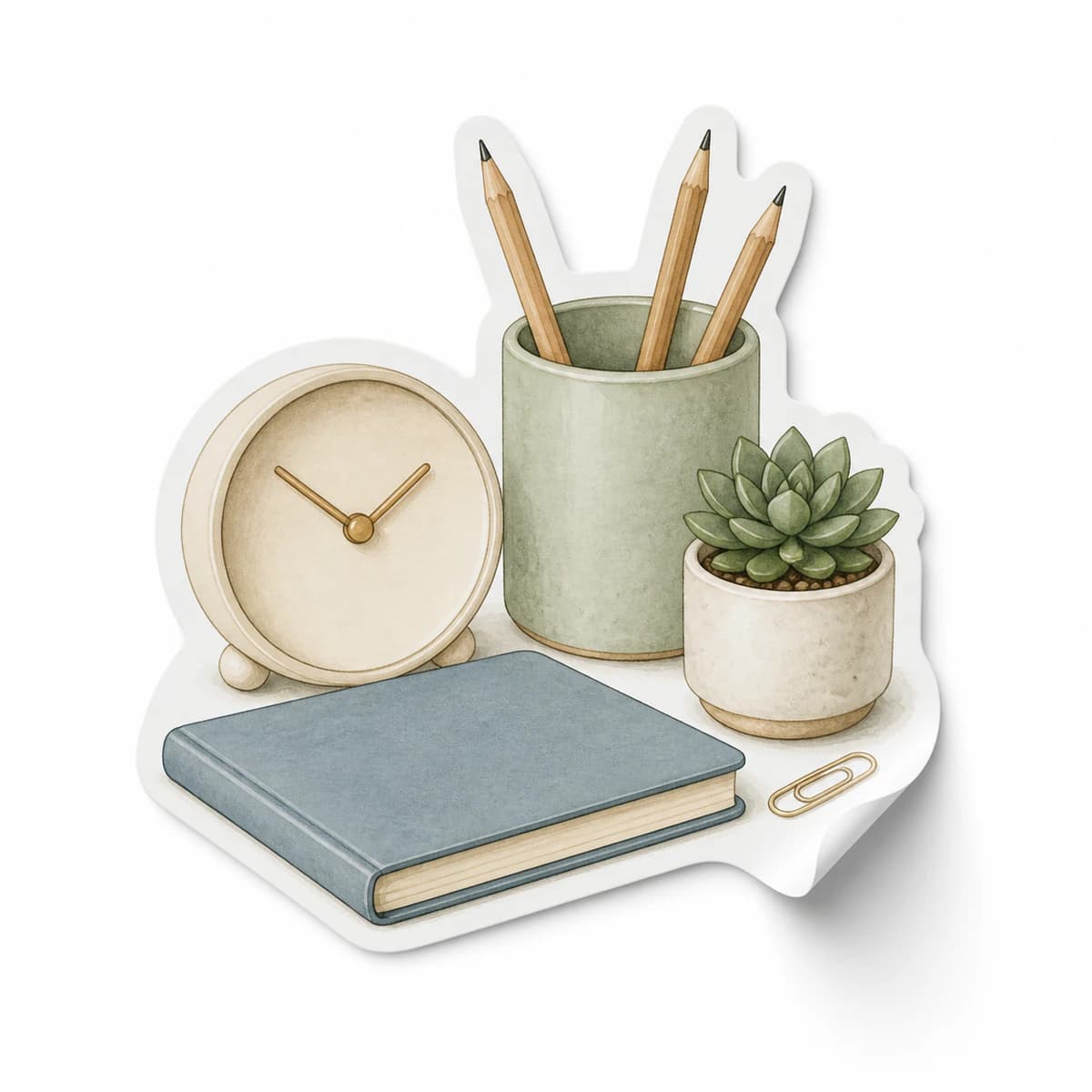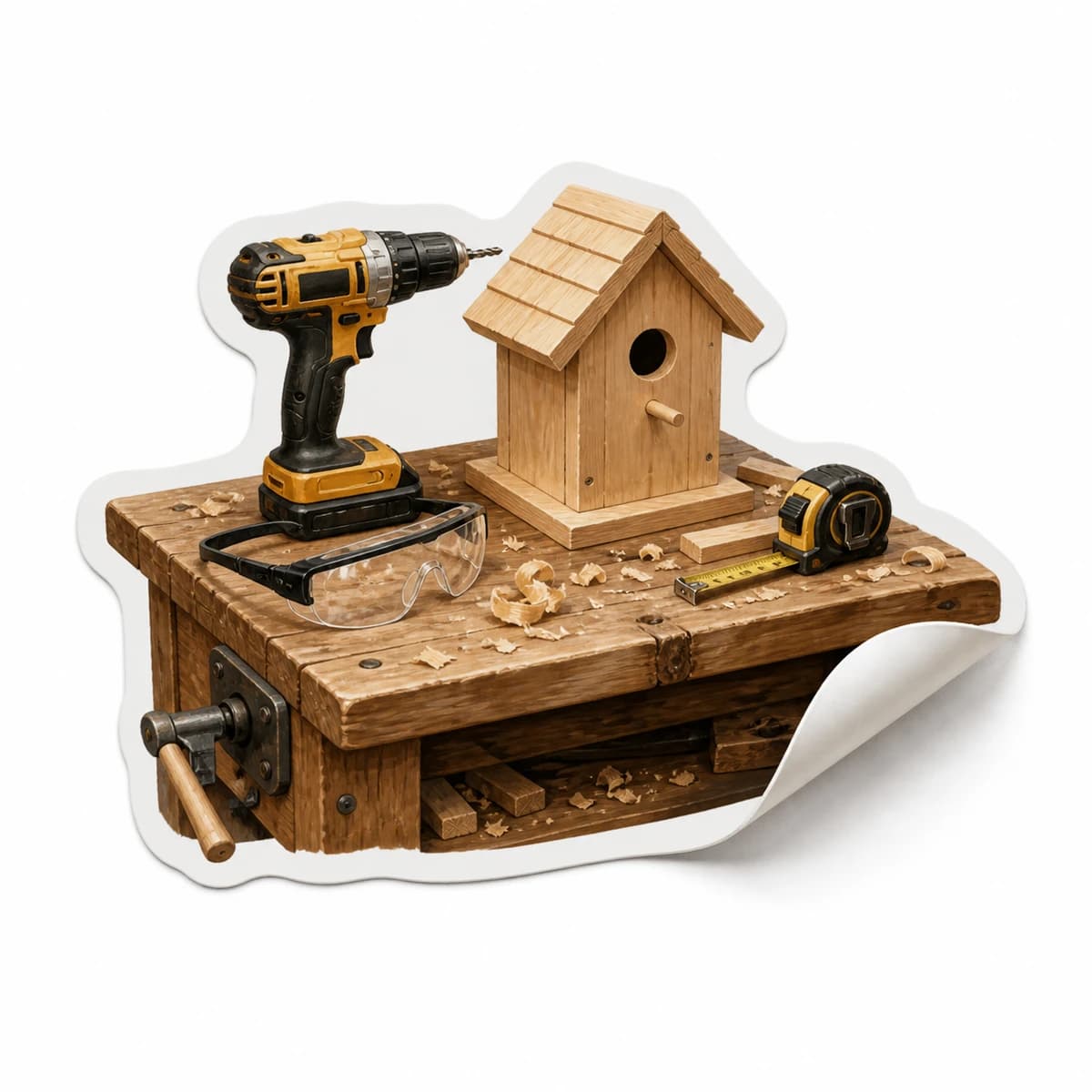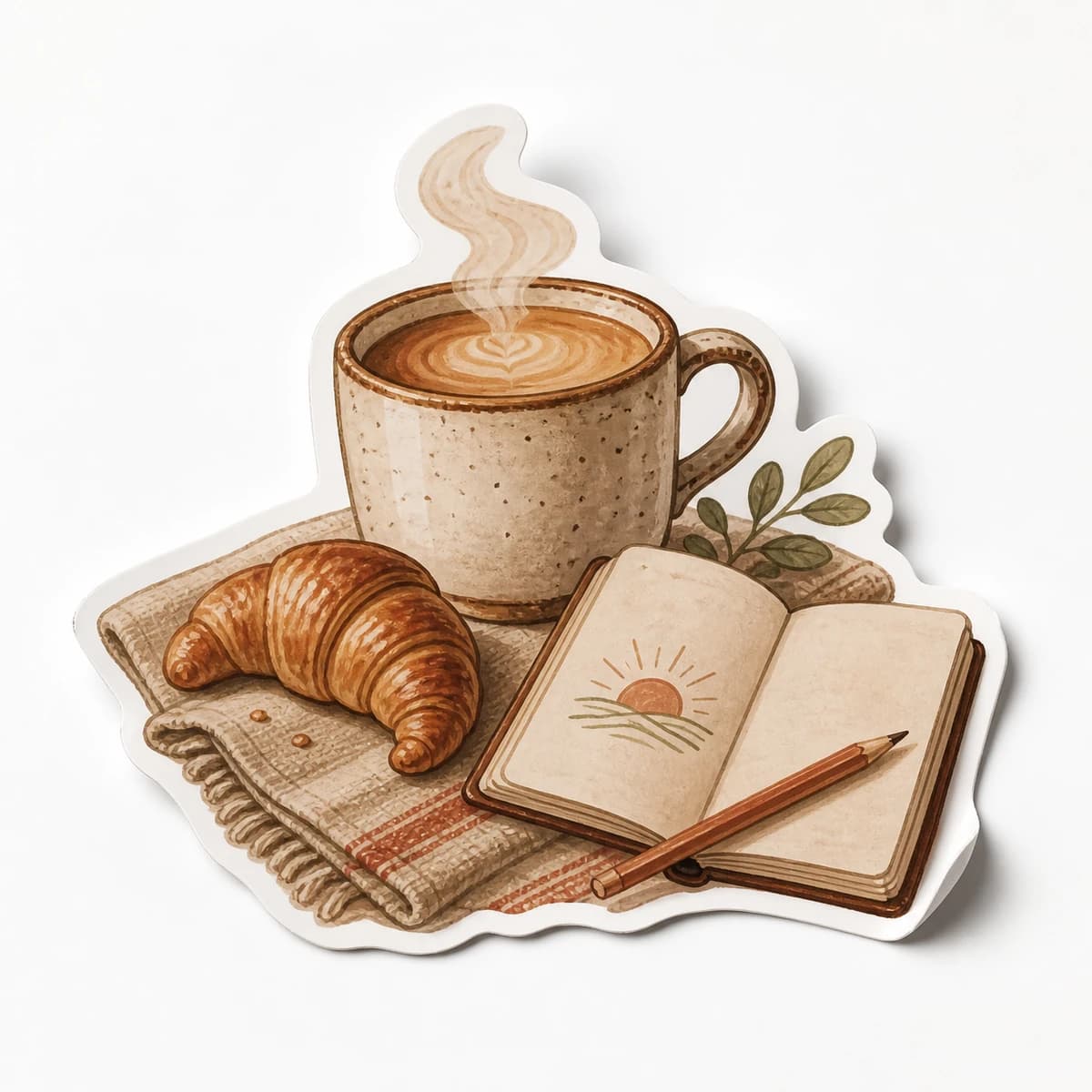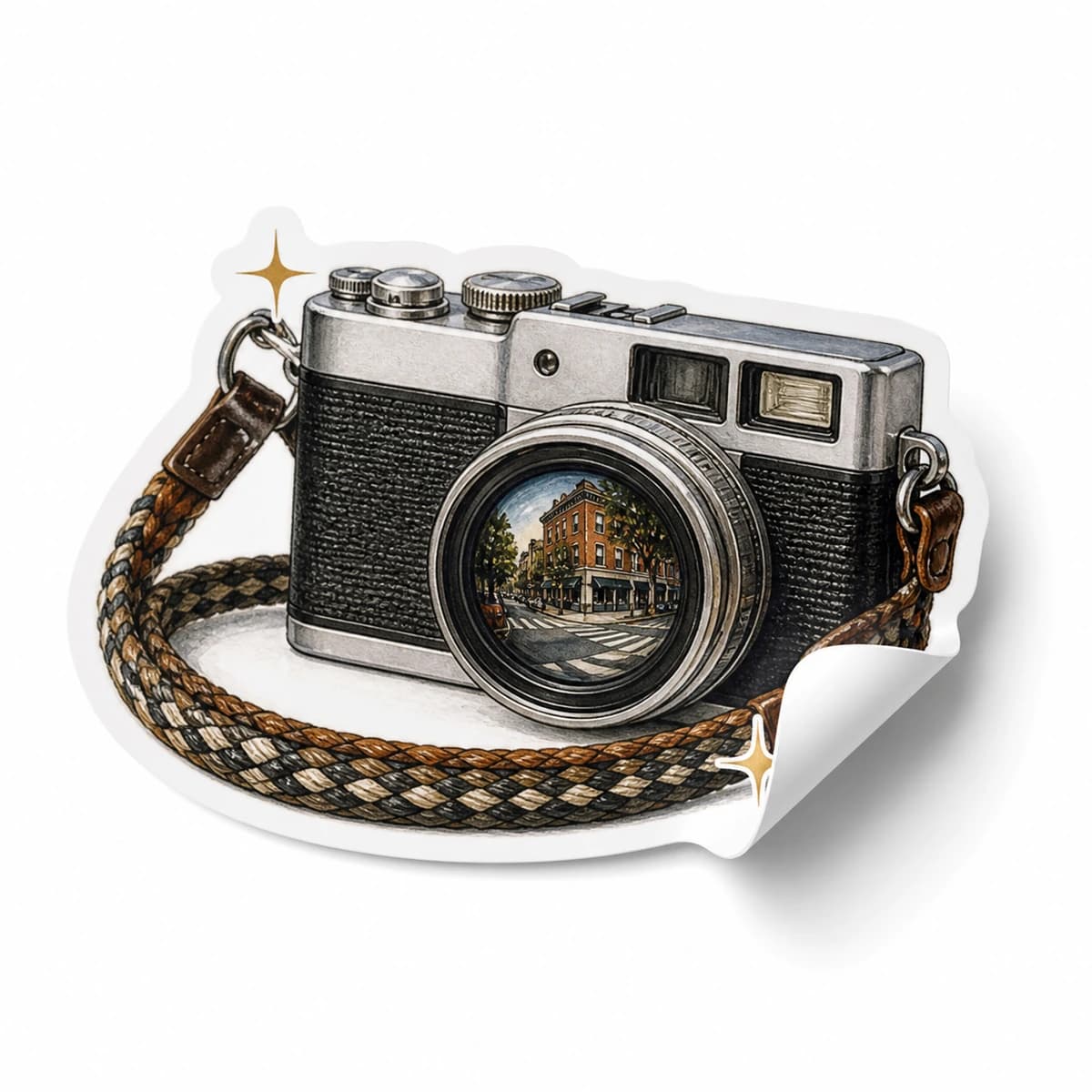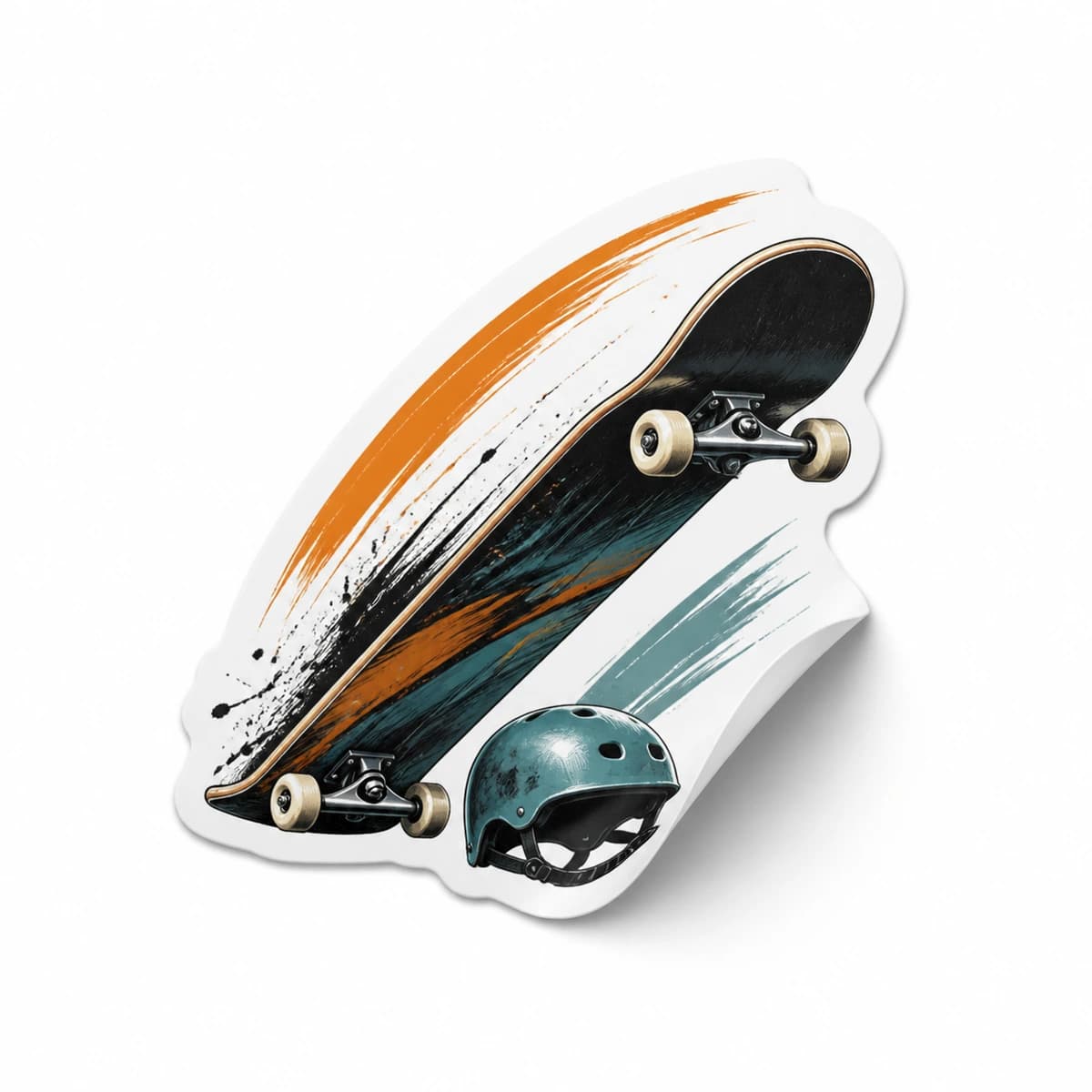
Sticker use cases
Lifestyle scene
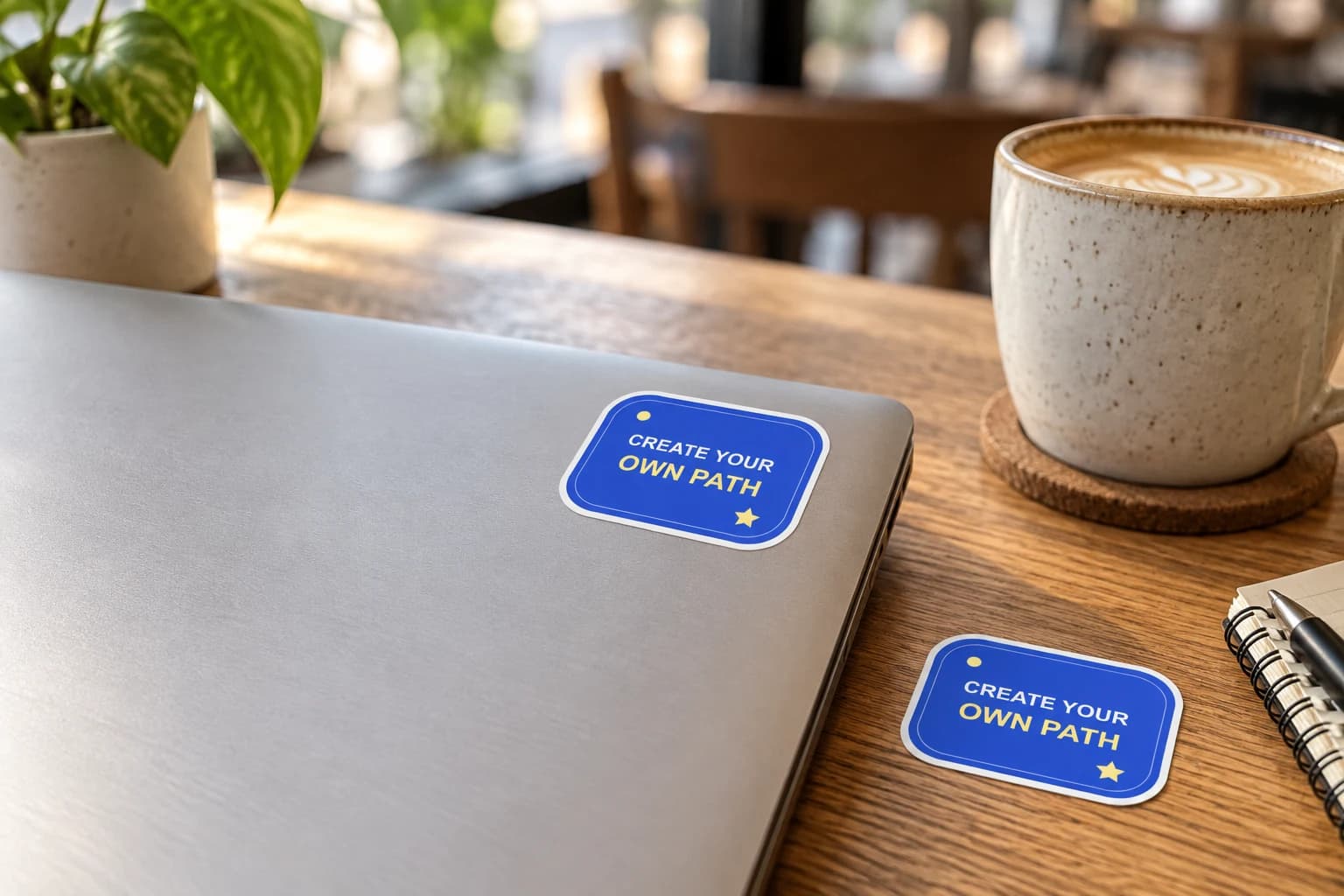
Create Your Own Path Laptop Sticker
From $4.80 Weather-resistant
Make the lid feel like yours
Give your laptop lid a personal focal point: your artwork, a team mark or an illustration with a story. Plan the arrangement with paper first, leaving useful space around hinges, openings and existing labels.
Upload your artwork. Review your private product before ordering.
Ready to order
Build a lid layout with original characters and everyday designs. Open a product to choose its size and quantity, then add your selected pack to the cart.
24 available designs · Choose your size and pack on the product page
Custom laptop stickers are small pieces of artwork you see whenever you open your computer. A thoughtful layout begins with the lid's usable area and the way the image looks when the laptop is open. StickerMigo uses weather-resistant vinyl, a soft matte laminate and white-border die-cut artwork. Upload your finished image in preserve mode, then choose its shape and physical size with the device in front of you.
Design inspiration
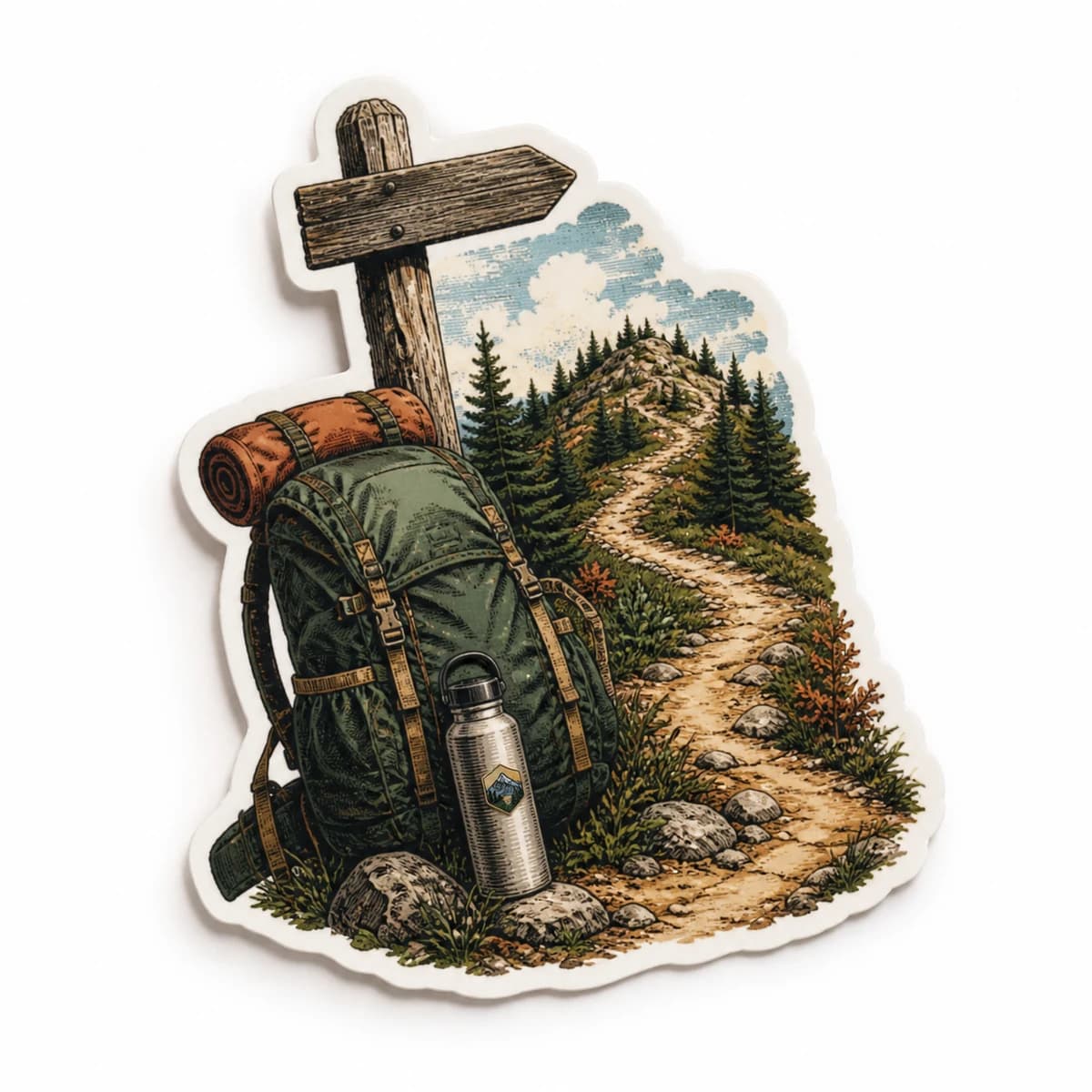
An original cobalt blue CREATE YOUR OWN PATH design for personal laptops and creative notebooks.
Try this design on smooth laptop covers, notebooks and desk storage. Measure your surface and choose the finished size on the product page.
This original design is shown in a styled scene. For your own artwork, use the custom sticker studio and review your prepared product before ordering.
Choose the image you want someone across the table to notice first. It could be an original character, your club emblem or one meaningful drawing. Position a paper version of that design before filling the gaps with other pieces. A quiet corner cluster and a fuller collage can both work; the choice depends on how much of the lid you want to leave visible.
Leave space for later additions if you collect stickers over time, and look at the lid from a seated viewer's position. The visible white border can separate your artwork from a dark finish or neighboring stickers. Treat that edge as part of the layout instead of hiding it under overlapping pieces.
Measure the flat area available for decoration, avoiding hinges, vents, ports, cameras, screws and identification labels. Check the device owner's rules when it is a work or school laptop. A design that fills a browser window can still be too wide for the lid. Use a paper template to test its footprint without committing adhesive to the surface.
The studio offers sizes from 50 to 1000 mm, so choose deliberately within the space you measured. Organic, circle, oval, square and rectangle shapes give you different silhouettes. For exact lettering or artwork, keep preserve mode selected. Supply a PNG, JPEG or WebP up to 10 MB and at least 600 by 600 pixels; that minimum is an upload requirement, not a guarantee of clarity at every size.
Laptop coatings respond differently to adhesives and cleaners. Read the manufacturer's care advice, especially for painted plastic, soft-touch finishes or protective skins. Apply only to a suitable exterior area that is clean, dry and cool. Keep stickers off the screen, keys and touchpad. A layout should leave the device comfortable to use and straightforward to service.
StickerMigo does not promise residue-free removal on every coating. Avoid unapproved solvents or aggressive scraping, and stop if the finish changes during removal. Quantity 1 lets you assess one design before ordering 10, 20, 50 or 100 for a team; a sample still needs a suitable surface.
Your prepared product shows the final artwork, white cut border, available options and price. Review it before placing an order. How preparation works
Measure your usable lid area and try a paper outline at the intended size. Start with one focal design and leave room around functional areas. The available range begins at 50 mm; do not choose by screen appearance alone.
That cannot be guaranteed for every coating. Adhesion and removal depend on the finish, condition and time in use. Follow your device maker's advice and avoid a sticker if adhesives are unsuitable for that surface.
Yes, use preserve mode with the lettering already present in your uploaded image. Compare the prepared design with the original and inspect small words at physical size. Uploading a low-resolution screenshot can still make text difficult to read.
Choose 10, 20, 50 or 100 for one reviewed design, or quantity 1 for an initial sample. Confirm the team can decorate its devices and select a size suitable for the smallest usable lid area.
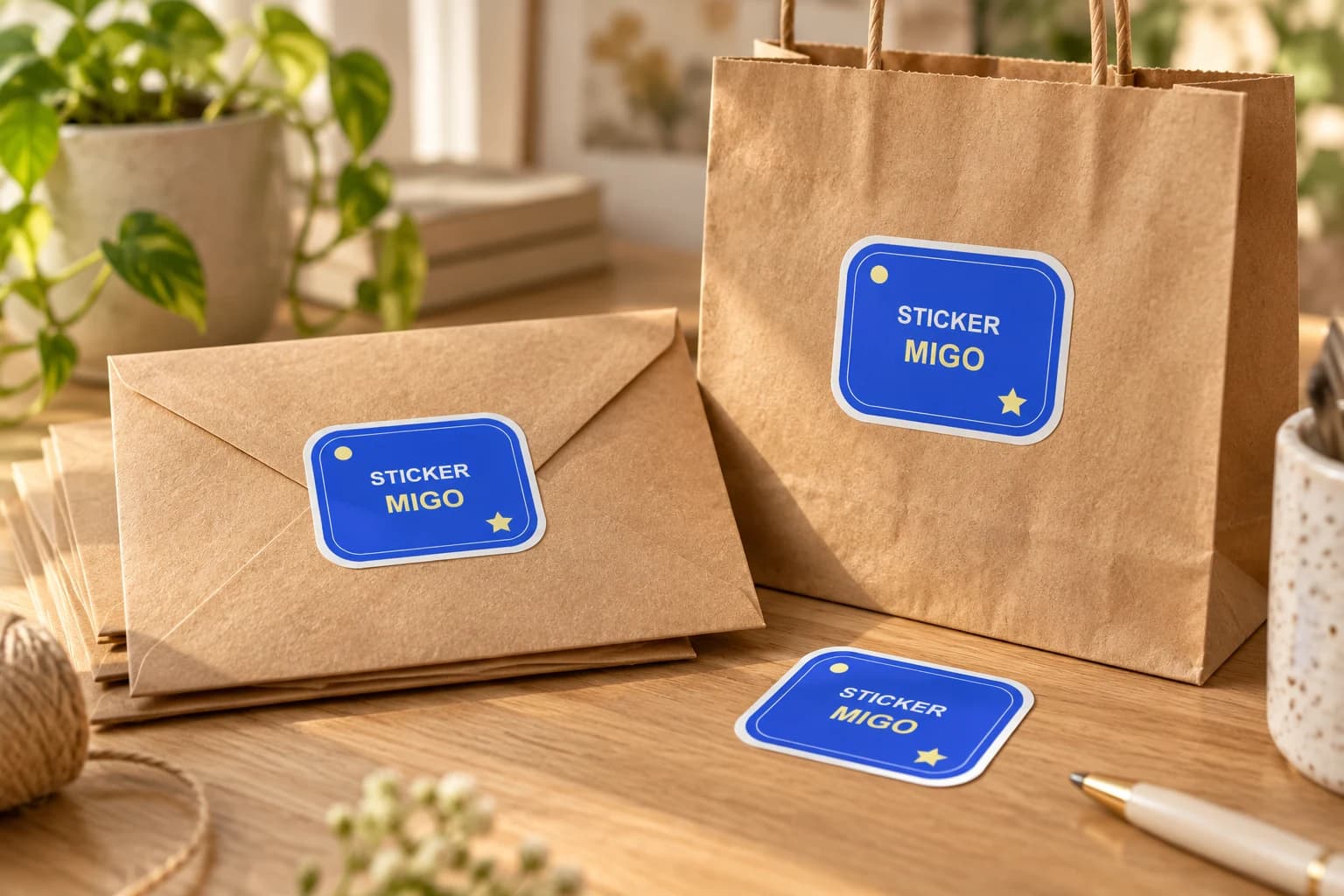
Turn an approved logo into a physical sticker for customer gifts, team gear or a small launch. Upload the finished artwork, keep its proportions, and choose a size that makes the name readable.
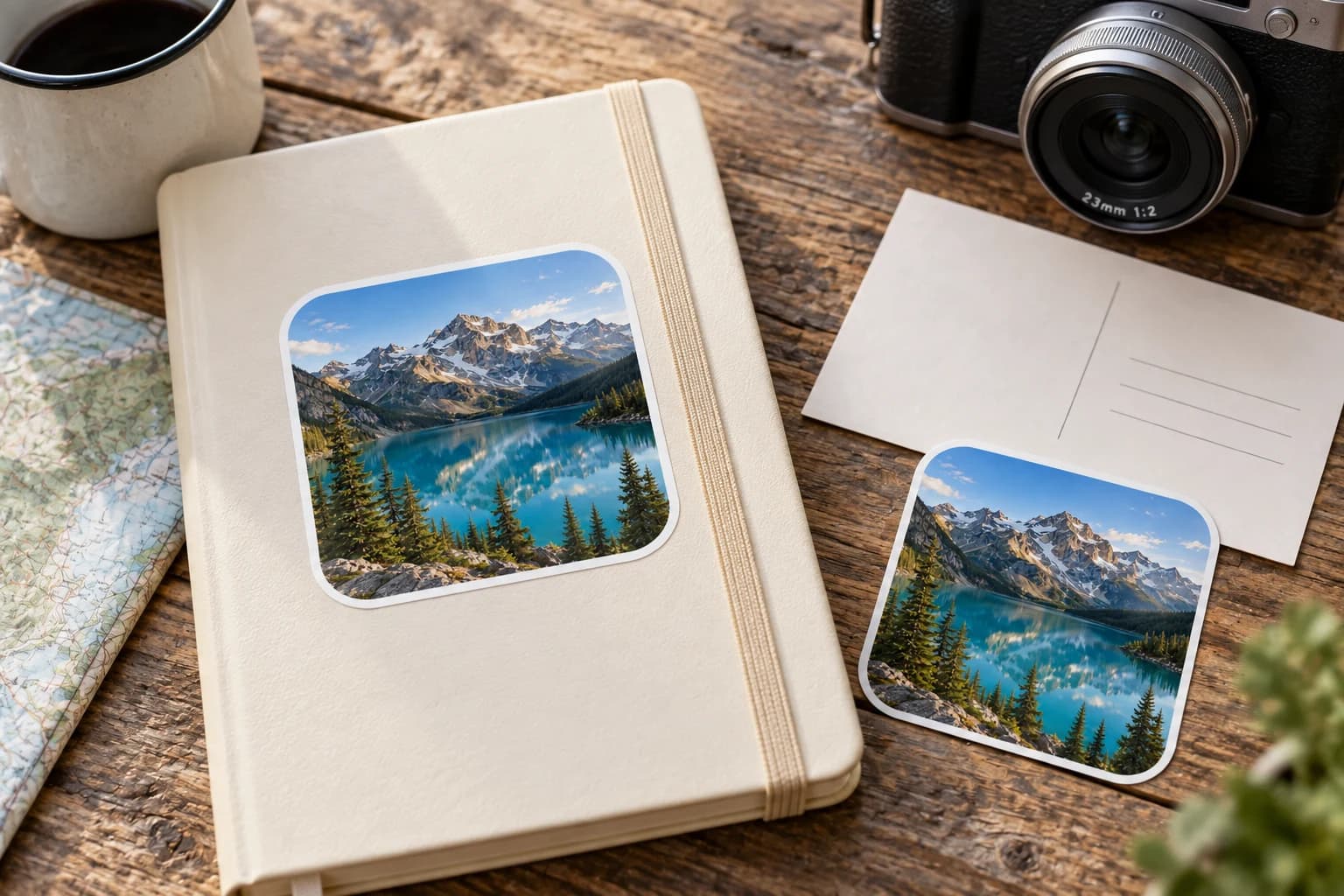
Bring a favorite person, pet, or everyday moment into a sticker design. Start with a photo you can use, choose how much to change, and check the preview before ordering.
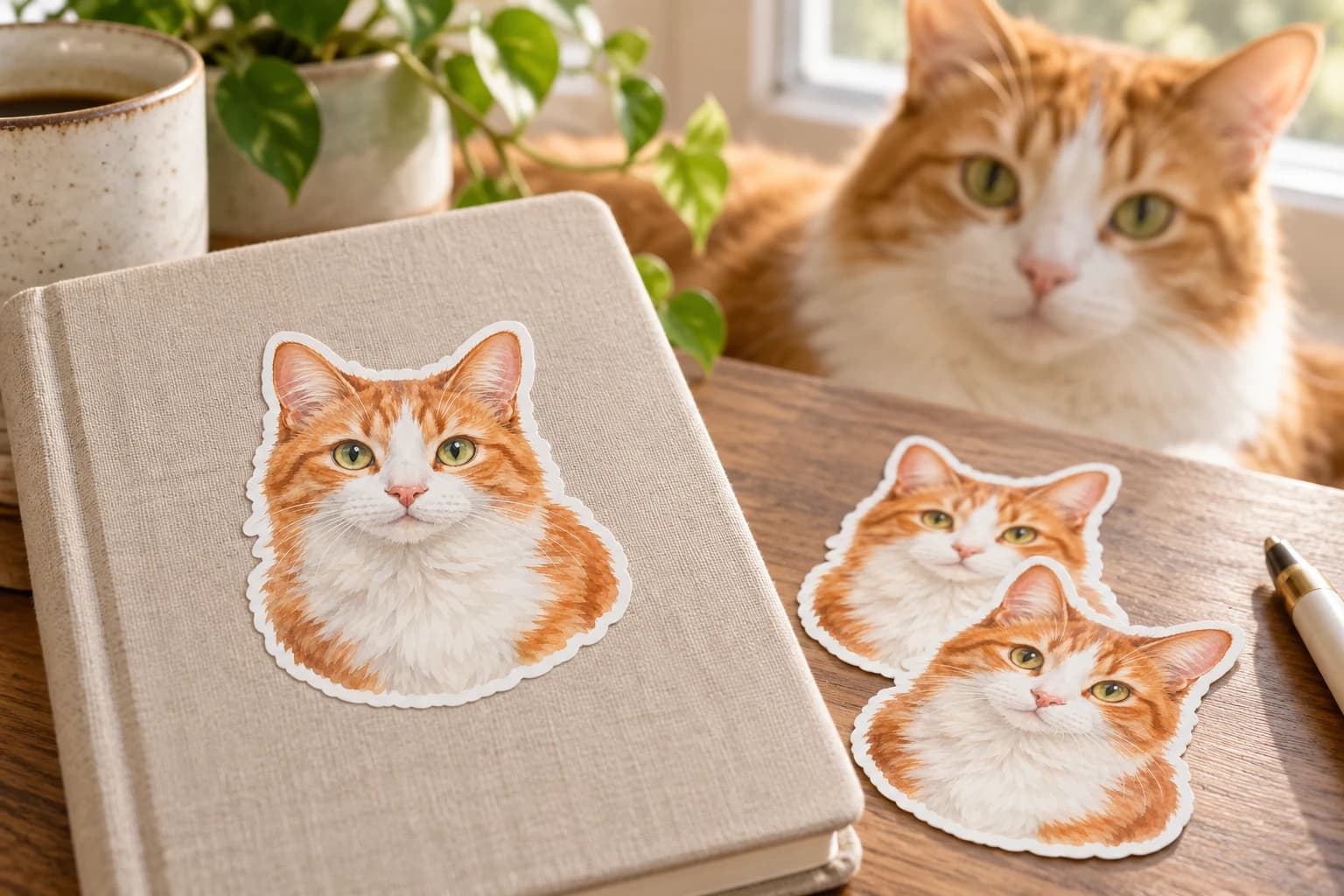
A distinctive ear, a familiar expression, or a favorite pose can make a pet sticker feel personal. Choose a clear photograph and check those details before printing.
Bring a photo or finished design into the custom sticker studio.
Written by StickerMigo Editorial Team · Updated 2026-10-02. Ask about your project