Sticker use cases
Lifestyle scene
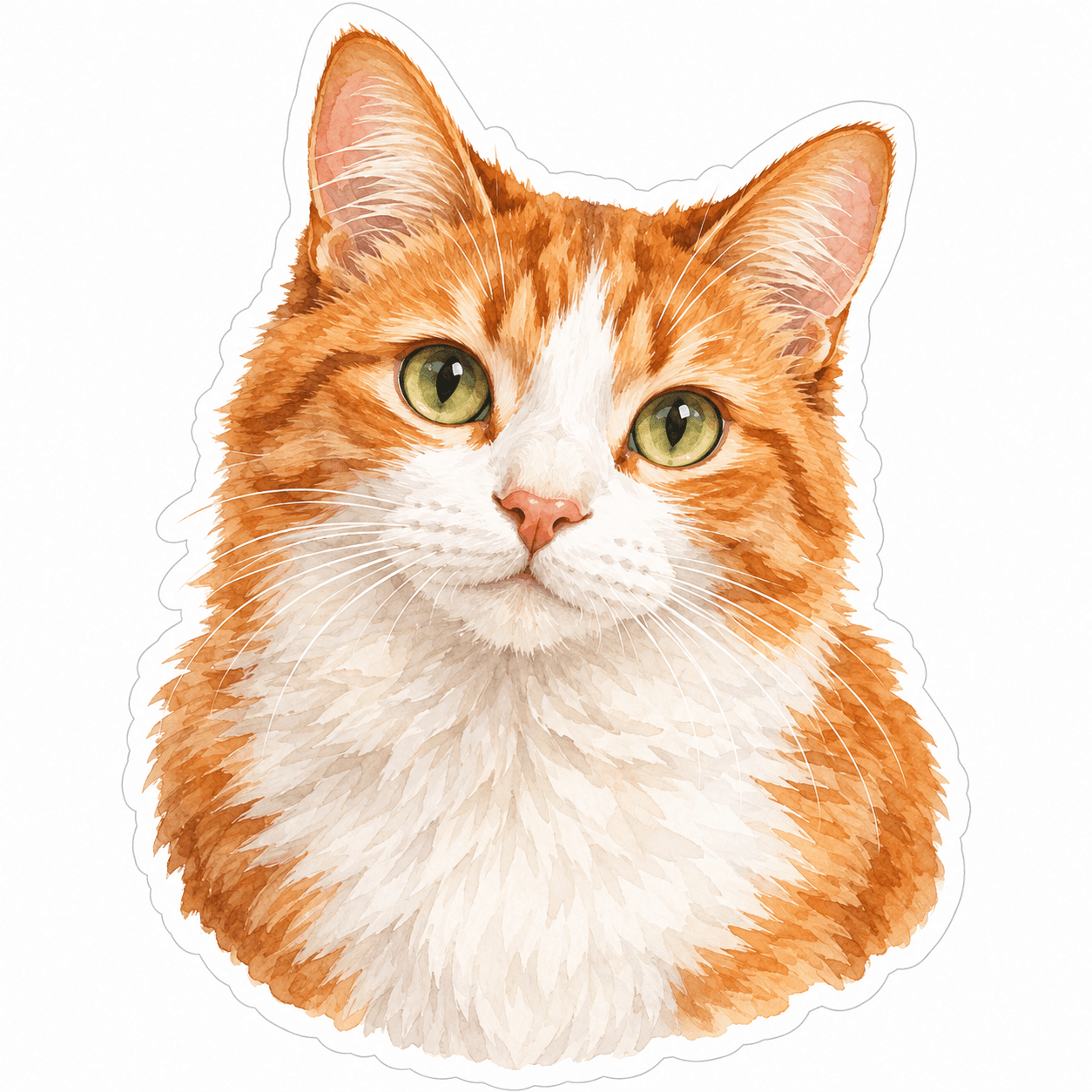
Watercolor Orange Cat Sticker
From $4.80 Weather-resistant
For the face you know best
A distinctive ear, a familiar expression, or a favorite pose can make a pet sticker feel personal. Choose a clear photograph and check those details before printing.
Upload your artwork. Review your private product before ordering.
Ready to order
Start with cat, dog and original animal artwork, then explore designs for your notebooks and gifts. For a sticker of your own pet, upload its photo to the custom studio.
24 available designs · Choose your size and pack on the product page
Lifestyle scene
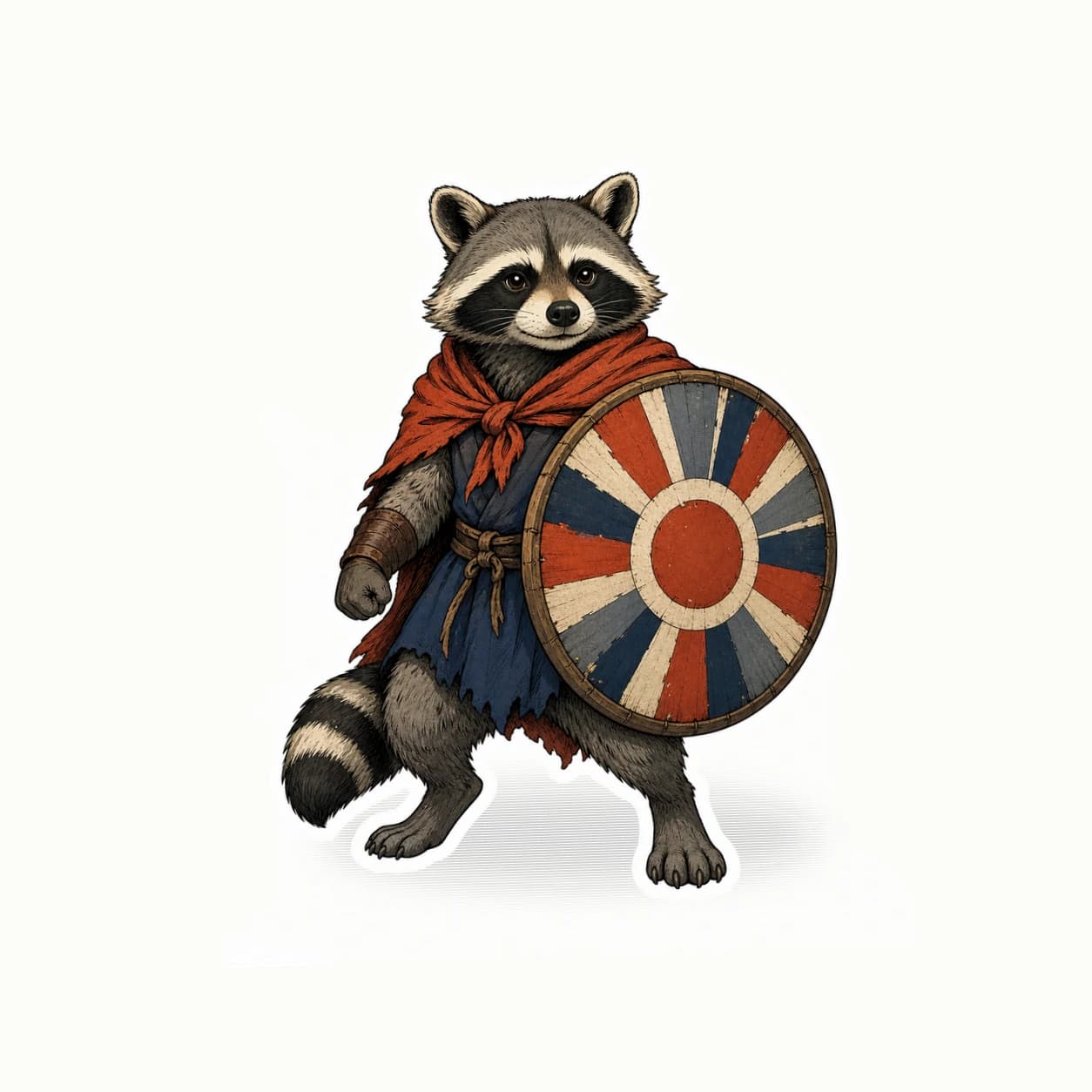
Studio original
Custom pet stickers begin with the animal you know, rather than a generic dog or cat illustration. A useful reference photo shows the face, markings, and posture that make your companion recognizable. Decide whether you want a photo-based cutout or a more imaginative interpretation before uploading. StickerMigo's current workflow turns uploaded artwork into a sticker design; it is not a commissioned, hand-painted portrait service. You choose the image, review the treatment, and order the approved design in the size and quantity that fit your intended use.
Design inspiration
An original watercolor-style portrait of an orange-and-white cat with green eyes, supplied as the exact ready-made design shown.
Try this design on pet-lover gifts, notebooks, journals and smooth cases. Measure your surface and choose the finished size on the product page.
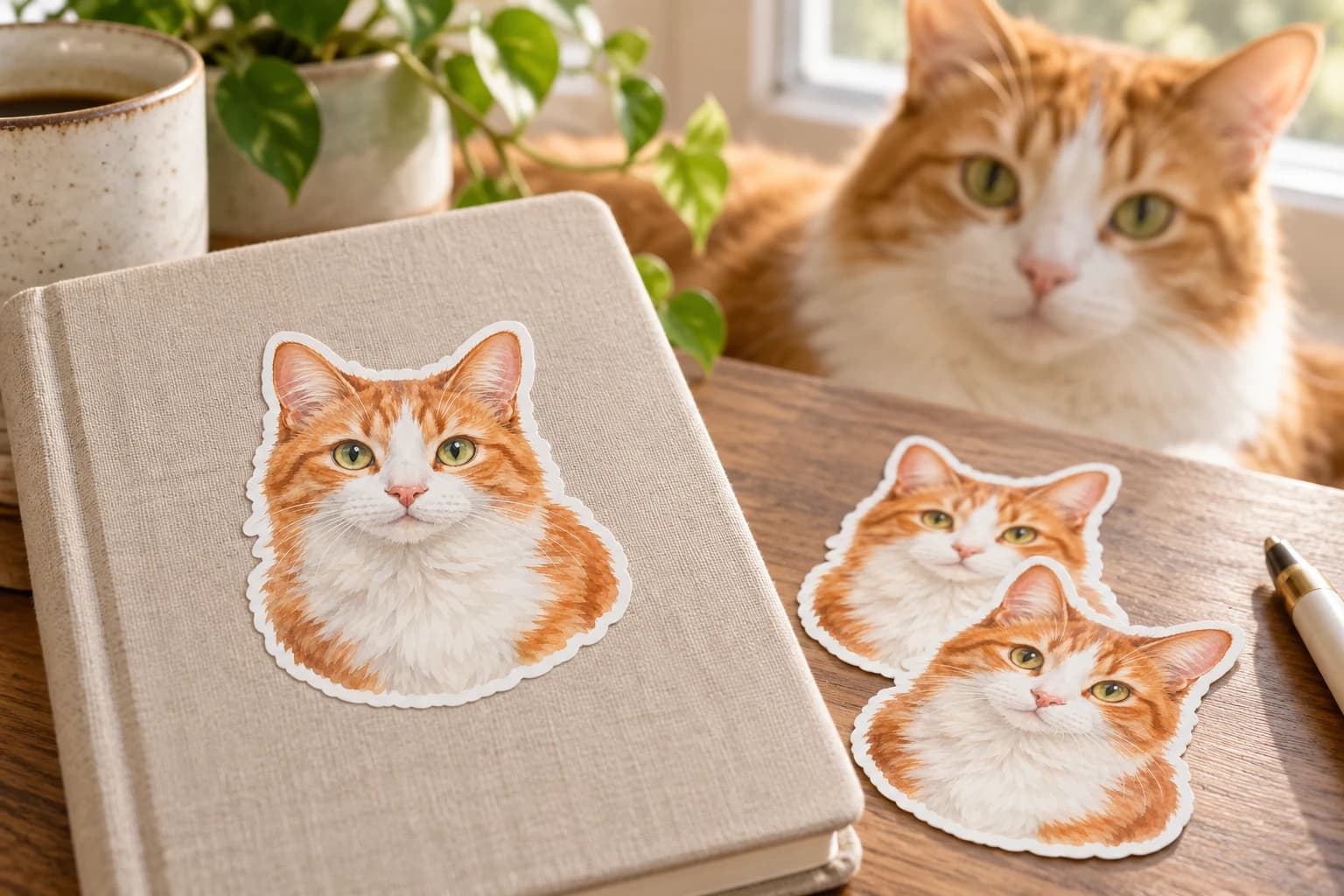
This original design is shown in a styled scene. For your own artwork, use the custom sticker studio and review your prepared product before ordering.
A front-facing portrait is useful when the eyes and markings matter, while a sideways pose may capture a curled tail or unusual silhouette. Look for a photo that shows those features clearly. Dark fur against a dark room or white fur in a bright window can make edges difficult to distinguish in a preview.
The upload must be PNG, JPEG, or WebP, at least 600 × 600 pixels, and no larger than 10 MB. Start with a clean image of one pet when possible. If several animals share the frame, check that the proposed crop keeps all the companions you intended to include.
Cutout preserve is a useful starting point for a photo-based pet design. Compare the ears, muzzle, eye color, and coat markings with your original image. Notice small identifying details such as a patch above one eye or a collar tag. Review the white outline too, because it changes the silhouette you will see on the object.
Creative mode can explore a character treatment, but it may reinterpret anatomy and markings. Describe what matters most and decide how much change you welcome. An amusing drawing still needs to feel like your pet if that is the reason for buying it. Check the preview before accepting the design for printing.
Think about the receiving surface before choosing a size. A laptop corner, a keepsake box, and a larger display have different amounts of open space. Available choices are 50, 100, 200, 400, 500, and 1000 mm. A paper outline helps you see whether the face will dominate the object or sit comfortably alongside other designs.
Current stickers use weather-resistant vinyl, soft matte laminate, and a white-border die-cut outline. This finish does not include a promised waterproof, dishwasher-safe, or washable-clothing application. For a memorial or a carefully chosen gift, begin with one copy and inspect it on the intended surface before planning additional copies.
Your prepared product shows the final artwork, white cut border, available options and price. Review it before placing an order. How preparation works
The current StickerMigo workflow uses uploaded artwork and the available design modes. It does not promise an artist drawing your pet by hand. If you already own a commissioned portrait and have permission to reproduce it, upload that finished image and use preserve rather than asking for a new interpretation.
You can upload a prepared image that includes both animals. Check that their faces remain large enough at the size you choose and that the cutout does not remove one companion. One shared design will repeat as submitted; separate portraits require separate uploaded order designs.
Prepare the name as part of the image before upload, and use preserve if its lettering must remain unchanged. A text-only name is not an orderable upload. Check spelling and legibility at the intended size, particularly when a long name sits under a small portrait.
Compare the face and coat markings with the original photograph, then inspect the crop, lettering, and white outline. Measure the planned surface and consider ordering one copy first. A preview helps review the design; it does not replace seeing the physical print and its fit on your object.
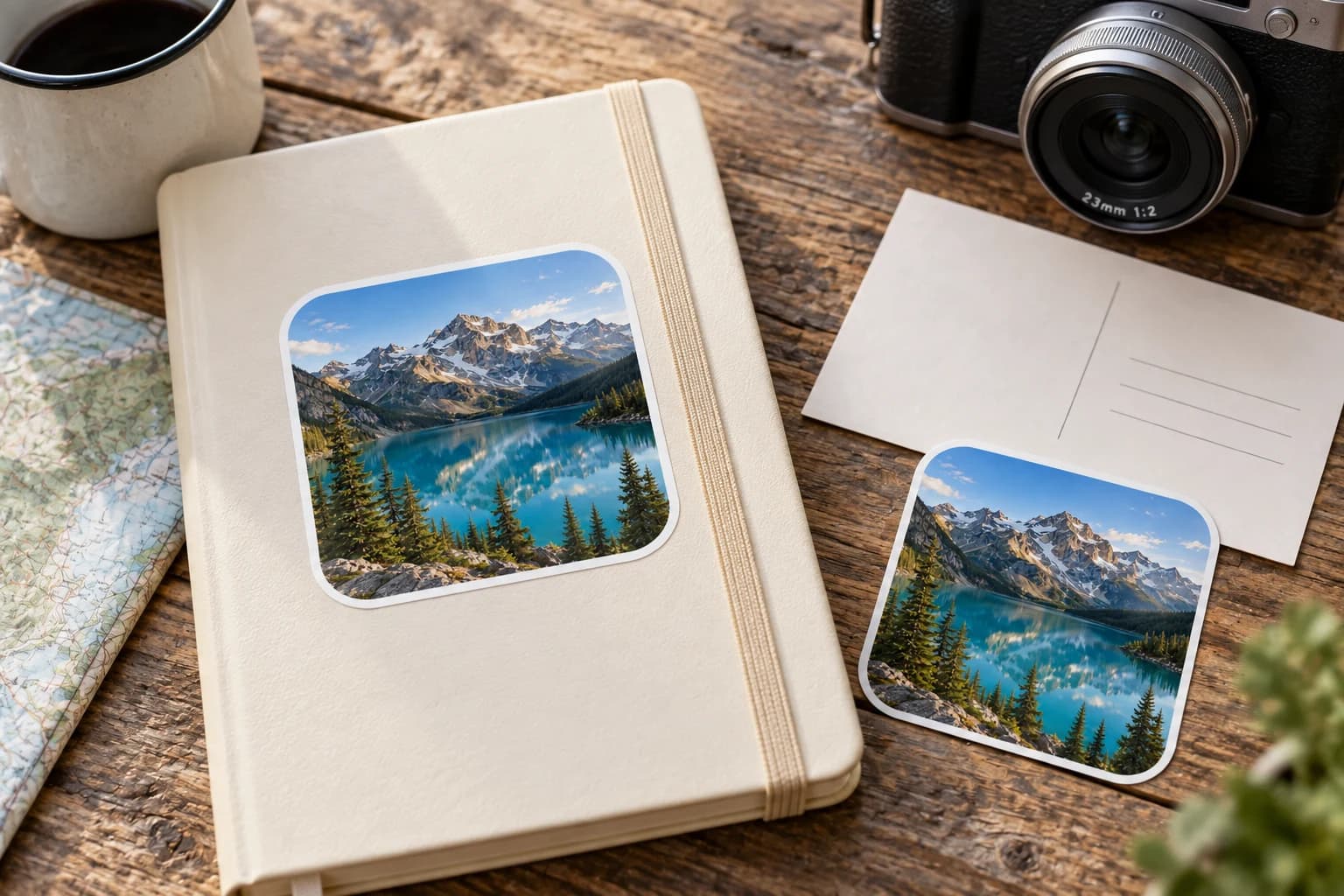
Bring a favorite person, pet, or everyday moment into a sticker design. Start with a photo you can use, choose how much to change, and check the preview before ordering.
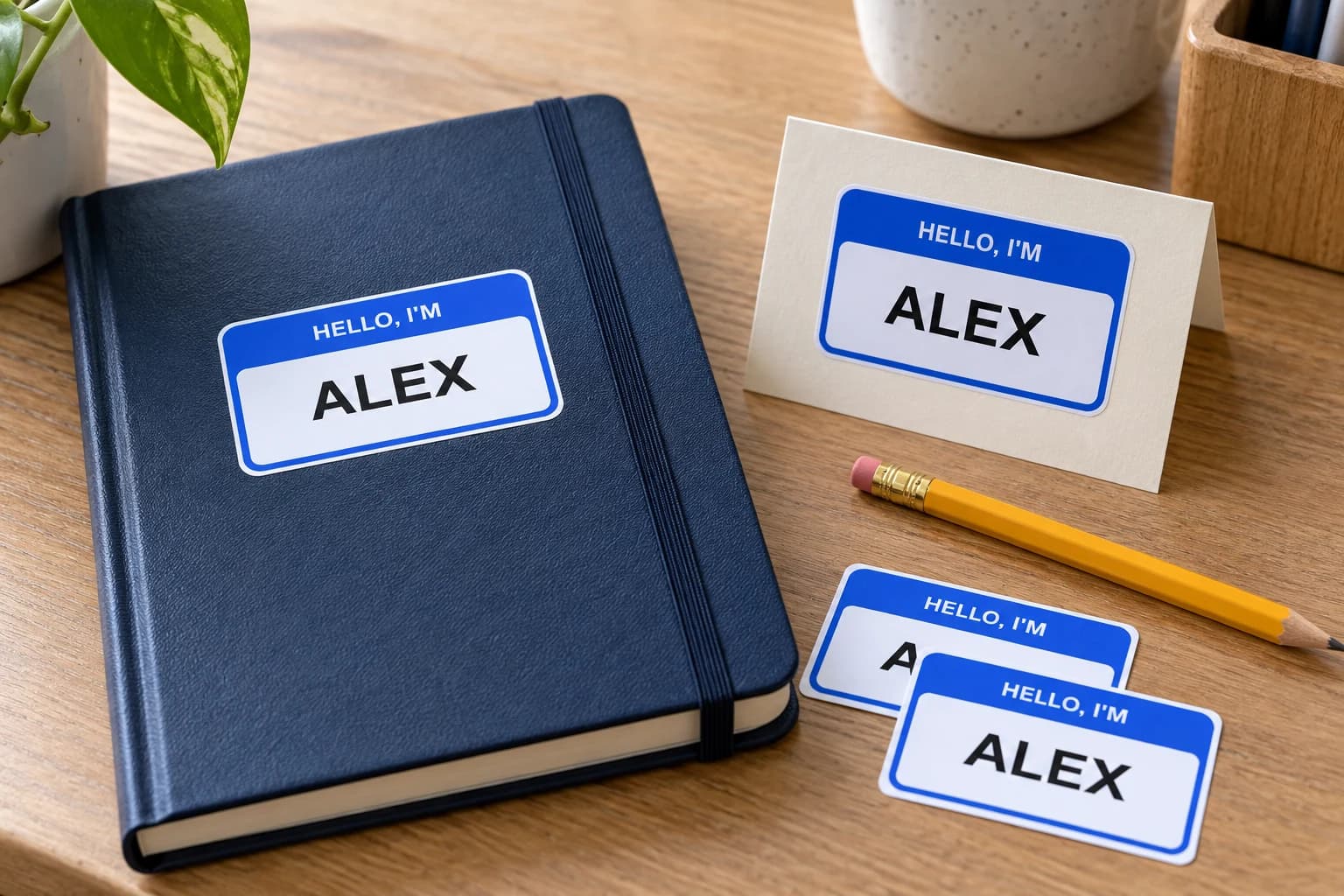
Prepare a name as finished image artwork for a personal object, gift, or event detail. Preserve the lettering and order each different name as its own design.
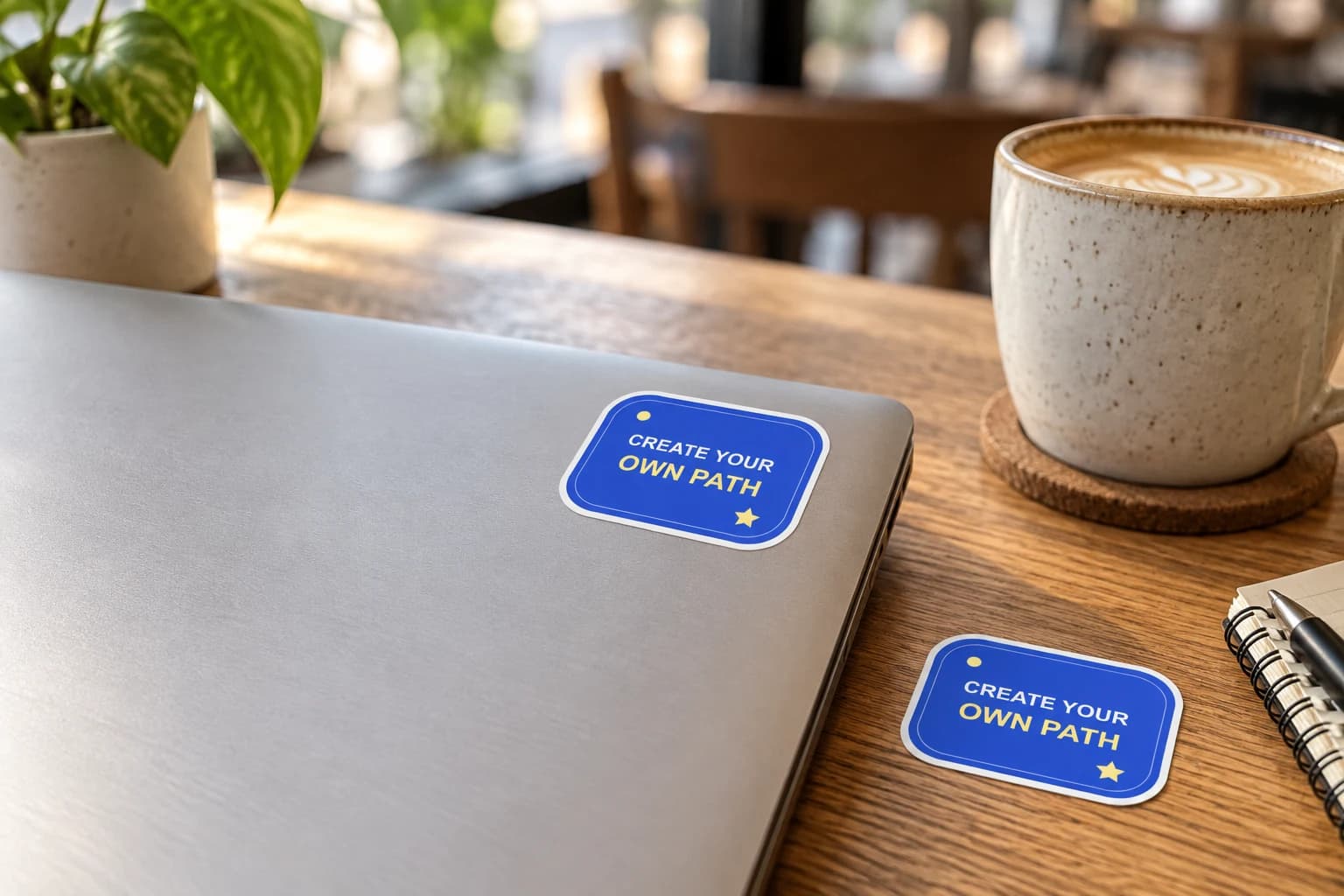
Give your laptop lid a personal focal point: your artwork, a team mark or an illustration with a story. Plan the arrangement with paper first, leaving useful space around hinges, openings and existing labels.
Bring a photo or finished design into the custom sticker studio.
Written by StickerMigo Editorial Team · Updated 2026-10-02. Ask about your project