Sticker use cases
Lifestyle scene
StickerMigo Shop QR Code Sticker
From $4.80 Weather-resistant
Your existing code, kept intact
Upload finished QR artwork and keep its structure unchanged with preserve. Plan the contrast, quiet zone, and placement, then test the final printed proof before wider use.
Upload your artwork. Review your private product before ordering.
Ready to order
Add ready-made stickers to your display, event kit or customer gifts. These products have their own artwork; upload an existing QR image separately for a custom code design.
24 available designs · Choose your size and pack on the product page
Lifestyle scene
Lifestyle scene
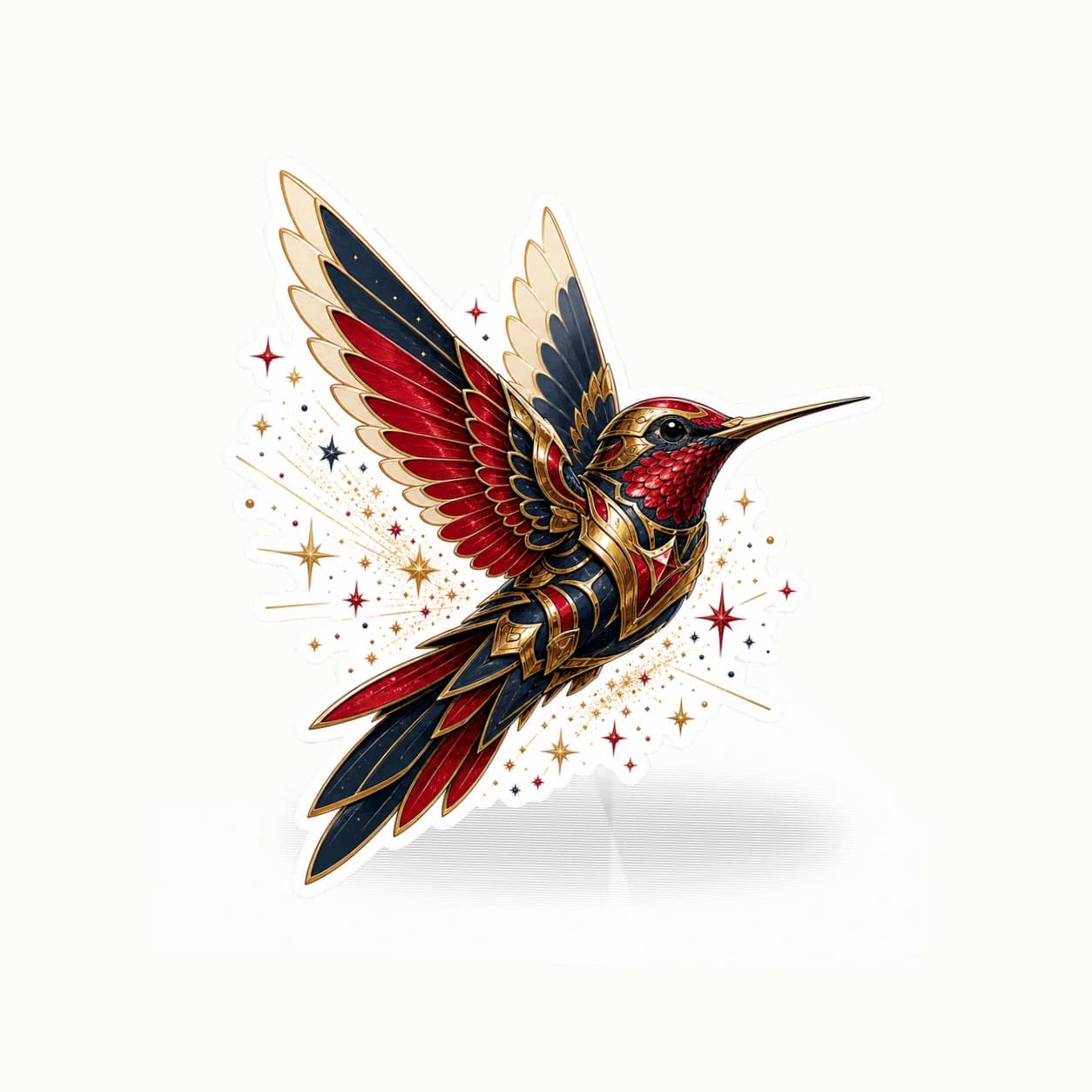
Studio original
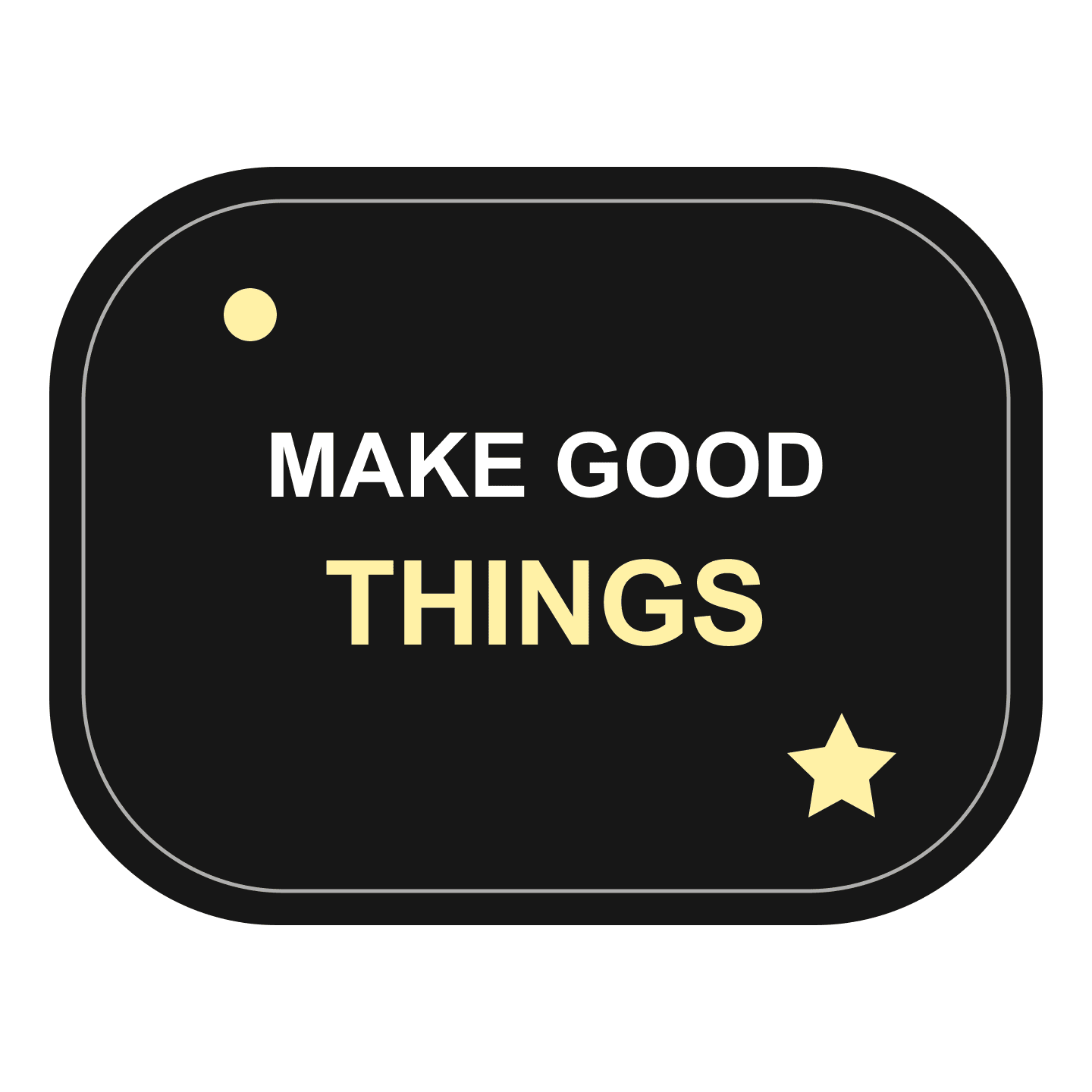
Lifestyle scene

Lifestyle scene
Custom QR code stickers can place an existing digital link on a physical object, sign, or package. Start with a finished, legitimate QR code you have generated and checked. StickerMigo does not supply a QR generator or an accessibility system. Choose preserve to retain your existing pattern. There is no established print-scan performance claim for this service. Review the design, order a proof, and scan the actual printed copy before relying on it in a wider rollout.
Design inspiration
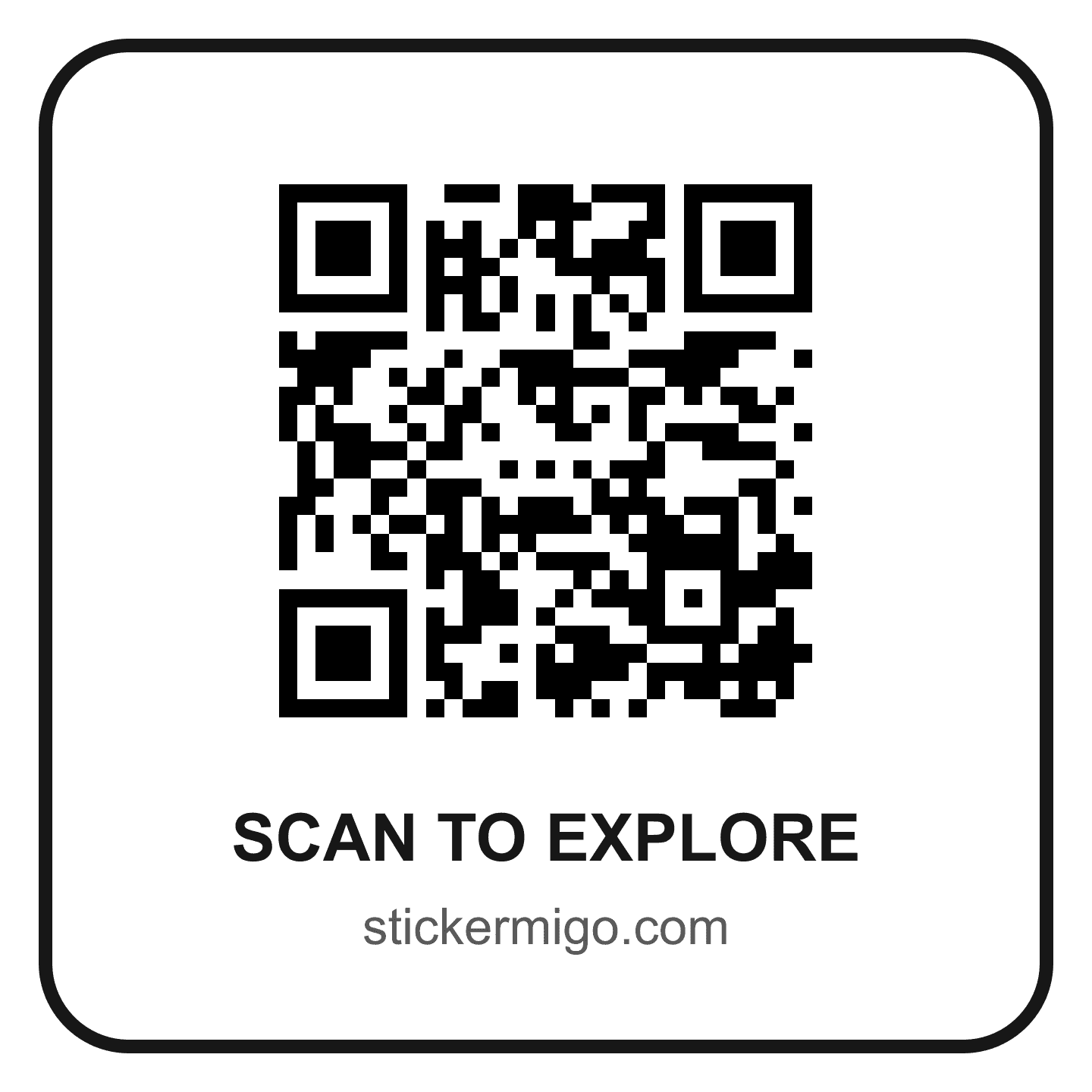
A ready-made QR design that links to https://stickermigo.com/stickers. The destination is fixed; this listing does not include a custom URL, tracking or code management.
Try this design on smooth display cards, studio giveaways and external gift packaging. Measure your surface and choose the finished size on the product page.
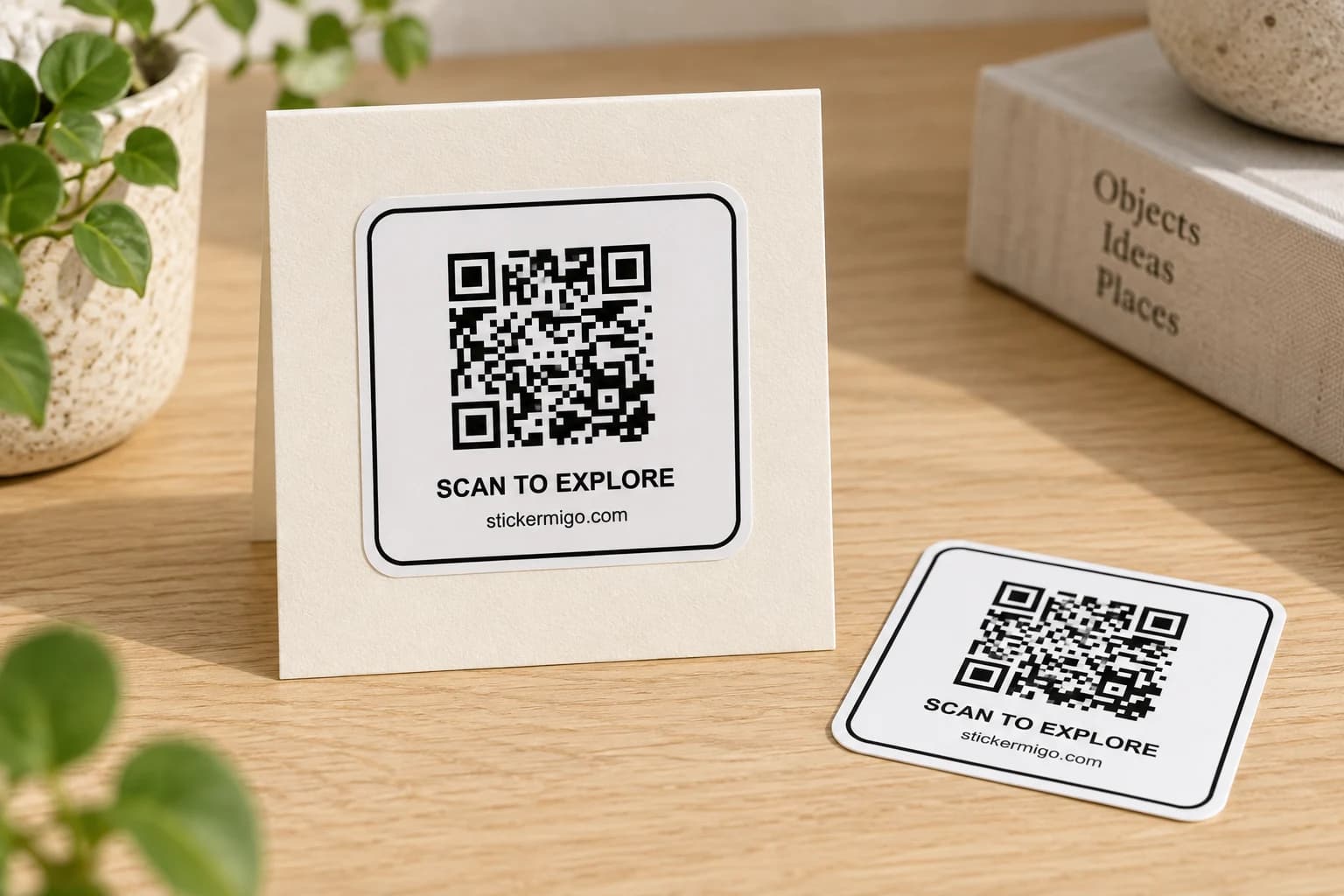
This original design is shown in a styled scene. For your own artwork, use the custom sticker studio and review your prepared product before ordering.
Generate the QR code outside this workflow and confirm that its destination opens the intended page. Keep that page available after placement. A finished code cannot fix a broken destination, expired redirect, or unexpected login. Keep the original artwork and destination address for your checks.
Add a short description in the prepared design if people need to know what scanning will open. Use wording that accurately describes the destination, such as product instructions or event information. Do not disguise the destination or imply that the printed code itself provides tracking, hosting, or a managed QR service.
Use preserve for QR artwork. Maintain strong contrast between the dark pattern and its light background, and keep the original quiet zone around the code. Do not treat the sticker's decorative white border as a replacement for that quiet zone. Avoid putting text, illustrations, or a cutout edge into the reserved space.
Upload a PNG, JPEG, or WebP image, no larger than 10 MB and at least 600 × 600 pixels. Check that exporting or resizing has not blurred the small squares. The upload minimum is an intake rule, not a certification that a code of any density will scan at every printed size. Never approve a creative reinterpretation of the code pattern.
Available sizes are 50, 100, 200, 400, 500, and 1000 mm. Measure the entire design, including explanatory text and its quiet zone, rather than choosing a number for the code alone. Keep the code on a flat area where a seam, fold, strong curve, or overlapping sticker will not distort it.
Current stickers use weather-resistant vinyl, soft matte laminate, and a white-border die-cut outline. None of those features proves scan reliability. Start with one copy, inspect the printed pattern, and scan it in its actual position using the devices and viewing conditions relevant to your use. A screen preview or a scan of the original file is not the final print test.
Your prepared product shows the final artwork, white cut border, available options and price. Review it before placing an order. How preparation works
No. Create a legitimate QR code with an appropriate external tool, verify its destination, and upload the finished image. Preserve keeps the workflow focused on your existing artwork. The order does not include QR hosting, analytics, destination management, or automatic generation of a different code on each copy.
There is no established QR print-scan performance claim for the current service. Keep the original pattern and quiet zone, then order a physical proof and test that printed copy in its intended position. If it does not scan reliably for your use, do not roll it out or order a larger batch.
Use preserve, not creative mode, for the uploaded QR pattern. Changes to its squares, contrast, or surrounding quiet zone can undermine your intended result. Complete any label design outside the workflow, retain the existing code geometry, and check both the preview and a final printed proof.
Yes. The StickerMigo Shop QR Code Sticker is a ready-made design that links to https://stickermigo.com/stickers. Its destination is fixed. For your own destination, prepare and verify the QR image, then upload it as a separate custom design.
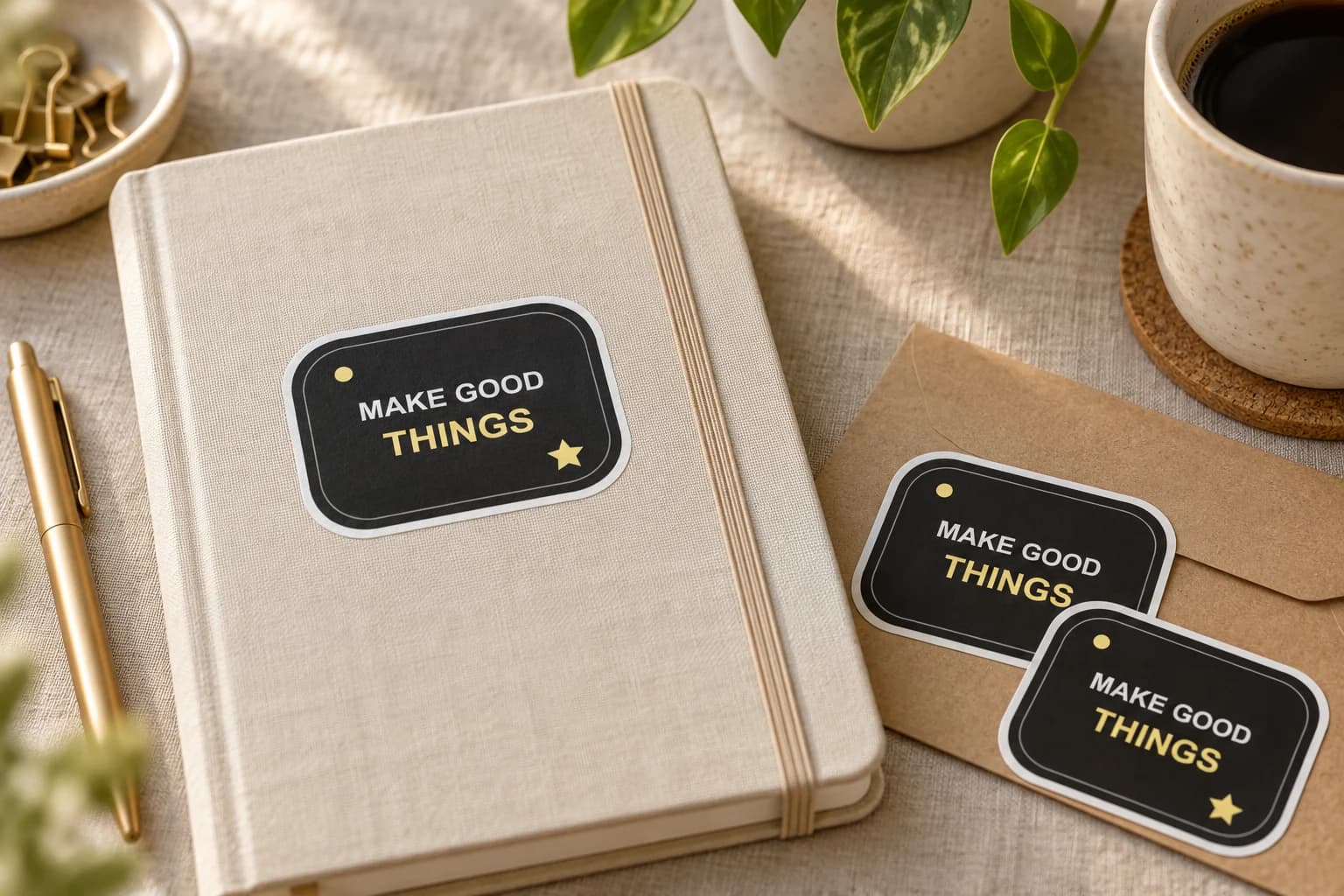
Give a customer, colleague or event visitor a small piece of your brand to keep. Start with one audience and one finished design, then choose an available batch for the moment you have in mind.
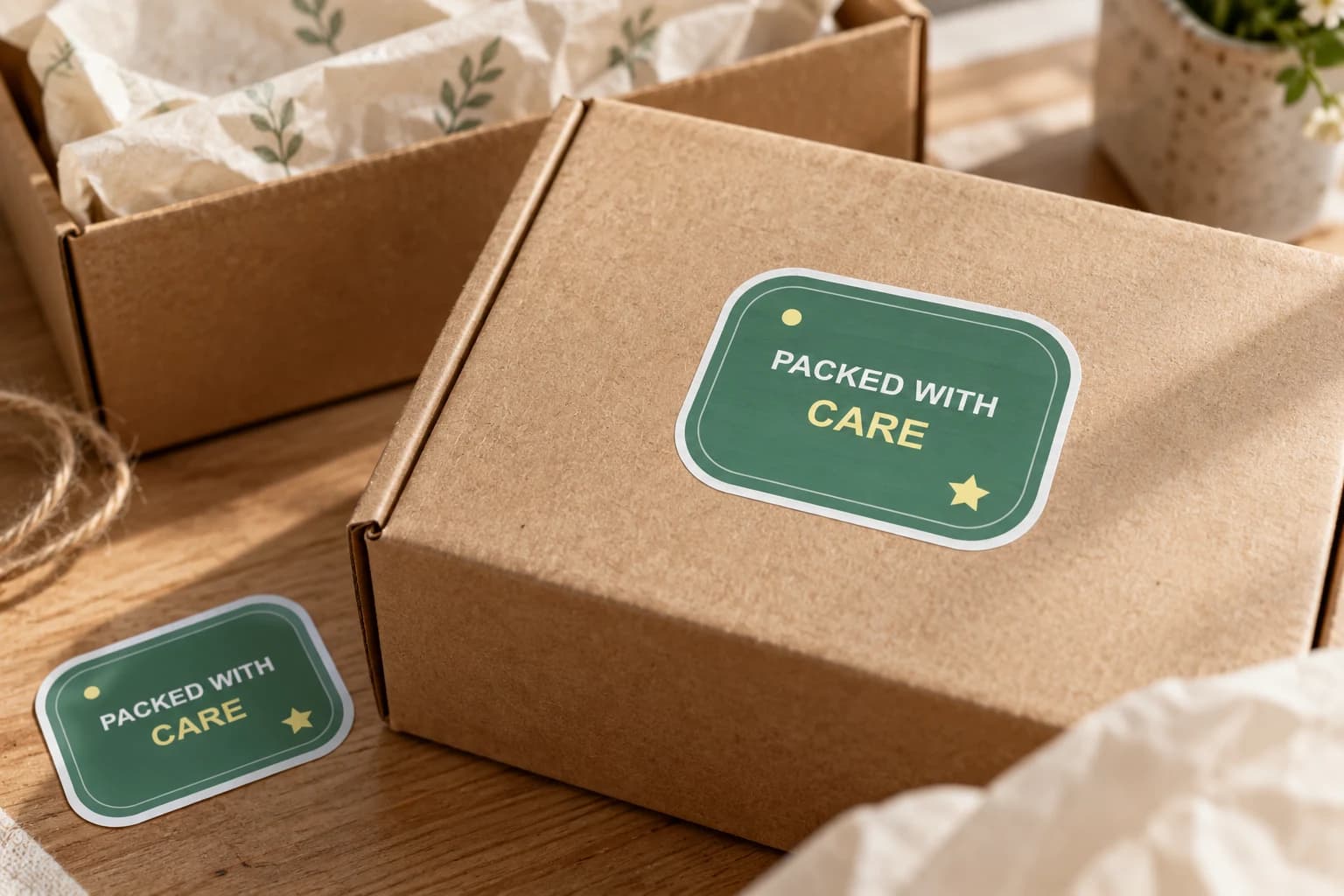
Add finished brand artwork to outer boxes, bags or gift wrap where a customer first meets the parcel. Choose a visible position and a size that works with your packing process, then test the actual surface.
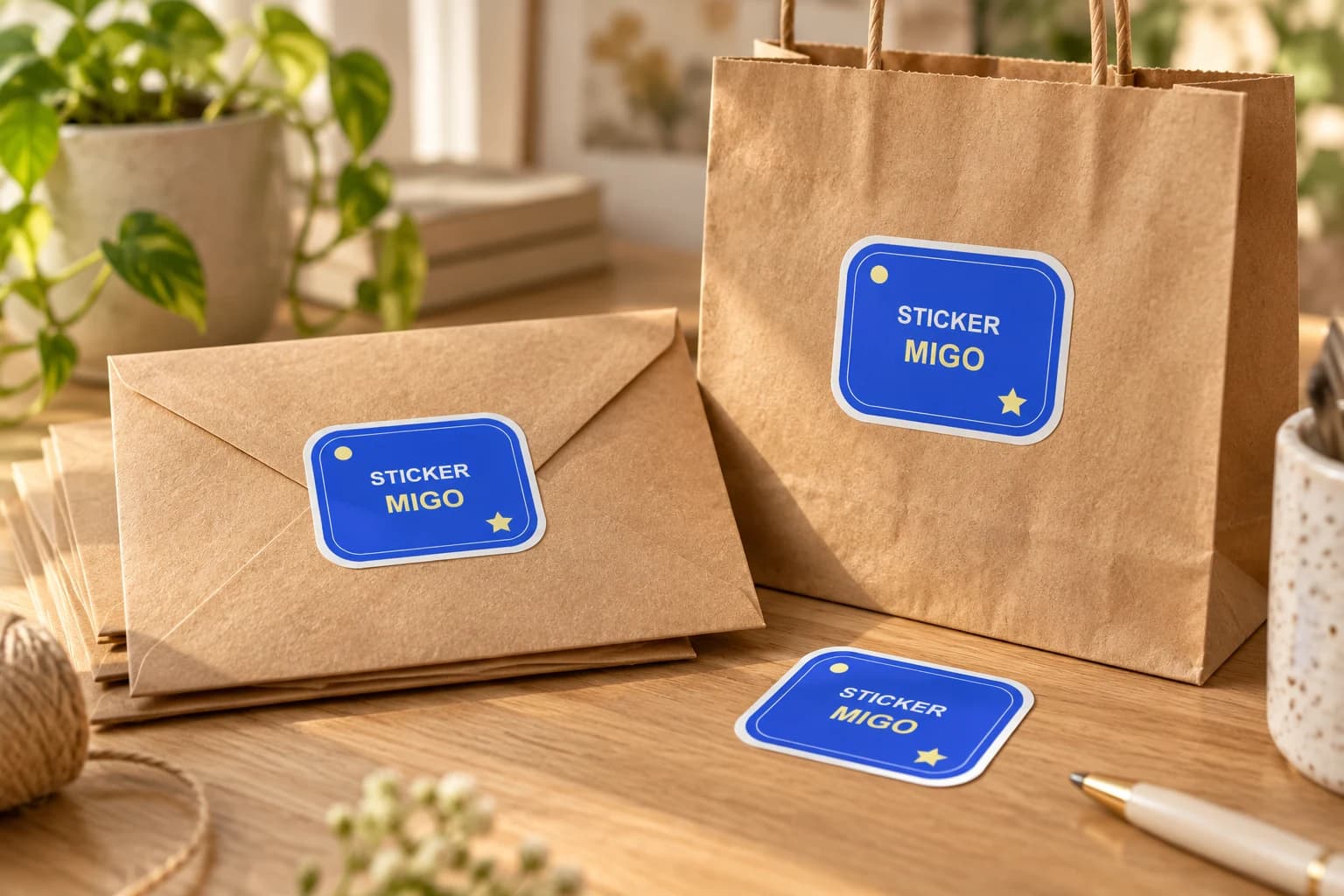
Turn an approved logo into a physical sticker for customer gifts, team gear or a small launch. Upload the finished artwork, keep its proportions, and choose a size that makes the name readable.
Bring a photo or finished design into the custom sticker studio.
Written by StickerMigo Editorial Team · Updated 2026-10-02. Ask about your project